


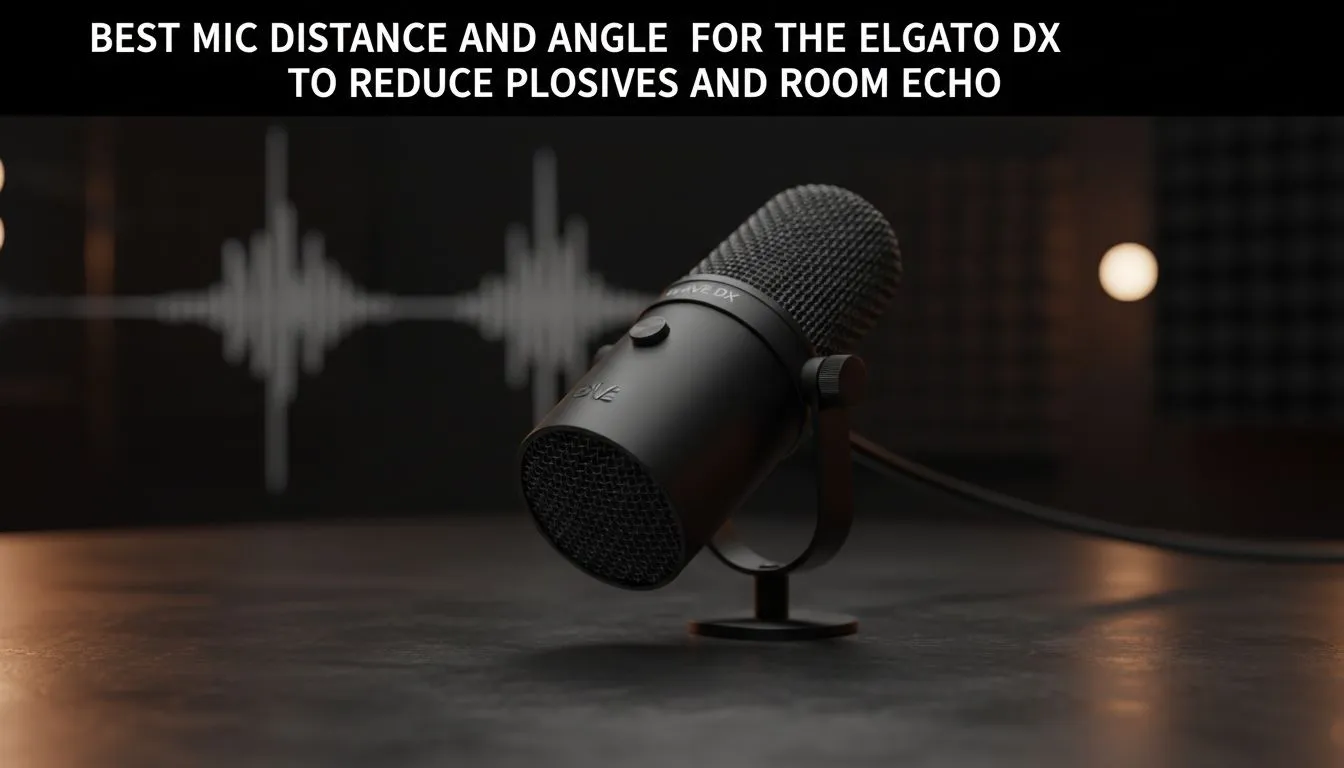
Mastering the Elgato Wave DX mic distance for Crystal Clear Audio
Tired of your stream sounding like a wind tunnel? In South Africa, where tiled floors and bare walls are common, echo is a real vibe-killer. Getting your Elgato Wave DX mic distance and angle right is the quickest way to sound like a pro without spending thousands on acoustic foam. Let's fix that "pop" and "boom" once and for all so your teammates hear your callouts, not your keyboard. 🎤
The Elgato Wave DX is a dynamic microphone, which means it is designed to ignore background noise... provided you stay close to it. For the best vocal warmth, aim for a distance of about 5 to 10 centimetres from the capsule. If you sit too far back, you lose that "radio voice" quality and the mic starts picking up the hum of your PC fans or the neighbour’s barking dog. When building your setup with streaming essentials, remember that proximity is your best friend for audio isolation.
The Best Angle to Reduce Plosives and Unwanted Noise
Plosives... those harsh "P" and "B" sounds that peak your audio... can ruin a recording. While the Wave DX has an internal pop filter, it isn't invincible. The secret is the best angle to reduce plosives & echo. Instead of pointing the mic directly at your mouth, tilt it at a 45-degree angle.
By positioning the mic slightly to the side and "speaking across" the capsule rather than directly into it, the air blasts from your speech miss the diaphragm. This simple adjustment saves you from buying expensive external shields. If you are looking to expand your ecosystem, Corsair streaming gear offers excellent boom arms that make hitting these precise angles much easier during intense gaming sessions. 🔧
Wave Link Pro Tip ⚡
Use the Elgato Wave Link software to add a 'Noise Gate' VST plugin. This ensures the mic only activates when you speak, effectively killing any lingering room echo or mechanical keyboard clicks that occur when you aren't talking. It is a free way to make a R2,000 setup sound like a R10,000 studio.
Dealing with Room Echo in South African Homes
Many South African gaming dens feature hard surfaces that bounce sound waves around like a pinball. While the Wave DX's cardioid pattern helps, you can further improve your "Performance Pulse" by adding some visual flair that also breaks up flat surfaces. Integrating Cololight smart lighting on your back wall doesn't just look great on camera... it adds texture to the room.
To complete the professional look, ensure your lighting and audio are matched by professional webcams that can handle the frame rates required for modern platforms. When your audio is crisp and your face is clear, your viewer retention will naturally climb. 🚀
Final Tweaks for Your Setup
Remember to keep your gain levels moderate. It is better to have a slightly quieter signal that you boost later than a distorted signal that clips. Test your Elgato Wave DX mic distance by recording a few seconds of "The quick brown fox" and listening back with headphones. If you hear too much room reverb, move the mic 2 centimetres closer and drop the gain.
Ready to Level Up Your Stream? Sounding like a pro is only half the battle... you need the hardware to back it up. Explore our massive range of streaming gear specials and find the perfect Elgato or Corsair kit to dominate the South African leaderboard.











