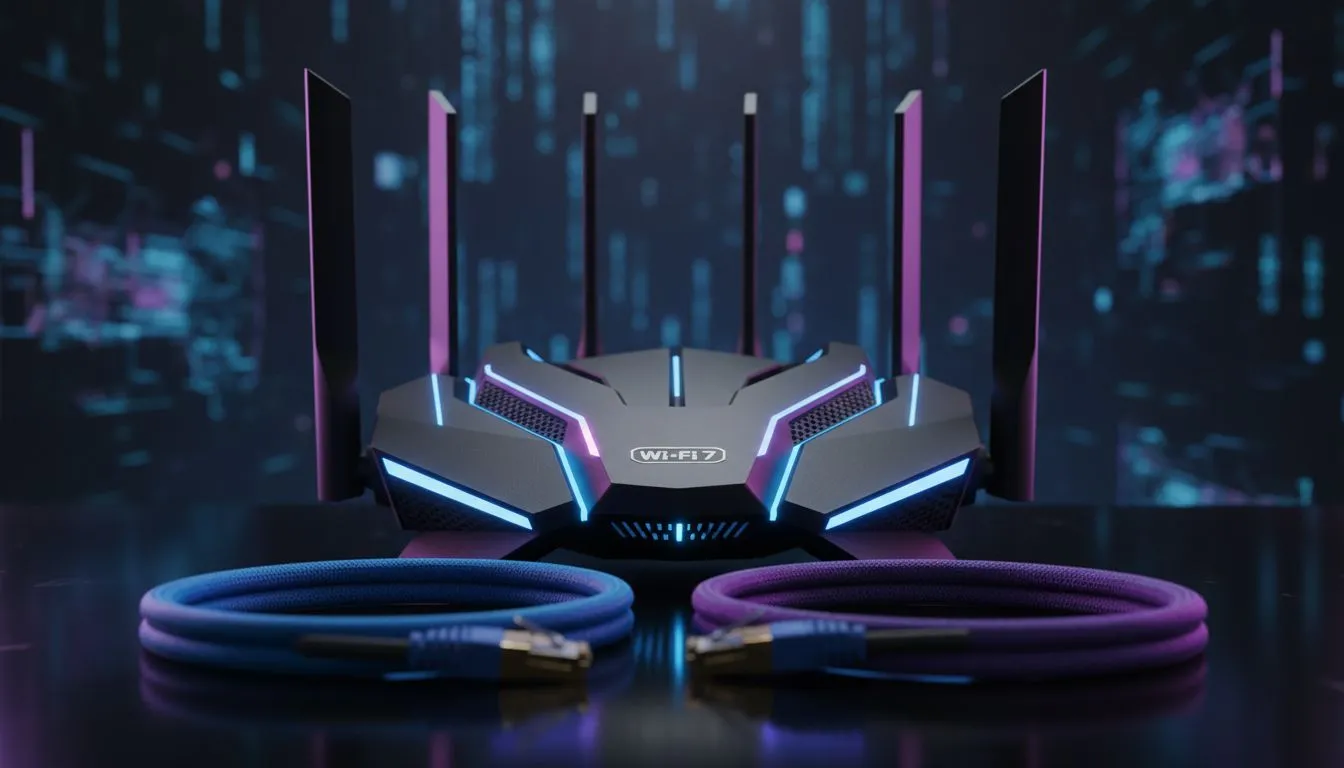
You are one round away from ranking up to Diamond in Valorant. You peek mid... and your ping spikes to 300ms. We have all been there. In the South African gaming scene, where every millisecond counts, the Ethernet vs WiFi for gaming debate is more than just tech talk... it is a survival tactic. Can you really climb the ranks on a wireless connection?
The Latency Reality for Ranked Valorant
In a tactical shooter like Valorant, latency is your greatest enemy. When you are holding an angle on the Cape Town servers, a difference of 10ms can be the gap between a headshot and a trip back to the spectator screen. Ethernet has long been the gold standard because it offers a dedicated, interference-free lane for your data.
However, many South African homes are not wired with CAT6 cables in every room. If you cannot run a 20-metre cable across your lounge, you might think you are doomed to "network problem" icons. This is where modern high-performance wireless adapters come into play. These devices have evolved to handle high-frequency data with far more stability than the generic chips found in older laptops ⚡.
Why WiFi Often Fails the Competitive Test
The problem with WiFi isn't usually the speed... it is the consistency. Standard ISP-provided routers often struggle when multiple devices are connected. Your sister streaming Netflix in the next room or a microwave running in the kitchen can cause "jitter." Jitter is the variance in time between data packets arriving. In Ranked Valorant, jitter feels like micro-stuttering, making it impossible to track a moving Jett or Neon.
If your PC is far from the source, you might consider reliable wireless range extenders to boost the signal. While these help with dead zones, competitive players should prioritise a clear line of sight or the latest WiFi 6E standards to keep that jitter to an absolute minimum.
Ping Stabilisation Tip ⚡
If you are forced to use WiFi, ensure your router uses the 5GHz or 6GHz band rather than 2.4GHz. The 2.4GHz band is often crowded by microwaves and Bluetooth devices... this interference causes the dreaded 'network problem' icon in the top right of your Valorant screen.
Optimising Your Setup for Wireless Success
Is wireless viable for Ranked Valorant? The short answer is yes... but only if you have the right gear. Using a decade-old router for a high-stakes competitive match is asking for a derank. Upgrading to modern wireless routers that feature Quality of Service (QoS) settings allows you to prioritise gaming traffic over everything else in the house.
For the best results, look into comprehensive wireless networking solutions that support MU-MIMO technology. This ensures your gaming rig gets a dedicated "conversation" with the router, even if the rest of the family is busy online. While a physical cable is always superior for raw peace of mind, the gap is narrowing. With the right hardware, you can click heads without the tether of a blue cable 🚀.
Ready to Find Your Perfect Match?
The Ethernet vs WiFi debate is complex, but for maximum stability and the lowest possible ping in South Africa, the right networking gear is essential. Explore our massive range of networking specials and find the perfect hardware to conquer the leaderboard.