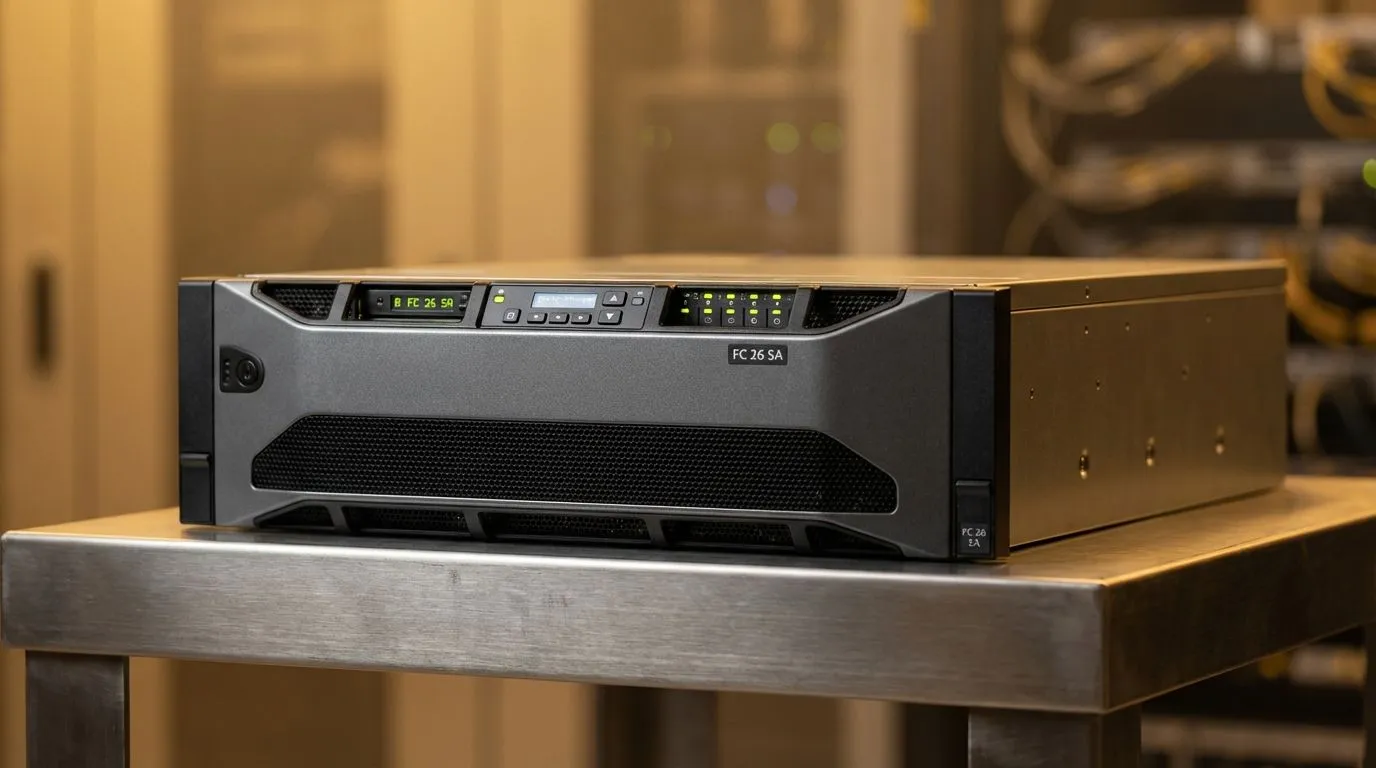
Master the FC 26 SA Server Ping Test for Smoother Gameplay
Nothing kills the vibe of a clinical counter-attack like a sudden stutter. If you are tired of losing matches to "heavy" gameplay, you need a proper FC 26 SA Server Ping Test strategy. In South Africa, our distance to global hubs makes every packet vital. This ultimate latency guide will help you optimise your connection and climb the ranks without the frustration of lag. ⚡
Why Your Ping Matters on South African Servers
Latency is the time it takes for your button press to reach the EA servers and return to your screen. For local players, a ping under 20ms is the gold standard. Anything over 50ms starts to feel sluggish... while 100ms makes competitive play nearly impossible. High-quality wireless networking equipment ensures that your data travels the most efficient path possible.
The local servers in Johannesburg and Cape Town have improved things significantly. However, routing issues within your own home or through your ISP can still cause spikes. If you are serious about your Ultimate Team record, monitoring your connection is not optional.
Optimising Your Home Network for Low Latency
The biggest enemy of a low ping is often a weak Wi-Fi signal. If your console or PC is far from the router, you will experience packet loss. To fix this without drilling holes in your walls, you can buy wireless adapters that offer better reception than built-in chips.
For those living in larger South African homes, thick brick walls are a nightmare for signals. You might need to use wireless range extenders to ensure the data reaches your gaming setup without interference. However, for the most stable FC 26 SA Server Ping Test results, a direct LAN cable is always the superior choice.
Gaming Latency Pro Tip ⚡
Always disable "PlayStyle+ overhead indicators" in your visual settings if you feel micro-stutter. While it looks cool, it adds extra processing load that can sometimes feel like input delay on mid-range systems. Also, ensure your MTU settings on your router match your ISP's recommendations to prevent packet fragmentation.
Choosing the Right Hardware for FC 26
Your ISP provides the line, but your hardware handles the traffic. Most standard-issue routers provided with fibre packages are budget-friendly but lack "Quality of Service" (QoS) features. These features prioritise gaming traffic over Netflix or large downloads. When you buy wireless routers specifically built for performance, you gain more control over how your data is handled. 🎮
In South Africa, where fibre infrastructure is expanding, ensuring your internal hardware can handle 1Gbps speeds is essential. Spending a few hundred ZAR on a better network card can be more effective than upgrading your entire PC.
Final Verdict: Stability is King
A consistent 30ms ping is always better than a connection that jumps between 10ms and 80ms. Jitter is what causes those weird animations where players seem to glide across the pitch. By following this guide and testing your connection regularly, you give yourself the best chance to compete at the highest level. 🚀
Ready to Dominate the Pitch?
Don't let a bad connection ruin your climb to Division 1. Whether you need a faster router or a more reliable adapter, we have the gear to keep you connected. Explore our massive range of networking specials and find the perfect hardware to lower your ping today.