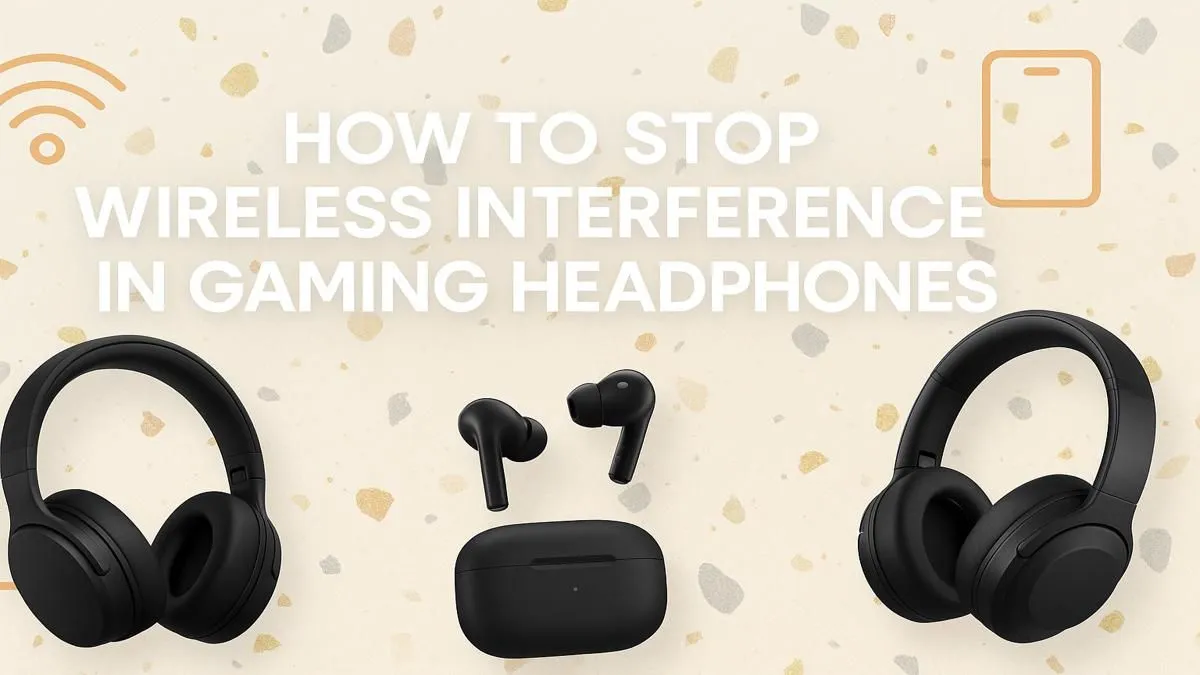
You’re in the final circle, squad comms are critical, and then… silence. Your wireless gaming headset is cutting out again. Nothing kills the vibe—and your K/D ratio—faster than your audio dropping at a crucial moment. It’s a massively frustrating problem for South African gamers, but don’t throw your gear at the wall just yet. Most of the time, the fix is simpler than you think. Let's get your comms crystal clear again.
Why Your Wireless Gaming Headset Keeps Cutting Out
Before we dive into the fixes, let's understand the culprits. When your wireless gaming headset is cutting out, it's usually down to one of four things: signal interference, distance, low battery, or software glitches. Think of your wireless signal as a conversation... too much other noise, and you can't hear properly. This "noise" can come from Wi-Fi routers, other Bluetooth devices, or even your microwave. Understanding the cause is the first step to a lasting solution.
Quick Fixes for Intermittent Audio Drops 🔧
Start with the easiest solutions first. You’d be surprised how often these simple checks solve the problem and get you back in the game without any drama.
1. Check Your Battery Level
This sounds obvious, but it's the number one cause. As a wireless headset's battery drains, its ability to maintain a strong, stable connection weakens. This often results in audio stuttering or cutting out completely before you even get a "low battery" warning.
Solution: Give your headset a full charge. Don't just plug it in for 10 minutes; let it reach 100%. If the issue persists on a full battery, you can rule this out.
2. Mind the Distance and Obstructions
Wireless headsets have a limited range. Walls, furniture, and even your PC case can weaken the signal between the headset and its dongle or receiver. The further you are, the more likely you'll experience audio drops.
Solution: Make sure the USB dongle has a clear line of sight to your headset. Plug it into a front-panel USB port on your PC instead of one tucked away at the back. For console gamers using specific PlayStation headsets or Xbox headsets, ensure the console isn't buried in a cabinet.
3. Re-Pair Your Headset
Sometimes the digital handshake between your headset and its receiver gets confused. A simple re-pairing can reset the connection and clear up any glitches.
Solution: Follow your manufacturer's instructions to un-pair and then re-pair your headset. This usually involves holding a button on both the headset and the dongle until they reconnect.
Deeper Dives for Persistent Sound Issues
If the quick fixes didn't work, it's time to investigate some deeper technical causes. These steps tackle signal interference and software conflicts, which are common reasons a wireless gaming headset keeps cutting out.
Taming Wireless Interference
Your home is flooded with 2.4GHz signals—the same frequency most wireless gaming gear uses. Your Wi-Fi router, smart home devices, and even other nearby wireless peripherals can clash with your headset's signal.
Solution: Try to move your Wi-Fi router further away from your gaming setup. Switch off other non-essential Bluetooth devices while you play. Plugging your headset's dongle into a USB 2.0 port instead of a USB 3.0 port can also sometimes reduce interference.
Firmware Fixes Everything ⚡
Headset manufacturers frequently release firmware updates to improve connectivity, fix bugs, and even enhance audio quality. Check the official support page for your model (e.g., SteelSeries GG, Razer Synapse, Logitech G Hub) and install the latest firmware. This single step can often solve persistent audio dropouts for good.
Is it Time for an Upgrade?
If you've tried everything and your audio is still dropping, your headset might just be showing its age. Batteries degrade over time, and older wireless technology is more susceptible to interference. Sometimes, the most reliable fix is an upgrade. If you're tired of dropouts, a top-tier wired headset offers a flawless connection. Alternatively, a modern wireless headset with newer tech can provide a much more stable experience. For a comprehensive look at all options, you can browse our full range of headphone and headsets.
Don't let a faulty connection ruin another match. A stable, clear audio feed is non-negotiable for competitive play and immersive single-player adventures. If your current gear isn't cutting it, check out the latest gaming headset deals to find a reliable replacement that won't let you down. ✨
Ready for Uninterrupted Audio?
Stop troubleshooting and start playing. A flawless audio experience is key to victory and immersion. Explore our massive range of gaming headsets and find the perfect upgrade to dominate the competition.