Picture this: you're in the final circle in Apex, lining up the perfect shot... and your screen rips in half. Screen tearing is a massive vibe-killer. For South African gamers, the fix lies in adaptive sync technology, but that sparks the big question: FreeSync vs G-Sync? It's the ultimate stability test for your rig, and choosing the right one means the difference between buttery-smooth victory and a stuttering, frustrating defeat. Let's settle the debate. ✨
What is Adaptive Sync, and Why Should You Care?
Before we dive into the FreeSync vs G-Sync South Africa showdown, let's quickly cover the basics. Screen tearing happens when your graphics card (GPU) sends out frames faster or slower than your monitor can display them. The result is a horrible visual glitch where multiple frames appear on the screen at once.
Adaptive sync, also known as Variable Refresh Rate (VRR), solves this. It allows your monitor to adjust its refresh rate in real-time to match the frame rate of your GPU. This creates a perfectly synchronised, tear-free, and ultra-smooth gaming experience. Once you've tried it, there's no going back.
The FreeSync vs G-Sync Showdown
At their core, both technologies do the same thing. However, their approach, cost, and compatibility are where they differ significantly, especially for the South African market.
Team Red: AMD FreeSync Explained
FreeSync is AMD's answer to adaptive sync. Its biggest advantage is that it's an open standard, meaning monitor manufacturers can implement it without paying licensing fees to AMD. This translates directly to lower prices for you, the gamer. 🚀
There are three tiers:
- FreeSync: The basic tier that eliminates tearing.
- FreeSync Premium: Adds mandatory low framerate compensation (LFC) and at least a 120Hz refresh rate at 1080p.
- FreeSync Premium Pro: Includes everything from Premium, plus HDR (High Dynamic Range) optimisation.
Because it's more affordable, you'll often find FreeSync on some of the best PC monitor deals in South Africa.
Team Green: NVIDIA G-Sync Unpacked
G-Sync is NVIDIA's proprietary technology. For a long time, G-Sync monitors required a special hardware module built into the display to handle the sync. This module adds to the cost but guarantees a very high standard of quality and performance, as every G-Sync monitor is rigorously tested by NVIDIA.
The tiers are similar in concept:
- G-Sync Compatible: These are actually FreeSync monitors that NVIDIA has tested and certified to work well with their GPUs.
- G-Sync: Features the dedicated NVIDIA processor for a premium experience.
- G-Sync Ultimate: The best of the best, with the dedicated processor and advanced HDR support.
You'll typically find this tech in more premium PC monitors, aimed at enthusiasts who want a guaranteed result.
Check Your Certification! 🔧
Not all FreeSync monitors are created equal when paired with an NVIDIA card. Before buying, check NVIDIA's official 'G-Sync Compatible' list. A certified monitor ensures you get a stable, flicker-free experience without needing the pricier G-Sync hardware module. It's the best of both worlds!
The Real-World Stability Test: Which is Better for SA Gamers?
So, which one should you choose? The G-Sync vs FreeSync decision in South Africa often comes down to two things: your graphics card and your budget.
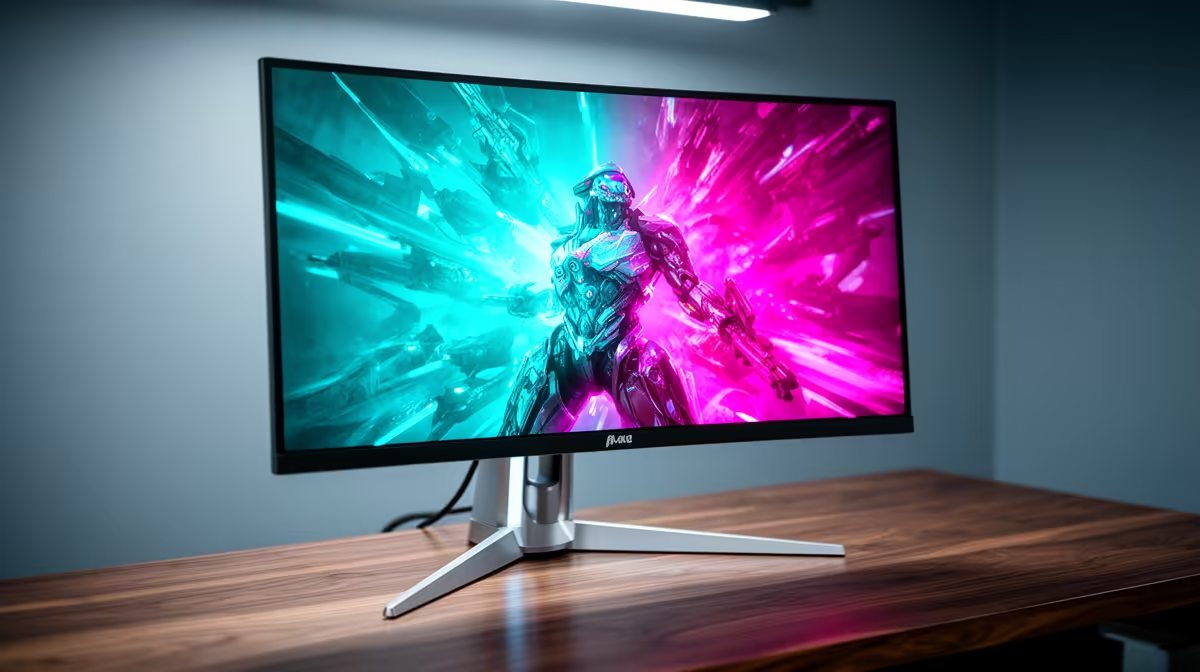
For pure, immersive gameplay, the smooth motion from either tech is incredible, especially on modern curved monitors that fill your peripheral vision. The stability is most noticeable when your frame rates fluctuate in demanding scenes, something that happens often when you're pushing ultra settings on high-resolution 5K & 4K monitors.
If you're a competitive player who frequents LANs, the tear-free experience on a compact portable monitor can give you a serious edge.
Our Verdict: Making the Right Choice for Your Rig
Let's break it down simply.
- Choose FreeSync if: You have an AMD graphics card, or you're an NVIDIA user on a budget looking for a "G-Sync Compatible" monitor. The value for money is unbeatable, and the performance of FreeSync Premium Pro is fantastic.
- Choose G-Sync if: You have a high-end NVIDIA GPU and want the absolute gold standard of performance with zero guesswork. The dedicated hardware provides a flawless, plug-and-play experience.
Ultimately, the battle of FreeSync vs G-Sync is a win for gamers in South Africa. Competition has made smooth, tear-free gaming more accessible than ever. Once you've chosen your panel, you can complete your ideal setup with the right mounts and cables from our range of monitor accessories.
Ready to Achieve Flawless Gameplay?
The FreeSync vs G-Sync debate comes down to your budget and your GPU. Whether you need unbeatable value or ultimate performance, the perfect screen is waiting. Explore our massive range of gaming monitors and find the perfect display to conquer your world.