There is nothing worse than being mid-clutch in Apex Legends when your frame rate suddenly tanks. In South Africa, our summer heat turns high-performance rigs into portable heaters. If your fans sound like a jet engine, you are losing frames. Let’s dive into essential Gaming Laptop Cooling Tips: Stop Overheating & Boost Performance before your hardware throttles and your K/D ratio suffers.
Elevate Your Setup for Better Airflow
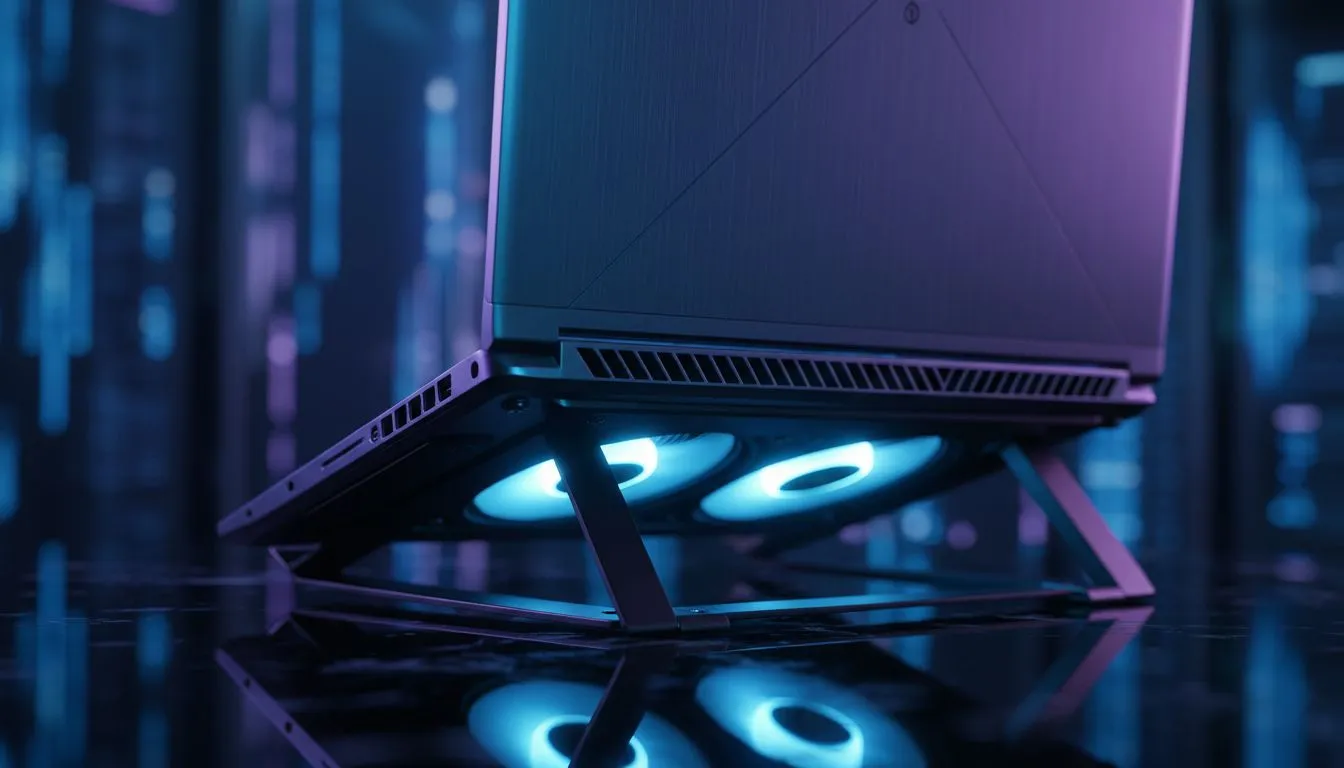
The simplest way to keep your system happy is to give it room to breathe. Most gaming machines pull cool air from the bottom and exhaust it through the back or sides. If you are playing on a bed or a carpet, you are essentially suffocating your components. Even when you buy gaming laptops under R20k, the thermal design requires a hard, flat surface to function correctly... a simple desk or a dedicated cooling stand makes a massive difference. 🔧
Internal Maintenance and Dust Control
Dust is the silent killer of performance in the South African climate. Over time, fine particles clog the heatsink fins and coat the fan blades, reducing their efficiency. We recommend using a can of compressed air every few months to clear out the vents. If you are browsing Intel laptops on special, look for models with self-cleaning thermal modules or easy-access bottom panels to make this maintenance easier.
Software Optimisation for Cooler Temps
Sometimes the heat isn't just physical... it is digital. Background processes and unoptimised power plans can keep your CPU boosting higher than necessary. You can use software like MSI Afterburner to monitor your temperatures in real-time. Many of the latest Ryzen laptop deals feature dedicated control centres that allow you to set aggressive fan curves. This ensures your fans spin up before the heat becomes a problem, rather than reacting too late. ⚡
Thermal Management Pro Tip ⚡
Consider undervolting your CPU or GPU using tools like Throttlestop or Afterburner. This reduces the voltage supplied to your components without necessarily sacrificing clock speeds. It is a fantastic way to lower temperatures by 5-10 degrees Celsius, which is vital for maintaining peak boost clocks during long sessions in the Gauteng summer heat.
Maximise Your Hardware Potential
If you have invested in high-end GeForce RTX gaming laptops on special, you want to ensure you are getting every frame you paid for. Thermal throttling will downclock your GPU, leading to stuttering. Using a high-quality cooling pad with large fans can help push more air through the chassis. While searching for the best gaming laptop deals, always check reviewer benchmarks for "thermal throttling" to see how the chassis handles sustained loads. 🚀
Ready to Find Your Perfect Match?
Staying cool is the secret to high-performance gaming, but it all starts with the right hardware. For maximum power, choice, and value in South Africa, our selection is hard to beat. Explore our massive range of laptop specials and find the perfect machine to conquer your world.