


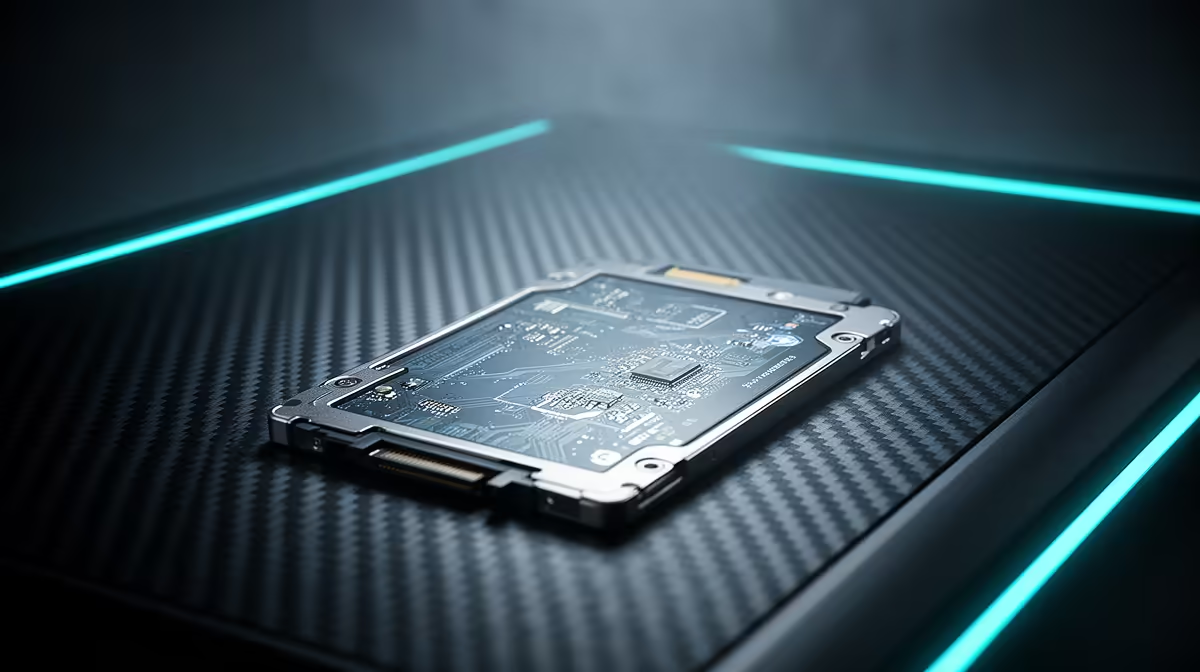
Staring at a loading screen while your mates are already dropping into the hot zone? We've all been there. In South Africa, where every millisecond counts, poor storage can be the difference between a glorious win and a frustrating loss. Upgrading your laptop's drive isn't just a luxury... it's a tactical advantage. This guide breaks down gaming laptop SSD performance with benchmarks and insights relevant to every gamer in Mzansi. Let's get you back in the game, faster. ⚡
Why Your Laptop's SSD Performance Matters
Think of your SSD (Solid-State Drive) as the runway for your games. A short, slow runway means your games take ages to take off. A long, fast one gets you airborne instantly. In gaming terms, this translates directly to shorter loading times for maps, faster texture streaming (goodbye, blurry buildings!), and a snappier feel for your entire operating system.
For South African gamers, optimising gaming laptop SSD performance is crucial. When you're battling high pings, the last thing you need is your hardware slowing you down too. A responsive system powered by a quality solid-state drive means you can launch games, alt-tab to Discord, and get back into the action without a single stutter.
Understanding the Numbers: Key SSD Benchmarks
When you look at SSD specs, you'll see a lot of numbers. Let's cut through the jargon and focus on what matters for gaming.
- Sequential Read/Write Speeds (MB/s): This is how fast the drive can read or write large, single files. Think of it as loading a massive game level file. Higher is better.
- Random Read/Write Speeds (IOPS): This measures how quickly the drive handles lots of small files scattered all over the place. This is arguably more important for gaming and general OS responsiveness, as games are constantly accessing tiny data packets.
While the numbers give you a baseline, real-world gaming laptop SSD performance is the ultimate test. You can explore the technical details across the full range of SSDs available to see how these specs vary between models.
NVMe vs. SATA: The Real-World Gaming Difference 🚀
For years, SATA SSDs were the standard upgrade from old mechanical hard drives. They're still a massive improvement, but for modern gaming, NVMe (Non-Volatile Memory Express) drives are the undisputed champions.
Why? NVMe SSDs connect directly to your motherboard's PCIe slot—the same super-fast lane used by your graphics card. This direct connection obliterates the bottleneck of the older SATA interface, allowing for breathtaking speeds. While a SATA SSD might top out around 550 MB/s, a modern Gen4 NVMe drive can hit speeds over 7,000 MB/s.
In-game, this means levels in titles like Baldur's Gate 3 or Cyberpunk 2077 load in a handful of seconds, not minutes. The difference is something you truly have to feel to believe, and it's why most new gaming laptops come standard with modern NVMe SSDs.
Pro Tip: Check Your M.2 Slot! 🔧
Before you buy a new NVMe SSD, double-check your laptop's specifications. Make sure your M.2 slot supports the "M-Key" type required for NVMe drives and check which PCIe generation (e.g., Gen3, Gen4) it supports to get the maximum advertised speed.
Beyond Internal: The Power of an External Gaming SSD
Is your laptop's internal drive overflowing with your Steam library? An external SSD is a lekker solution. Modern USB-C and Thunderbolt ports allow external drives to reach incredible speeds, making them perfect for storing and playing games without sacrificing performance.
This is especially handy if you switch between a desktop PC and a gaming laptop. You can keep your massive game installs on one portable drive. Today's high-speed external SSDs are fast enough to run demanding open-world games directly from the drive, giving you ultimate flexibility. ✨
Ready to Unleash True Speed? Stop letting slow storage dictate your win rate. Browse our incredible range of SSDs and find the perfect drive for your rig. Check out the best SSD deals at Evetech for performance that leaves lag in the dust.











