


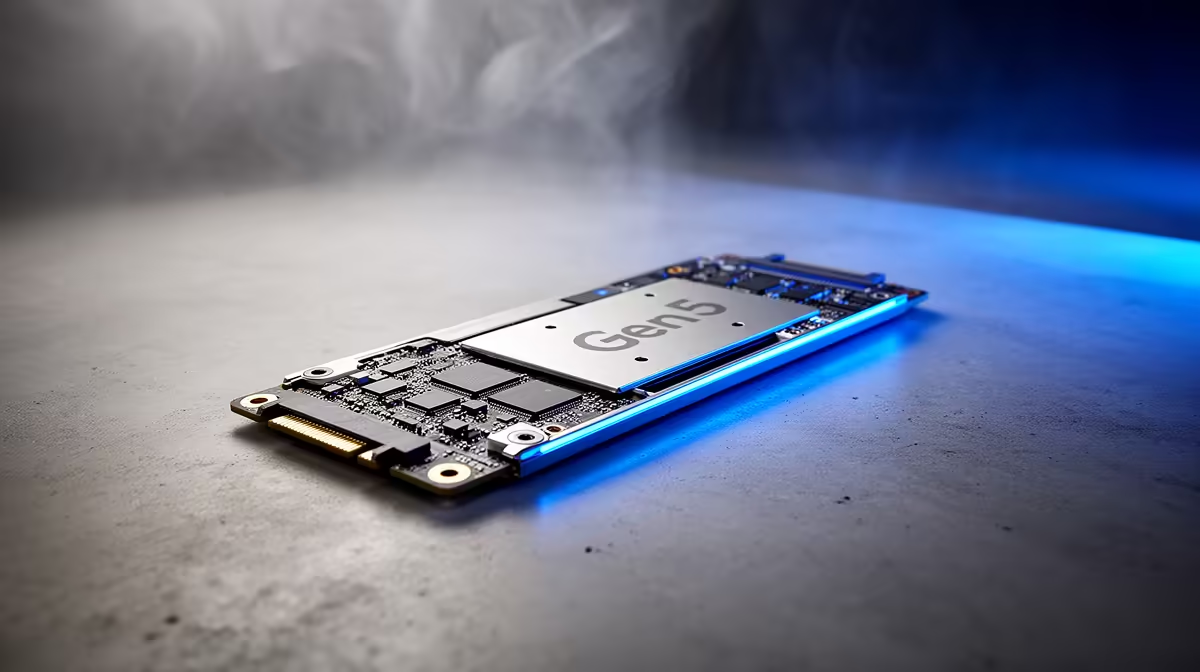
You've seen the headlines: blistering speeds, next-level performance. But when it comes to the Gen5 vs Gen4 SSD boot time debate, are we talking a revolutionary leap or just marketing hype? For South African gamers who've stared at a loading screen one too many times (thanks, Eskom), every second counts. Will a pricey Gen5 drive actually get you back into the action noticeably faster after a reboot? Let's cut through the noise and get to the facts.
Gen5 vs Gen4 SSD: The On-Paper Speed Difference
On paper, the contest isn't even close. A typical PCIe Gen4 NVMe SSD boasts impressive sequential read speeds of around 7,000 MB/s. That's incredibly fast. But then Gen5 comes along, doubling the bandwidth and pushing speeds to a mind-boggling 14,000 MB/s and beyond. ⚡
Think of it like this: Gen4 is a multi-lane highway, and Gen5 is the N1 with no speed cameras… and a rocket strapped to your car. This raw throughput is phenomenal for specific tasks, but does it translate directly to a faster startup?
The Real-World Test: Does Gen5 Actually Boost Boot Times?
Here's where reality bites. While a Gen5 SSD is technically faster, the boot process is more than just loading files from your drive. Your PC first has to run its Power-On Self-Test (POST), initialising hardware and checking that everything is working. This process, dictated by your PC's motherboard, can take several seconds on its own.
When we measure the actual Gen5 vs Gen4 SSD boot time, the difference is often less than a second. Yes, you read that right. Your system might go from a 10-second boot to a 9-second boot. It's a measurable improvement, but one you'd be hard-pressed to notice without a stopwatch. The bottleneck isn't the SSD's raw speed; it's the other components waking up.
BIOS Pro Tip 🔧
For the fastest possible boot, dive into your motherboard's BIOS UEFI. Look for settings like "Fast Boot" or "Ultra Fast Boot". These options skip some hardware checks during startup, shaving off precious seconds regardless of whether you're using a Gen4 or Gen5 drive.
If Not Boot Times, Where Does a Gen5 SSD Shine? ✨
So, if the boot time improvement is minimal, is a Gen5 SSD just a waste of money? Not at all. Its power lies in handling massive, sustained workloads where that extra bandwidth can be fully utilised.
Think about these scenarios:
- Content Creation: Editing 8K video footage or working with enormous 3D project files.
- Large File Transfers: Moving hundreds of gigabytes of data between drives in seconds, not minutes.
- Future Gaming: As games begin to fully utilise technologies like Microsoft's DirectStorage, a Gen5 drive will load complex game assets directly to the GPU, potentially eliminating loading screens entirely.
To unlock this power, you need a modern platform. The latest Intel motherboards and cutting-edge AMD motherboards are built with the PCIe 5.0 lanes necessary to feed these lightning-fast drives.
The Verdict: Is a Gen5 SSD Worth Your Rands for Booting Up?
Let's be direct. If your only goal is to reduce your PC's boot time, spending the extra ZAR on a Gen5 SSD over a high-quality Gen4 model is not worth it. The real-world difference is simply too small to feel. A premium Gen4 drive already delivers a near-instantaneous boot experience for a fraction of the price.
However, if you're a professional creator whose livelihood depends on workflow speed, or a hardcore enthusiast building a top-tier rig to be ready for the future of gaming, then a Gen5 SSD becomes a logical, powerful investment. For the rest of us, that money is better spent on a bigger Gen4 drive or a GPU upgrade.
Ready to Obliterate Load Times? Whether you're chasing every millisecond with Gen5 or seeking the best value for your ZAR with a rock-solid Gen4 drive, the right SSD makes all the difference. Explore our massive range of NVMe SSDs and find the perfect drive to conquer your world.










