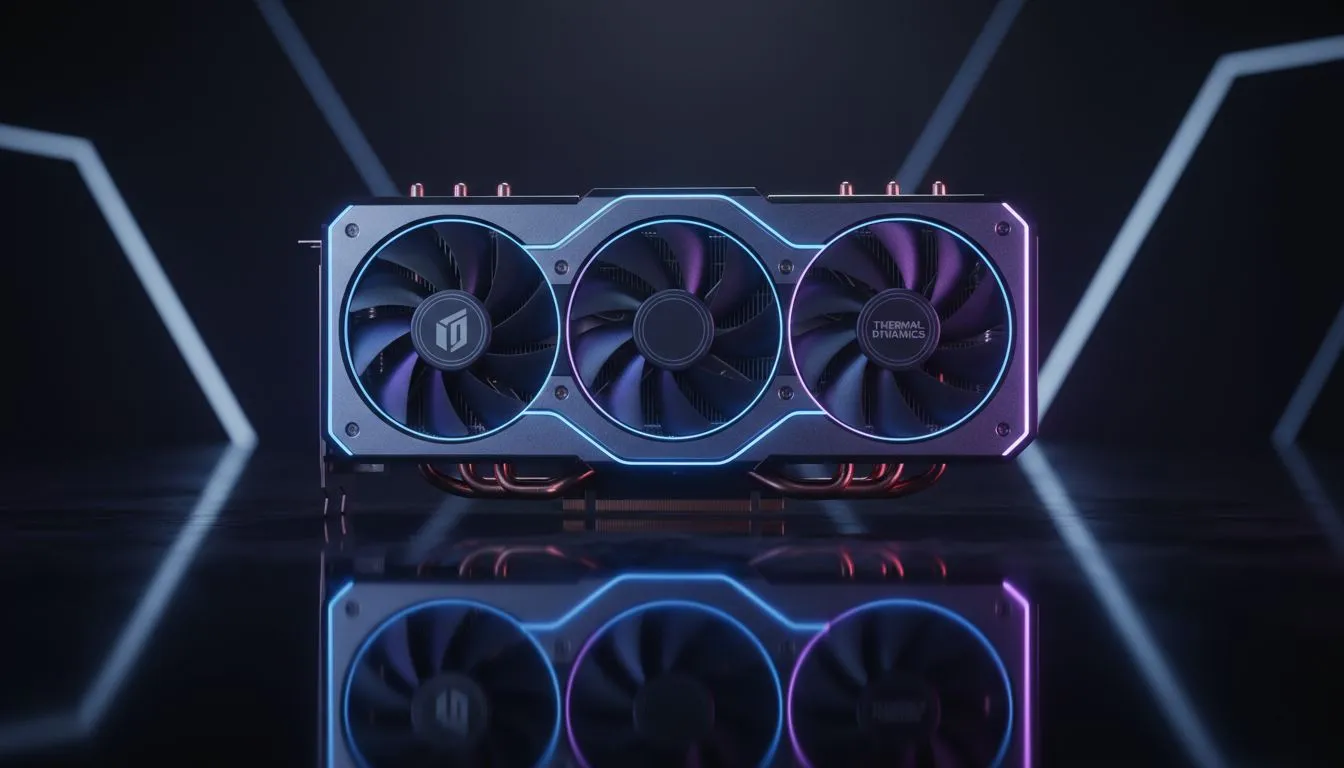
South African summers are notoriously brutal on hardware. When the ambient temperature in your room climbs, your graphics card feels every extra degree. These GPU cooling tips for intense gaming sessions will help you maintain peak performance without your PC sounding like a jet engine taking off from OR Tambo. Thermal throttling is the silent performance killer... it forces your GPU to slow down to protect itself from heat damage.
Maximise Airflow with a High-Quality Chassis
Everything starts with your case. If your components are cramped in a box with poor ventilation, no amount of fans will save you. Investing in high-quality computer cases is the first step toward a cooler system. You want a chassis that supports a "push-pull" configuration... where front fans pull cool air in and rear or top fans exhaust the hot air.
For gamers looking for a blend of style and airflow, Gamdias gaming cases offer excellent mesh front panels that allow your GPU to breathe. If you are building on a budget, you can find brilliant budget-friendly cases under R1,500 that do not sacrifice thermal performance for price. 🔧
Dust Management Pro Tip ⚡
Use a can of compressed air to clean your GPU heatsink every three months. Dust acts as an insulator, trapping heat and forcing your fans to spin faster. Keeping the fins clear can drop your load temperatures by as much as 5°C to 10°C, especially in dusty South African environments.
Customise Your Fan Curves and Software
Modern GPUs are designed to stay quiet, which often means they let temperatures rise higher than necessary. Using software like MSI Afterburner, you can create a custom fan curve. This ensures your fans ramp up earlier during those GPU cooling tips for intense gaming sessions when the action gets heavy. ⚡
If you prefer a more premium, silent approach to cooling, Fractal Design PC cases are legendary for their acoustic dampening and intelligent internal layouts. They provide the space needed for larger triple-fan GPUs to move air effectively. 🚀
Optimise Your Physical Environment
Positioning matters more than you think. Keep your PC off the carpet and away from direct sunlight. Ensure there is at least 15cm of clearance behind the rear exhaust. By following these simple steps, you ensure your hardware lives longer and performs better when it matters most. ✨
Ready to Chill Your Build?
Don't let heat throttle your victory. Whether you need a high-airflow mesh chassis or premium silent cooling, we have the gear to keep your temps low and your FPS high. Explore our massive range of gaming cases and find the perfect home for your GPU today.