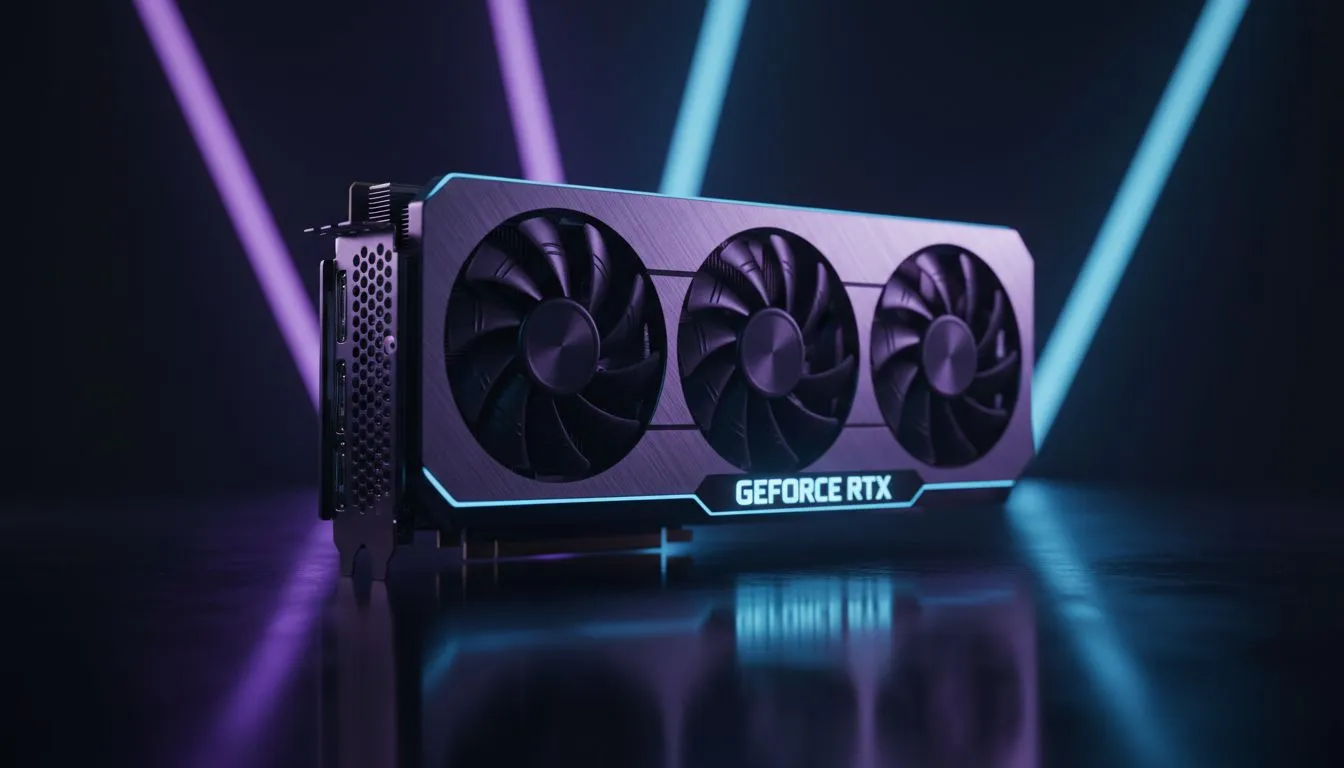
Keep your hardware cool and clean
Your GPU is the heart of your gaming rig. In South Africa, our hardware faces unique battles... from dusty Highveld winters to the humid heat of a Durban summer. With high-end cards costing upwards of R15,000, protecting your investment is vital. Following a few simple GPU maintenance tips to extend your GPU's lifespan ensures your frame rates stay high while your temperatures stay low. ✨
Fight the dust build-up
Dust is the primary enemy of any PC component. It acts like a thermal blanket... trapping heat and forcing fans to work harder. Every few months, give your Graphics Cards a gentle clean using compressed air. Hold the fans still while spraying to prevent bearing damage. A clean heatsink allows for optimal heat dissipation during intense gaming sessions. 🔧
The Compressed Air Trick ⚡
Never shake your compressed air can before use. Doing so can spray liquid propellant onto your PCB, potentially causing a short circuit. Hold the can upright and use short, controlled bursts to clear out the heatsink fins without leaving moisture behind.
Manage your thermals and fan curves
Modern cards from brands like MSI come with excellent cooling solutions. However, they still rely on smart management. Use software to customise your fan curves. This prevents the card from reaching high temperatures before the fans kick in. Keeping the silicon cool is one of the best ways to avoid long-term degradation.
Optimise voltage for longevity
Many enthusiasts use undervolting as one of their core GPU maintenance tips to extend your GPU's lifespan. By slightly reducing the voltage to your GeForce Graphics Cards, you can significantly lower power draw. This reduces heat output without losing any noticeable gaming performance. It is a win-win for your electricity bill and your hardware. 🚀
Ensure proper case ventilation
Your GPU needs fresh air to breathe. If you are running high-performance Radeon Graphics Cards, ensure your case has sufficient airflow. Aim for a balance of intake and exhaust fans. This creates positive pressure... which helps keep dust out of the small crevices of your hardware. Check your cable management to ensure no wires are blocking the direct path of air to your GPU fans.
Ready to Find Your Perfect Match?
Maintenance goes a long way, but sometimes an upgrade is the only path to victory. For maximum power, choice, and the best hardware value in South Africa, we have you covered. Explore our massive range of graphics card specials and find the perfect machine to conquer your world.