


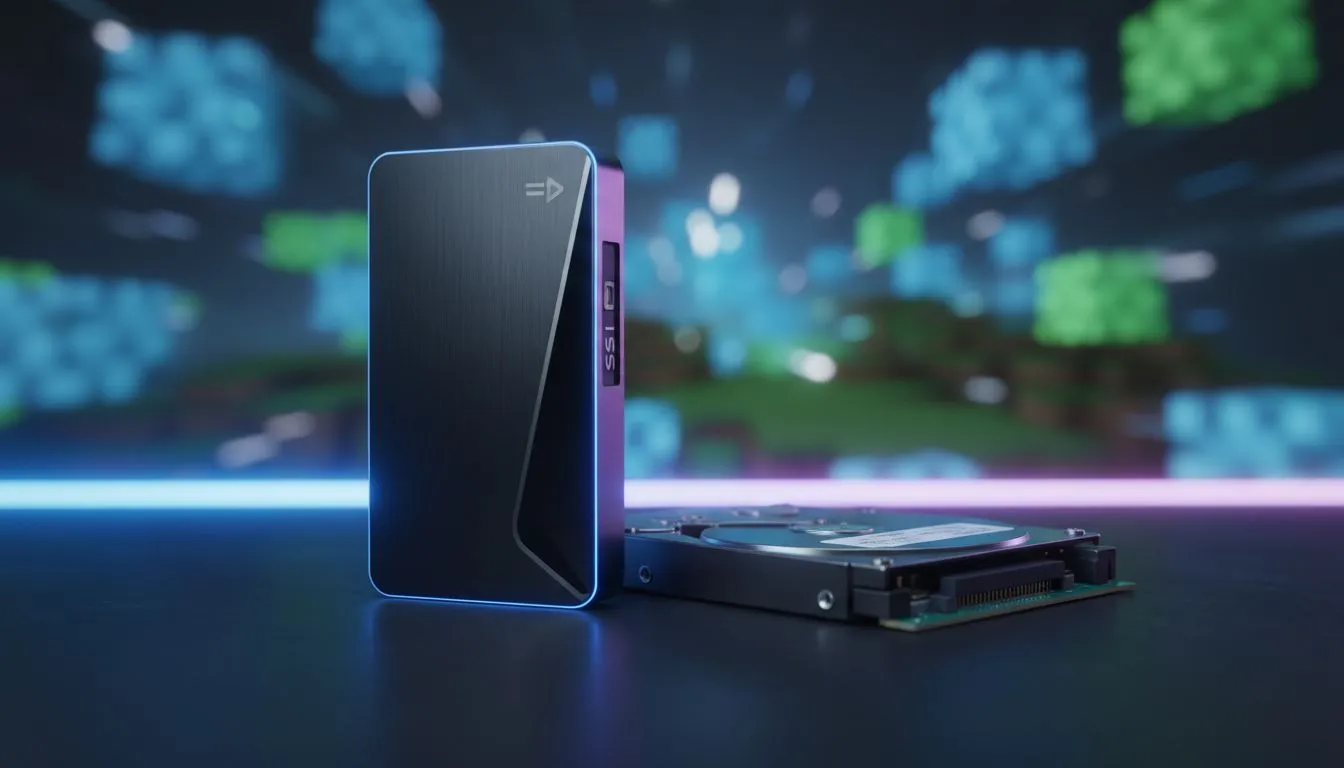
The Impact of Storage on Minecraft Performance
Ever found yourself mid-flight in Minecraft, only to hit an invisible wall? That stuttering ruins the immersion. When comparing HDD vs SSD for Minecraft: Does It Help Chunk Loading?, the answer is a clear yes. If you are tired of watching the ground render one block at a time, it is time to look at your storage speed. ⚡
Minecraft is a massive game. It generates worlds on the fly. This process puts a lot of stress on your drive. When you move fast, the game fetches data from your storage. Hard drives use spinning platters. This creates a bottleneck. Browsing the latest SSDs reveals why modern gaming has moved away from old hard drives.
HDD vs SSD for Minecraft: Does It Help Chunk Loading?
A standard hard drive reads data at roughly 100MB/s. A basic SATA SSD is five times faster. This speed boost directly affects how quickly the game can "see" new chunks. When you use an HDD, the CPU often waits for the drive to find data. This causes those annoying lag spikes. Upgrading to solid state drives is the most cost-effective way to fix this stutter.
For South African gamers, value is key. You can find incredible best SSD deals starting from under R500. This small investment changes how the game feels. You will notice faster startup times. Your world list will populate instantly. Most importantly, flying with an Elytra becomes a smooth experience. 🚀
Minecraft Performance Tip ⚡
Beyond your drive speed, remember to allocate more RAM to Minecraft. By default, the launcher only uses 2GB. Increasing this to 4GB or 8GB in the installations tab prevents memory-related stutters during heavy chunk loading... especially when using high-resolution texture packs.
Why Speed Matters for Exploration
If you play with mods or high-resolution textures, the demand on your storage increases. Modern NVMe SSDs offer read speeds exceeding 3,000MB/s. This is overkill for basic Minecraft... but it is perfect for heavy modpacks. These packs often load thousands of small files at once. An SSD handles these random read requests far better than any mechanical drive.
Even players on the move can benefit. If you play on a laptop with limited space, using an external SSD for your game library is a smart move. It keeps your internal drive clean while maintaining high performance. You can carry your massive worlds anywhere without sacrificing loading speeds. ✨
Choosing the Right Upgrade for Your Rig
The debate between HDD vs SSD for Minecraft: Does It Help Chunk Loading? is essentially over. The mechanical drive is a relic for gaming. In South Africa, where electricity costs and hardware prices matter, an SSD is an efficient upgrade. It uses less power and generates less heat. It makes your entire system feel brand new. 🔧
Ready to Speed Up Your World? Minecraft should be about adventure, not waiting for textures to load. Whether you need a budget-friendly upgrade or the fastest tech available, we have you covered. Explore our massive range of SSDs and find the perfect drive to conquer your world.











