


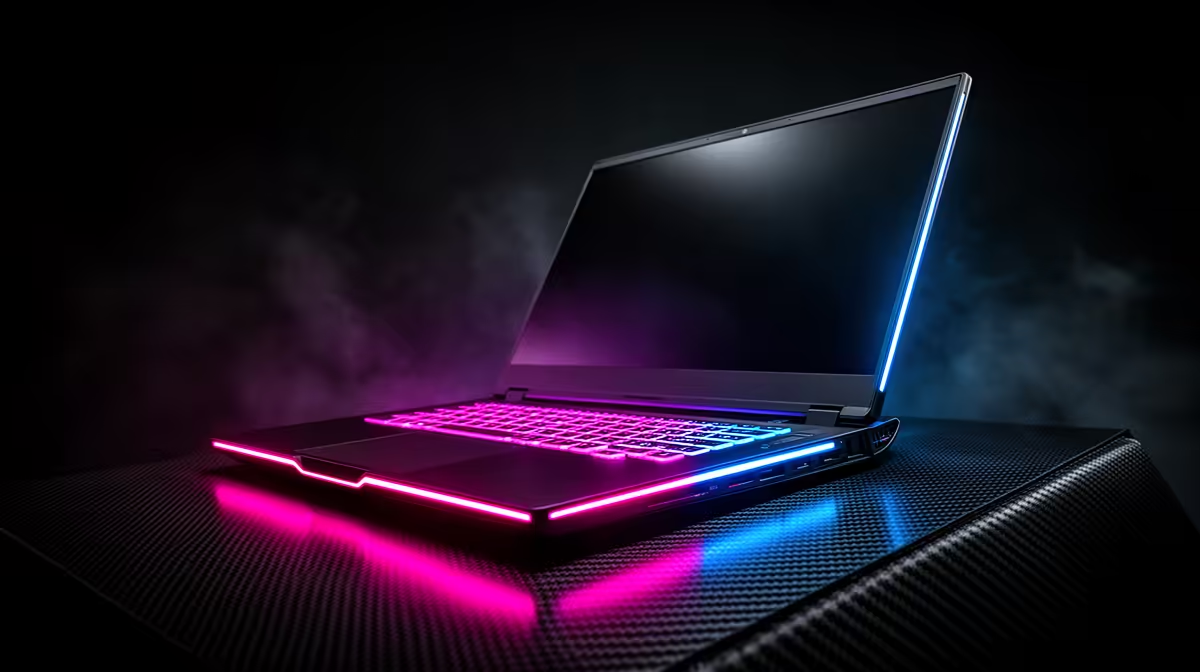
You're in the final circle. It’s a 1v1. You can hear the enemy's footsteps... or you would, if your laptop didn't sound like a Boeing 747 preparing for takeoff. That roaring sound is the infamous HP gaming laptop fan noise, a common complaint that can pull you right out of the zone. But don't stress, boet. In most cases, it's not a fault… it’s a feature you can manage. Let's get it sorted.
Understanding the Roar: Why Your HP Laptop Fan is So Loud
First, let's be clear: loud fans aren't necessarily a bad thing. When you're pushing your machine in a heavy game, your CPU and GPU generate a serious amount of heat. Your laptop's fans are the frontline soldiers in the war against thermal throttling, spinning up to move that hot air out and keep performance stable. So, that noise is proof your cooling system is working hard.
The problem arises when the HP gaming laptop fan noise becomes excessive, constant, or happens even when you're just browsing. This usually points to one of a few culprits: blocked airflow, inefficient software settings, or simply pushing the hardware to its absolute limit.
Your Action Plan for a Quieter Gaming Session 🔧
Tired of reaching for your headset just to drown out your machine? Here are three practical, expert-approved steps to reduce your HP laptop fan noise and reclaim your audio immersion.
1. Give It a Good Clean-Up
Dust is the arch-nemesis of any PC component. It clogs up heatsinks and air vents, acting like a blanket and forcing your fans to work overtime to achieve the same cooling effect.
- Power Down: Completely shut down and unplug your laptop.
- Compressed Air: Use short, controlled bursts of compressed air to blow dust out of the intake and exhaust vents. Never blow air directly into the fan to avoid over-spinning it.
- Regular Maintenance: Make this a bi-monthly ritual. A clean machine is a quiet machine, ensuring all HP gaming laptops run at their optimal temperature.
2. Optimise Your Software and Settings
You have more control over your fan speeds than you might think. HP provides powerful tools to manage your system's performance profile.
- OMEN Gaming Hub: This is your command centre. For most HP gaming laptops, you can open the Hub, navigate to the "Performance Control" tab, and switch from "Performance" mode to "Balanced" or even "Quiet" mode for less demanding tasks. This directly tells your fans to chill out. The latest HP Victus Gaming Laptops feature incredibly refined thermal controls right out of the box.
- In-Game Settings: Are you running a game at 200 FPS when your screen can only display 144Hz? Cap your framerate in the game's settings. This simple tweak reduces the load on your GPU, generating less heat and therefore, less fan noise.
Cooling Pro Tip ⚡
A quality laptop cooling pad can make a massive difference. It not only elevates your machine for better natural airflow but also uses its own fans to actively push cool air into your laptop's intake vents. It's a simple, affordable upgrade that directly tackles the heat problem, letting your internal fans run slower and quieter.
3. Improve Your Laptop's Airflow
Where you place your laptop matters. Gaming on a duvet or a couch is a surefire way to suffocate the air vents underneath, trapping heat and sending your fans into a frenzy. Always use your gaming laptop on a hard, flat surface like a desk. This simple habit ensures the rubber feet can create the necessary clearance for air to circulate, which is especially crucial for high-performance machines like those in the HP OMEN gaming laptop deals lineup.
When to Consider an Upgrade ✨
If you've cleaned your vents, optimised your settings, and given your laptop plenty of breathing room… but the fan noise is still unbearable or is accompanied by grinding or clicking sounds, it might signal a more serious hardware issue. It could also just be a sign that your older machine's cooling technology can't keep up with modern games.
Sometimes, the quietest solution is an upgrade to a newer model with a more advanced thermal design. If you're tired of the constant roar, it might be the perfect time to start exploring the latest laptop specials for sale and find a machine built for cool, quiet performance.
Ready for a Quieter, Cooler Gaming Rig? While these tips can tame the noise on your current machine, nothing beats the advanced thermal engineering of a brand-new laptop. Explore our massive range of laptop specials and find the perfect PC to conquer your world in peace.











