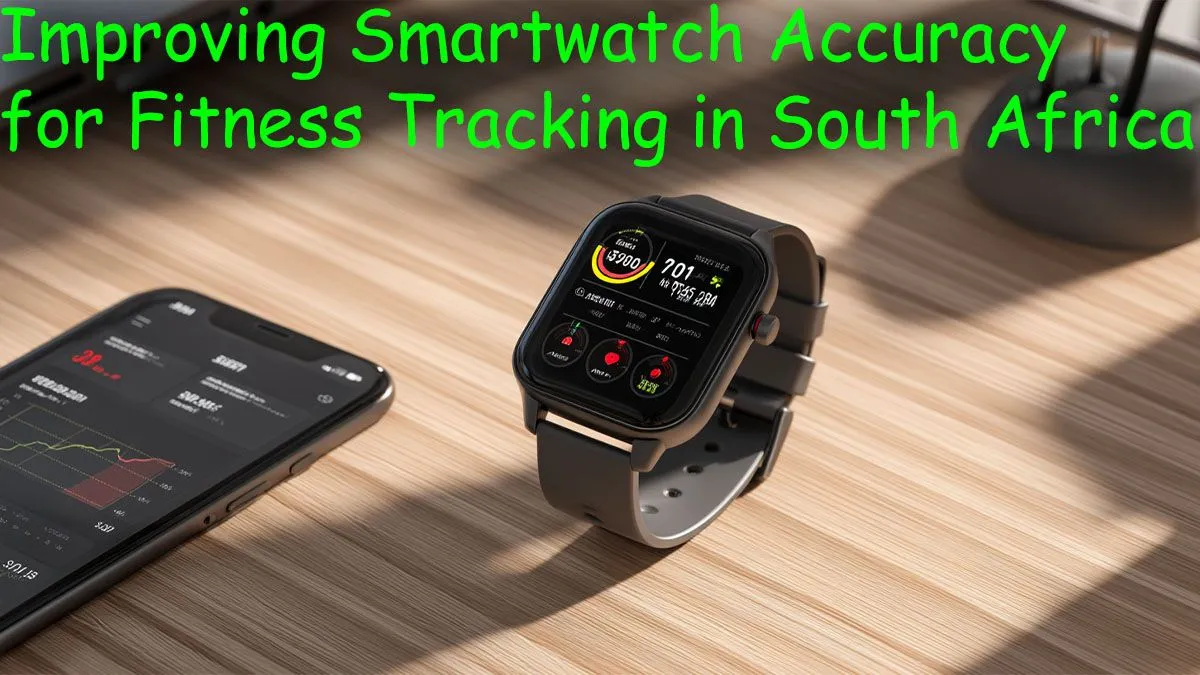
Is your smartwatch lying to you? You’ve just smashed a trail run up Lion's Head, but your watch claims you barely moved. It’s a common frustration for South African fitness fans who rely on their wearable for tracking progress. Before you blame the tech, know this: a few simple tweaks can dramatically improve smartwatch accuracy.
Let's dive in and get your stats to reflect your true effort, whether you're at a weekly Parkrun or training for the Two Oceans.
Understanding Common Accuracy Issues
Before we get to the fixes, it helps to know what causes wonky data. The most common culprits are surprisingly simple. An incorrect fit can mess with heart rate sensors, while tall buildings in the Joburg or Cape Town CBD can block GPS signals. Even something as basic as outdated software can throw your calorie count and step tracking completely off. Getting these fundamentals right is the first step to improve smartwatch accuracy.
Quick Fixes to Improve Smartwatch Accuracy
You can often get a significant boost in data quality in just a few minutes. These initial steps are easy to do and form the foundation for reliable tracking.
Nail the Fit: Not Too Tight, Not Too Loose 📏
Your watch band should be snug, but not so tight that it leaves a deep impression. A good rule of thumb is that you should be able to slide one finger between the band and your wrist. For the best heart rate readings during a workout, try wearing it about two finger-widths above your wrist bone. This ensures the optical sensors have solid, consistent contact with your skin.
Keep Your Sensors Clean
Sweat, dust, and sunscreen can build up on the back of your watch, covering the sensors that track your heart rate and blood oxygen. Give it a gentle wipe with a soft, lint-free cloth every few days. This simple bit of maintenance ensures the sensors get a clear view of what’s happening.
Calibrate & Update Your Device
Manufacturers are constantly releasing software updates that refine algorithms and improve sensor performance. Always install the latest firmware. Furthermore, use your watch’s calibration feature… usually, this involves recording an outdoor walk or run for 20-30 minutes in an open area with a clear view of the sky. This is crucial for every device, and even many affordable smartwatches under R1000 see a huge boost in performance after a proper calibration.
Advanced Settings for Data Geeks 🚀
If the basics don't fully solve your issues, it’s time to dig into the settings. Taking a moment to personalise your device can make a world of difference for more accurate fitness tracking.
Optimise Your GPS Settings
Most modern smartwatches can connect to multiple satellite systems (GPS, GLONASS, Galileo). If you're hiking in the Drakensberg or trail running under dense tree cover, a mode that uses multiple systems can provide a much more accurate location lock. It might use a bit more battery, but the resulting accuracy is well worth it for serious athletes.
Pro Tip: Calibrate Your Stride Length ⚡
Many smartwatches guess your stride length based on your height. For more accurate distance tracking on treadmills or during indoor workouts, look for a setting to manually input or calibrate your stride length. Measure it by walking a known distance (like a 100m athletics track) and dividing the distance by the number of steps you took.
Personalise Your Profile Data
This seems obvious, but many people skip it. Your watch uses your age, gender, height, and weight to calculate everything from stride length to calories burned. If this data is wrong, your metrics will be too. Features like these are becoming standard, and you’ll find robust customisation options in many modern devices, including models from brands like Promate, helping you get the most accurate fitness tracking possible.
Knowing When Your Watch Is the Problem
So, you’ve tried everything and your stats are still questionable? Sometimes, the hardware itself is the bottleneck. Older sensors can struggle to keep up with high-intensity interval training, and a degrading battery can lead to weaker GPS performance. If your watch is a few years old, it might simply be time for an upgrade.
The technology in wearables moves fast. Newer models offer vastly superior heart rate sensors, dual-band GPS, and more sophisticated algorithms. If you're serious about your training, investing in modern tech can give you the reliable data you need. It might be time to explore our complete collection of smartwatches and see what the latest generation has to offer.
Ready to Track Your Progress with Confidence?
From your first Parkrun to conquering the Comrades, accurate data is everything. Don't let a faulty reading undermine your hard work. Explore our massive range of smartwatches and find the perfect partner for your fitness journey.