


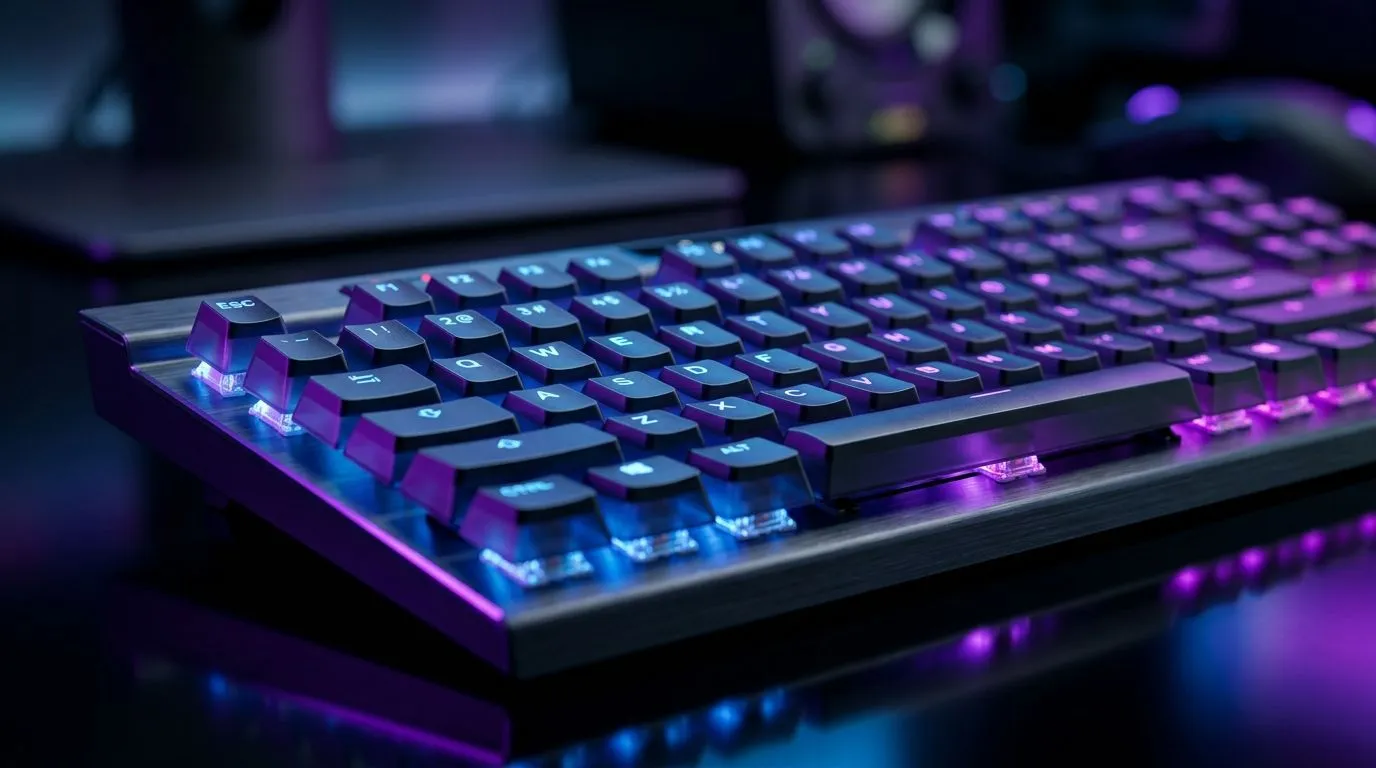
Why Your Keyboard Drops Keystrokes in Games—And How Anti-Ghosting Fixes It
South African gamers know every millisecond counts during heated matches. But when your keyboard drops keystrokes, that split-second input lag can mean the difference between victory and defeat. This frustrating issue often stems from poor key rollover or ghosting limitations. Luckily, understanding anti-ghosting technology can keep your commands crisp and your gameplay seamless ⚡.
What Causes Keyboard Drops and How Anti-Ghosting Works
When multiple keys press simultaneously in fast-paced games, some keyboards fail to register all inputs. This is called key ghosting. The root cause? Many keyboards don’t support n-key rollover (NKRO), limiting how many keys can be recognised at once. Anti-ghosting is the tech that ensures each keypress counts by allowing multiple keys to be registered together without signal loss.
Many gamers overlook this until their combos fail during crucial moments. Wired keyboards with high NKRO often provide better anti-ghosting support than cheaper wireless models, so it’s worth picking carefully.
Choosing the Right Keyboard to Avoid Dropped Keystrokes
In South Africa, finding a gaming keyboard with solid anti-ghosting features and NKRO support shouldn’t break the bank. For wired options, Evetech’s selection of affordable wired gaming keyboards offers reliable performance under ZAR 2,000, ideal for lag-free input. Prefer wireless? Browse Evetech’s wireless gaming keyboards for freedom without compromise.
Maintenance Tips to Keep Anti-Ghosting Working
Cleaning keycaps and internal switches regularly helps prevent detection issues. Dust or residue can cause sticky keys and interfere with your anti-ghosting circuitry. Additionally, updating your keyboard’s firmware—if supported—can enhance input handling and fix bugs that cause missed keystrokes.
Pro Tip: Test Your Keyboard’s NKRO
Use online tools like Keyboard Ghosting Tester to check how many keys your keyboard can register simultaneously. This quick test reveals if your device supports true anti-ghosting or if you need an upgrade for better gaming accuracy. }}
Why Combo Deals Make Sense for Gamers
Complete your setup by pairing a keyboard with an accurate gaming mouse. Evetech’s keyboard and mouse combos offer packages optimised for responsiveness and durability. Combining these peripherals can save you money while ensuring harmony between devices—essential for fluid gameplay.
Best Gaming Keyboard Deals at Evetech
If you’re hunting for the best value, see all affordable options in Evetech’s best gaming keyboard deals. South African gamers benefit from local stocks and ZAR pricing, which means faster delivery and no import headaches.
Call-to-Action Heading Don’t let keystroke drops slow you down—equip yourself with reliable gear built for smooth input. Shop now at Evetech for performance that leaves lag in the dust.











