


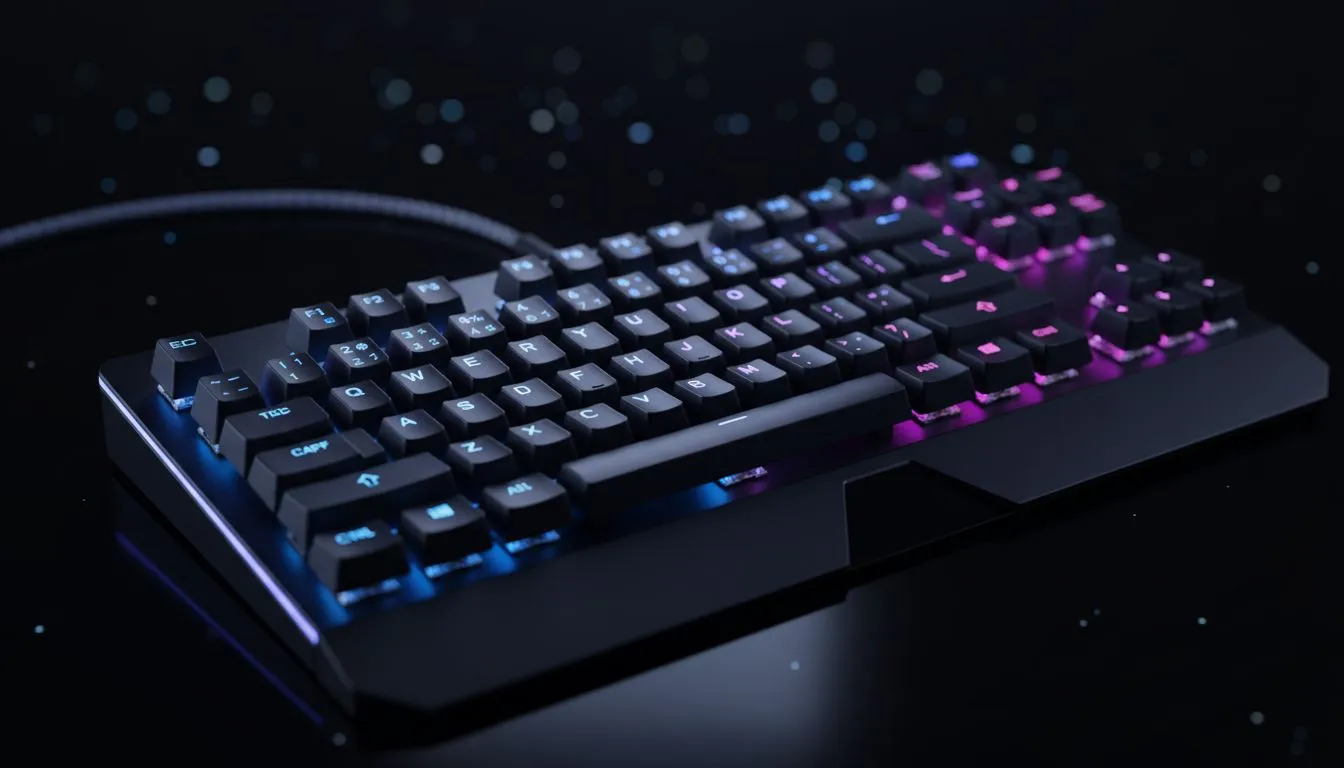
Understanding Keyboard Lag in Games
You are mid-firefight in Apex Legends or Valorant. You press 'Q' to activate your ability, but nothing happens. A split second later, you are back in the lobby. That is keyboard lag in games. It is the silent killer of many South African rank climbs. Whether it is hardware delay or software interference, input lag turns a pro play into a total frustration. Let us fix your delay now 🔧.
Keyboard lag, or input latency, is the time it takes for a keypress to register on your screen. In competitive gaming, every millisecond counts. If your hardware is outdated, you might be fighting your equipment instead of your opponents. Checking out the best gaming keyboard deals is often the first step to ensuring your hardware can keep up with your reflexes.
Common Causes of Input Latency
Several factors contribute to keyboard lag in games. Sometimes it is as simple as a dusty USB port... other times it is a deep-seated Windows setting. High CPU usage can also delay the signal processing of your peripherals. If your processor is struggling to maintain frame rates, it might deprioritise your USB inputs.
Input Lag Pro Tip ⚡
Go to your Windows settings and search for 'Filter Keys'. Ensure this is turned off. While it helps people with tremors, it adds a massive delay to repeated keystrokes in fast-paced games. It is a simple fix that often solves 'sticky' feeling keys instantly.
Wired vs Wireless Performance
The debate between wired and wireless is older than Counter-Strike. In the past, wireless meant massive lag. Today, technology has improved significantly. However, for the absolute lowest latency, high-performance wired keyboards remain the gold standard for many local pros. They offer a direct, shielded connection to your PC.
On the flip side, modern wireless keyboards use 2.4GHz dongles that rival wired speeds. If you choose wireless, ensure your receiver is close to the desk. Physical obstructions or interference from your router can cause noticeable stuttering during intense matches 🚀.
How to Fix Keyboard Lag in Games
First, try a different USB port. Avoid using USB hubs, as they share bandwidth and increase latency. Second, update your keyboard drivers via the manufacturer's software. If you are on a tight budget, you can still find the cheapest gaming keyboard in South Africa that features anti-ghosting and high polling rates.
Sometimes the issue is not just the keyboard. If your mouse and keyboard are not in sync, your movement will feel "floaty". Many gamers prefer a keyboard mouse combo to ensure both devices use compatible software and similar polling rates. This creates a unified experience that is much easier to troubleshoot ✨.
Optimise Your Setup for Speed
Check your polling rate in your peripheral software. Most gaming keyboards support 1000Hz, meaning they report to the PC every millisecond. If yours is set to 125Hz, you are voluntarily adding 8ms of lag. Adjusting this single setting can make your movement feel crisp again.
Don't let poor equipment hold back your K/D ratio. In the South African gaming scene, where pings are already a challenge, you cannot afford extra local latency. Optimise your settings, clean your ports, and ensure your gear is up to the task ⚡.
Ready to Eliminate the Lag? Don't let a slow response time stand between you and victory. Whether you need a lightning-fast mechanical deck or a reliable budget setup, we have the gear to keep you in the game. Explore our massive range of keyboard specials and find the perfect tool to conquer your next match.











