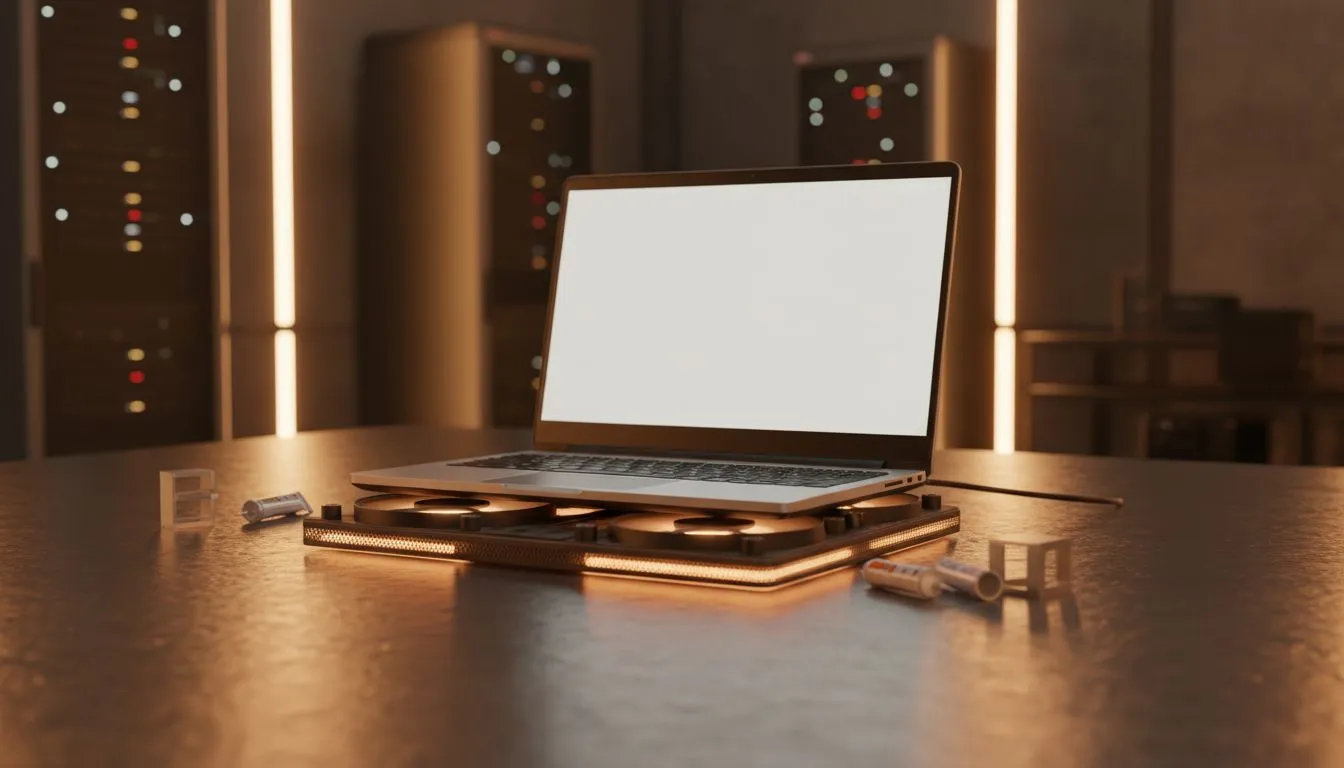
It’s a scorching South African summer afternoon. You’re deep into a competitive match, and suddenly, your laptop feels like a braai stand. Performance drops, fans scream, and your frame rate stutters. Learning effective laptop cooling tips: stop overheating during heavy use is essential to keep your hardware healthy and your gameplay smooth. Don't let thermal throttling ruin your win or damage your expensive components. 🔧
Master the Art of Airflow
The most common cause of overheating is restricted airflow. Most high-performance machines pull air from the bottom. If you play on a bed or a carpet, you are essentially suffocating your PC. Always use a hard, flat surface.
Even the best gaming laptop deals require clear vents to reach their advertised boost clocks. If you find your desk getting too warm, consider a cooling pad. These provide an extra lift and active fans to push fresh air into the intake. It is a small price to pay for consistent FPS.
Optimise Your Software Settings
Sometimes the heat isn't just physical... it’s digital. High-performance power plans keep your CPU at max frequency even when idling. Switching to a "Balanced" plan allows your processor to downclock when you are just browsing.
For those looking for efficiency, our Intel laptops on special offer incredible power management features via their latest architectures. Similarly, if you prefer Team Red, checking out the latest Ryzen laptop deals is a great way to find chips that run surprisingly cool under heavy productivity loads. ⚡
Cooling Pro Tip ⚡
Use a compressed air can to blow out your vents every three months. Dust buildup in South African households can be intense, especially during the windy seasons. This simple maintenance can drop your internal temperatures by 5 to 10 degrees Celsius without costing a cent.
Manage Your Hardware Expectations
Every laptop has a thermal limit. If you are pushing 4K settings on a budget machine, it will get hot. Many gaming laptops under R20k feature robust cooling solutions, but they still need room to breathe.
If you notice your machine struggling frequently, it might be time to look at more efficient hardware. High-end GeForce RTX gaming laptops on special often include advanced vapour chamber cooling. These systems move heat away from the GPU much faster than traditional copper heat pipes. 🚀
Keep It Clean and Clear
Ambient temperature plays a massive role in South Africa. If your room is 30 degrees, your laptop starts at a disadvantage. Try to play in a well-ventilated area or near a fan. Keep the area around your laptop exhaust clear of cables or peripherals. Hot air needs to escape quickly to prevent it from recycling back into the intake.
Ready to Find Your Perfect Match?
Overheating can be a sign that your current rig is struggling to keep up with modern demands. For maximum power, choice, and value in South Africa, a hardware refresh might be the answer. Explore our massive range of laptop specials and find the perfect machine to conquer your world.