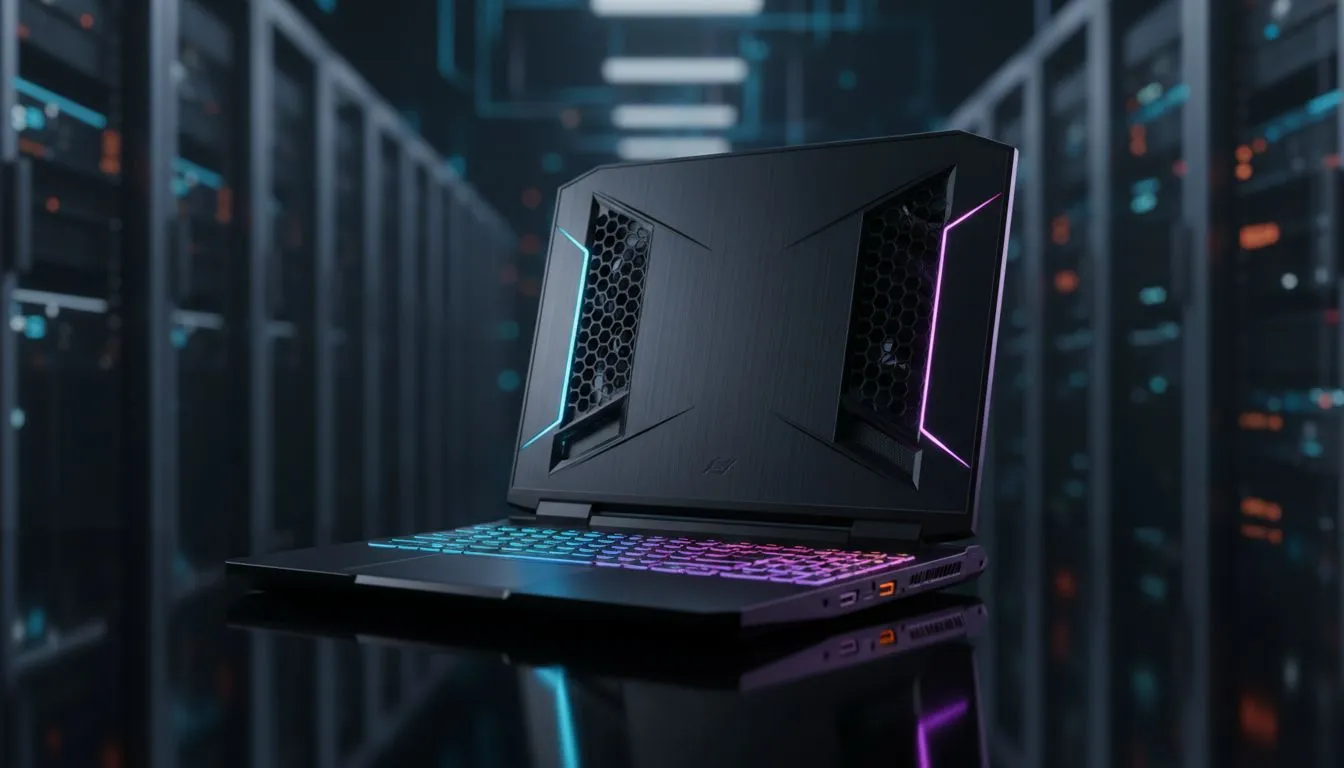
Understanding Why FC 26 Pushes Your Laptop to the Limit
Nothing kills a winning streak in FC 26 faster than a stuttering frame rate. When your laptop starts sounding like a jet taking off from OR Tambo, thermal throttling is usually the culprit. High-intensity matches push your hardware to the limit. If you are struggling with your laptop overheating FC 26 sessions, these cooling tips will keep your performance smooth and your hardware safe. ⚡
The updated physics engine in FC 26 is a resource-intensive beast... it demands constant calculations from your processor. If you are using entry-level hardware, you might look at our buy gaming laptops under R20k to find machines with modern thermal designs. Dust buildup is the most common cause of heat. A quick blast of compressed air can clear those vents in seconds.
Optimising Software for Better Thermals
Sometimes the fix is in the settings. Lowering your crowd quality or shadow resolution can significantly reduce the load on your GPU. For those running Team Red, checking out Ryzen laptop deals often reveals processors that manage power efficiency incredibly well. You should also ensure your power plan is set to "Balanced" rather than "High Performance" to prevent unnecessary voltage spikes during menus. 🔧
Hardware Fixes for Serious Players
If software tweaks do not help, it might be time to look at your cooling solution. Many South African gamers find that a simple cooling pad makes a massive difference in our summer heat. If your current machine is simply too old, browsing Intel laptops on special might give you access to the latest chips which handle heat much better than older generations. 🚀
Cooling Pro Tip ⚡
Elevate the back of your laptop by just two or three centimetres. This simple trick increases airflow to the intake fans significantly. It is a free way to drop your temperatures by up to five degrees during intense FC 26 matches without spending a cent on extra gear.
When to Consider an Upgrade
Sometimes a laptop reaches its thermal limit due to age. Thermal paste dries out... and fans lose their efficiency. If you want to play at high refresh rates without the heat, looking into Geforce RTX gaming laptops on special is a smart move. Modern RTX cards use AI upscaling like DLSS to provide high frame rates without stressing the hardware as much as native rendering does. ✨
You deserve a smooth experience on the pitch. Don't let heat ruin your weekend league. Check out the best gaming laptop deals currently available to ensure your next session is ice cold.
Ready to Keep Your Cool on the Pitch?
Don't let thermal throttling cost you the match. For the best performance and cooling tech in South Africa, we have you covered. Explore our massive range of gaming laptop specials and find the perfect machine to dominate FC 26.