

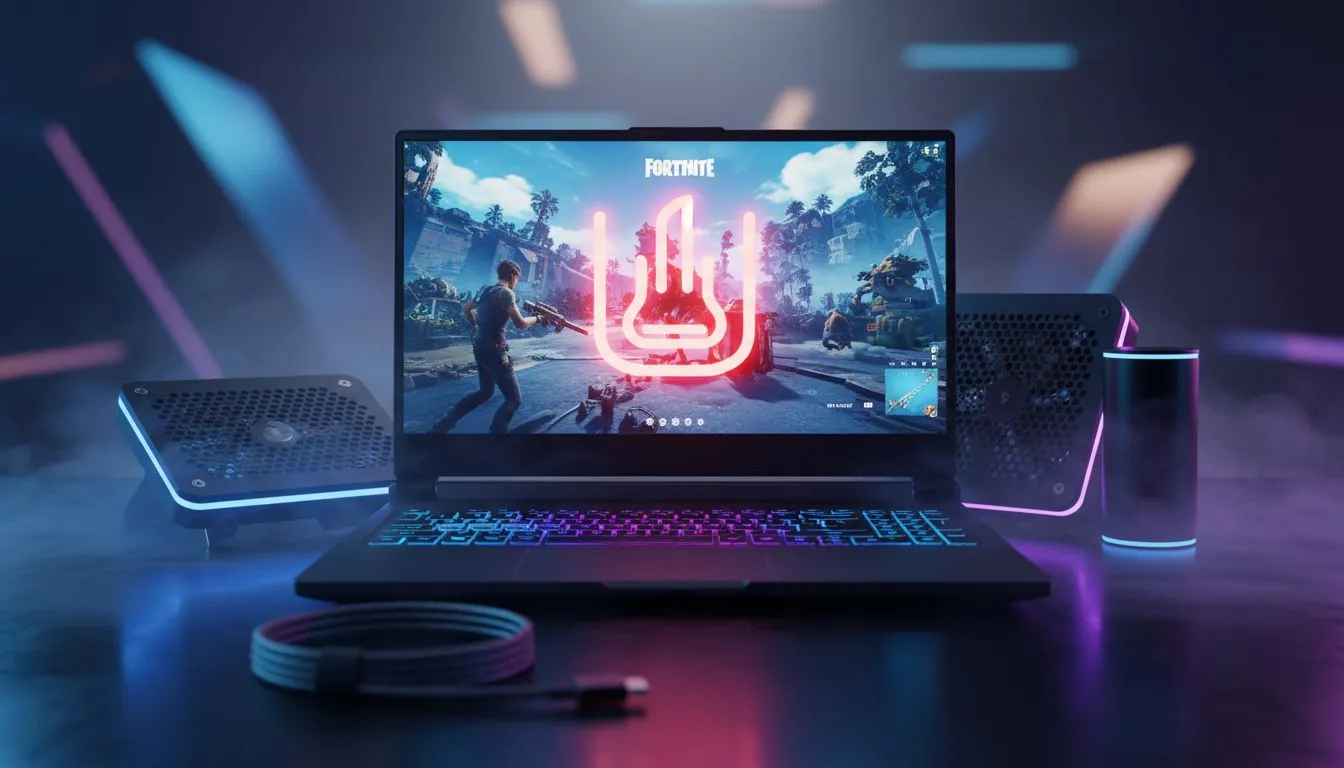
Is your laptop sounding like a jet engine during a late-game Fortnite build battle? We’ve all been there. In the South African summer, heat is the enemy of performance. If your laptop is overheating while playing Fortnite, you’re likely losing frames and risking hardware damage. Let’s look at how to keep your machine cool and your headshots crisp. 🔧
Why Fortnite Makes Your Laptop Sweat
Fortnite might look like a cartoon, but it is surprisingly heavy on your CPU and GPU. When your components work hard, they generate heat. If that heat cannot escape, your laptop triggers thermal throttling. This is a safety feature that slows down your processor to prevent it from melting... but it also causes your FPS to tank. If your current rig simply cannot keep up with the heat, it might be time to browse the best gaming laptop deals for a system with better cooling.
Essential Cooling Tips for Fortnite Players
The first step is airflow. Never play with your laptop on a bed or a carpet. These surfaces block the intake vents at the bottom. Always use a hard, flat surface. For those on a budget, you can find excellent gaming laptops under R20k that offer robust thermal designs without breaking the bank.
Software Tweaks for Lower Temps
You can reduce heat by changing a few settings in-game. Cap your frame rate to match your monitor’s refresh rate. If you are running an older machine, consider looking at Intel laptops on special to find modern processors that handle high-intensity tasks more efficiently. Lowering "Shadows" and "Post-Processing" in Fortnite can also significantly reduce the load on your GPU. ⚡
Thermal Pro Tip ⚡
Use a laptop cooling pad with large fans. While it won't fix a broken internal fan, it can lower your external chassis temperature by 3 to 5 degrees. This prevents your keyboard from getting uncomfortably hot during long sessions and helps the internal fans pull in cooler air from the bottom vents.
Thermal Guide: Maintenance and Upgrades
Dust is a silent killer in South Africa. Over time, dust builds up in your fans and heat sinks. Every six months, use a can of compressed air to blow out the vents. If your laptop is more than two years old, the thermal paste on the chip might have dried out. This paste is vital for moving heat away from the silicon.
If you prefer an AMD ecosystem, checking out the latest Ryzen laptop deals is a smart move... many modern Ryzen chips are designed with incredible power efficiency in mind. 🚀
The Role of Modern GPUs
Modern graphics cards are much better at managing heat than older generations. Features like DLSS allow you to get high frame rates without pushing the hardware to its absolute limit. You can explore GeForce RTX gaming laptops on special to see how NVIDIA’s latest tech keeps things cool while maintaining elite performance. ✨
Ready to Find Your Perfect Match? The battle against heat is easier with the right hardware. For maximum power, choice, and value in South Africa, a modern gaming rig is hard to beat. Explore our massive range of laptop specials and find the perfect machine to conquer your world.











