


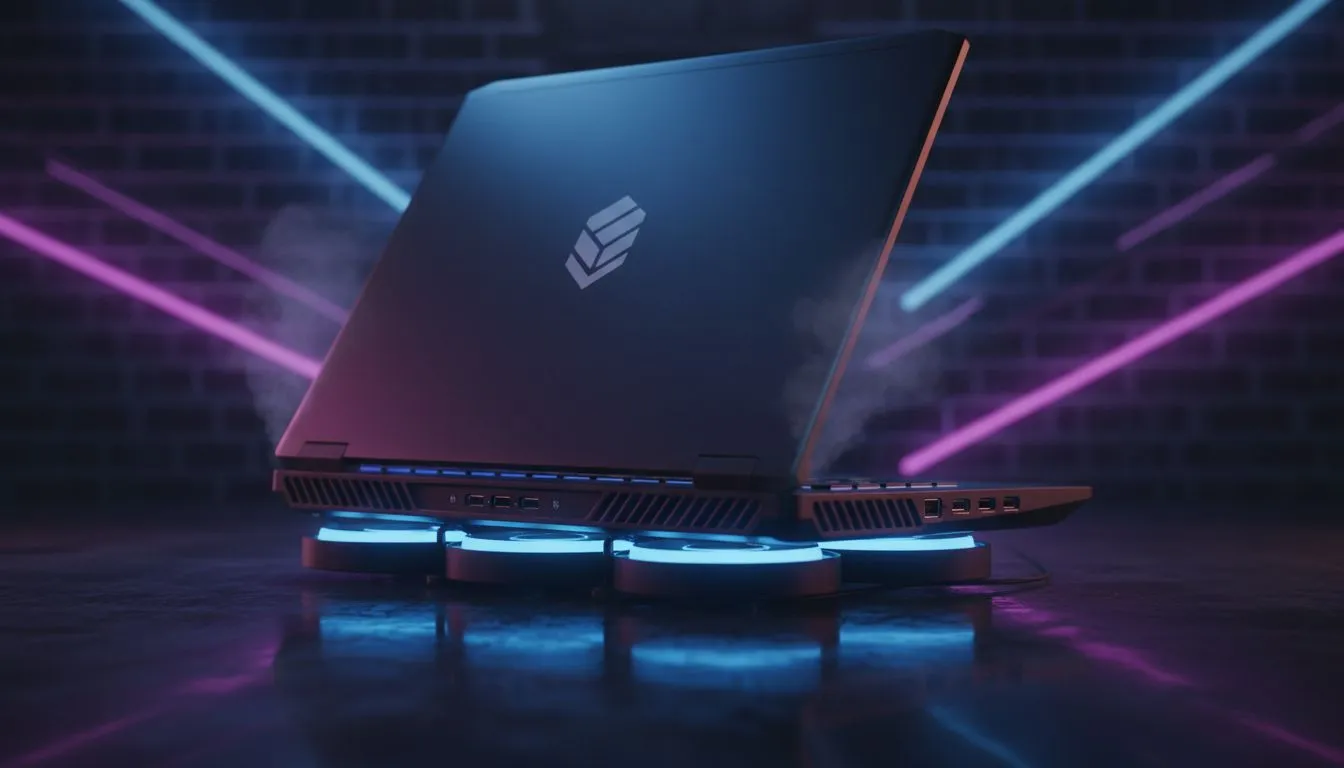
Is your laptop overheating in WoW while you are trying to push keys or lead a 25-man raid? High temperatures do more than just cause stuttering... they can permanently damage your hardware. In South Africa's warm climate, keeping your rig cool is a constant battle. Whether you are questing or chilling in Valdrakken, these nine cooling tips will keep your frame rates high and your lap from burning 🔧.
Optimise Airflow and Positioning
The simplest way to combat a laptop overheating in WoW is to ensure your machine can actually breathe. Never play on a bed or a carpet, as these surfaces block the intake vents located at the bottom of the chassis.
- Elevate your device: Use a dedicated laptop stand or even a couple of books to prop up the back. This creates a larger air gap for the intake fans.
- Use a cooling pad: A high-quality cooling pad with large fans can drop temperatures by several degrees, especially during intense boss fights.
- Keep it clean: Dust is the silent killer of performance. Use a can of compressed air to blow out the vents every few months.
If your current machine is simply too old to handle the thermal load of modern expansions, you might want to look at our latest Intel laptops on special which feature redesigned thermal modules.
Software Tweaks for Cooler Raiding
Sometimes the heat isn't just about the hardware... it is about how the software manages resources.
- Cap your frame rate: World of Warcraft allows you to set a maximum foreground FPS. If your screen is only 60Hz, there is no point in your GPU pushing 140 FPS and generating unnecessary heat.
- Adjust Power Settings: Switching your Windows power plan to "Balanced" instead of "High Performance" can often reduce CPU boosting and lower temps without a noticeable loss in gameplay.
- Update your drivers: Ensure your chipset and GPU drivers are current. Manufacturers often release updates that improve thermal efficiency.
For those who value power efficiency, our Ryzen laptop deals often highlight processors that deliver incredible performance per watt, keeping things much cooler under pressure.
Performance Pulse Tip ⚡
In the WoW System settings, try lowering the 'Liquid Detail' and 'SSAO' settings. These are particularly taxing on the GPU and are often the primary cause of thermal throttling during heavy spell-effect sequences in raids.
Advanced Maintenance and Hardware Upgrades
If you have tried the basics and your laptop is still hitting 95°C, it might be time for more drastic measures.
- Undervolt your CPU: Using tools like Throttlestop can lower the voltage sent to your processor, reducing heat significantly while maintaining clock speeds.
- Repaste the thermal compound: Over time, factory thermal paste dries out. Replacing it with a high-quality compound like Kryonaut can see a massive drop in temperatures.
- Upgrade your hardware: Sometimes, the cooling solution in an older laptop just isn't built for modern gaming.
If you are on a budget but need a more modern cooling solution, you can buy gaming laptops under R20k that feature dual-fan setups designed for longevity. For those seeking the absolute pinnacle of cooling technology, our GeForce RTX gaming laptops on special often include vapour chambers and liquid metal thermal interfaces 🚀.
Don't let thermal throttling ruin your loot drops. By following these steps, you can ensure your hardware stays healthy and your gameplay remains smooth. If you are ready for a total system refresh, keep an eye on our best gaming laptop deals to find a machine that stays frosty even in the heat of battle ✨.
Ready to Find Your Perfect Match? The battle against heat is easier with the right hardware. For maximum power, choice, and value in South Africa, our curated selection is hard to beat. Explore our massive range of laptop specials and find the perfect machine to conquer your world.











