Quick Answer
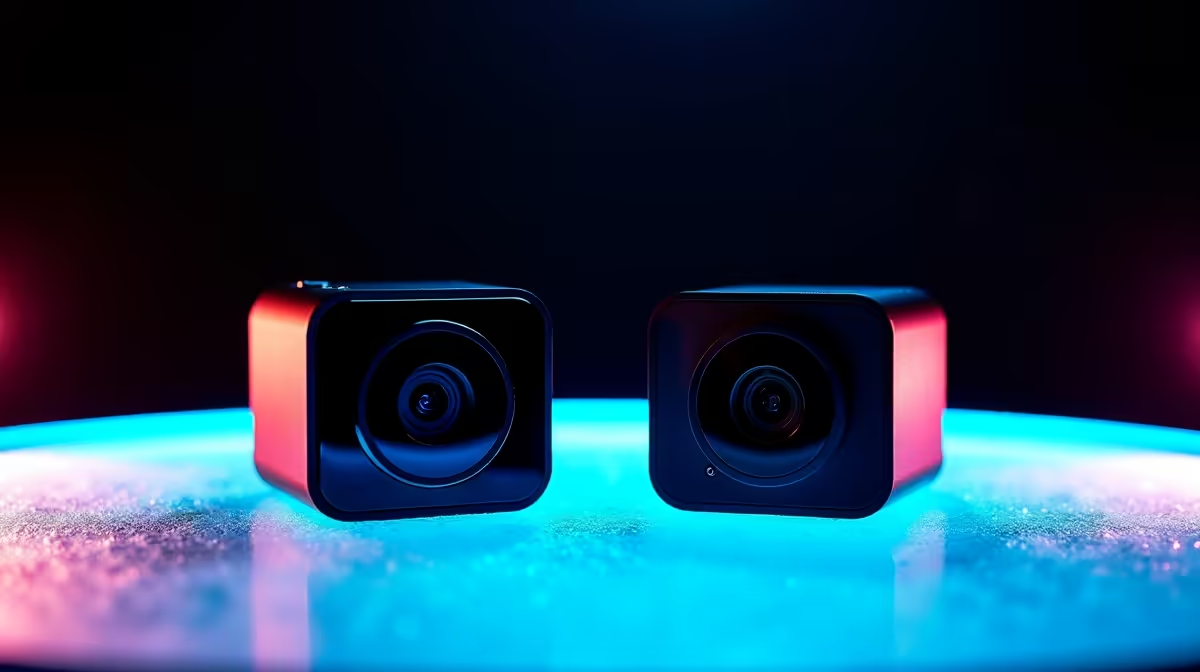
The Lorgar Rapax streaming camera and the Streamplify Cam are both solid budget webcam options for SA content creators, but the Lorgar Rapax generally offers better autofocus performance and a wider field of view, while the Streamplify Cam competes closely on image quality and provides better value in bundle-focused setups.
Lorgar Rapax vs Streamplify Cam - What You're Actually Choosing Between
Both the Lorgar Rapax and Streamplify Cam occupy the budget-to-mid-range streaming webcam segment that has grown significantly in South Africa as local content creation and remote work have expanded. Neither camera targets professional broadcast quality - that space belongs to mirrorless cameras with capture cards, which cost three to five times more. Instead, these webcams aim to deliver a clearly improved picture over laptop built-in cameras at a price accessible to SA streamers, tutors, and remote workers.
The Lorgar brand, while less established in South Africa than some competitors, has been making inroads in the local peripheral market through gaming-focused retailers. The Rapax specifically targets streamers with its plug-and-play USB connectivity, integrated privacy shutter, and autofocus system designed for the variable distances typical of a streaming setup where the creator might lean forward and back during a session.
Streamplify, a brand with deeper roots in the streaming peripheral ecosystem, designed its Cam around software integration, particularly with OBS Studio which is the dominant streaming platform for SA creators on a budget. The Streamplify Cam's companion software allows in-app adjustments without diving into OBS settings, which appeals to streamers who prefer to keep their workflow simple.
Image Quality and Video Performance Head-to-Head
Both cameras offer 1080p at 30fps as their base resolution, with some models in each line offering 1080p at 60fps for smoother motion capture. At a static desk setup with consistent lighting - which is the ideal but not always achievable condition for SA streamers dealing with load shedding-related lighting inconsistency - both cameras produce comparable results in terms of colour reproduction and sharpness at 1080p.
The Lorgar Rapax shows an advantage in low-light performance. Its lens aperture and sensor tuning produce less noise in scenes with suboptimal lighting - fluorescent office lights, single-bulb desk lamps, or the mixed natural and artificial light common in South African home setups. For streamers who go live in the evenings or in rooms without dedicated ring lights, the Rapax's low-light handling translates to a noticeably cleaner image.
The Streamplify Cam's autofocus system is competent but marginally slower to lock than the Rapax in testing. For talking-head streaming where the creator stays broadly in the same position, this difference is irrelevant. For IRL-style streams or creators who move frequently in frame, the Rapax's faster autofocus is a genuine advantage.
Field of view differs between the two: the Rapax offers a slightly wider FOV, which suits desk setups where showing the gaming peripherals, keyboard, or setup context is part of the content. The Streamplify Cam's narrower FOV creates a more portrait-focused shot that suits face-cam overlays in traditional gaming streams.
Build Quality, Compatibility, and SA-Specific Considerations
Both cameras use a universal clip mount that attaches to monitor tops and laptop screens, with tripod thread compatibility for stand mounting. Build quality at this price tier is plastic-dominant on both units, though the Lorgar Rapax's chassis feels marginally more substantial in hand. Neither camera is likely to survive a significant drop, so cable management and secure placement are important regardless of which you choose.
Windows plug-and-play compatibility is reliable on both units - no driver installation required, which matters for streamers who run clean setups or frequently reinstall their systems. Mac compatibility is also functional on both. Linux users have had slightly more consistent experiences with the Streamplify Cam in community reports, though neither camera targets the Linux streaming audience specifically.
For South African buyers, pricing in rands makes the decision more straightforward than feature lists alone. The Lorgar Rapax and Streamplify Cam are typically priced within R200 to R400 of each other locally. At that margin, the choice comes down to specific use case: the Rapax for low-light heavy setups and wider framing, the Streamplify Cam for OBS-integrated workflows and tighter face-cam composition.
Load shedding matters here in a practical way: both cameras need USB power from your PC to operate. If you're streaming on a UPS-backed system during an outage, the low power draw of USB webcams (typically 0.5W to 1W) means they add negligible load to your battery backup. Neither camera requires a separate power adapter, which simplifies your setup.
Frequently Asked Questions
Q: Do I need a ring light with either of these cameras for good streaming quality?
A: Dedicated lighting significantly improves results from both cameras, but the Lorgar Rapax handles ambient lighting better than most cameras at this price point. A basic ring light at R300 to R600 will improve either camera noticeably. If budget is tight, the Rapax performs better without dedicated lighting than the Streamplify Cam in dim conditions.
Q: Can I use either camera for video calls and remote work, not just streaming?
A: Both cameras work perfectly for Microsoft Teams, Zoom, and Google Meet. Plug-and-play compatibility means they're detected immediately. For SA remote workers who also want to stream on the side, either option is a solid dual-purpose investment.
Q: Is 1080p at 60fps worth the premium over 1080p at 30fps for streaming?
A: For most SA streamers, 30fps is the practical choice. Upload bandwidth in South Africa, particularly on ADSL or constrained fibre, may not sustain 60fps streams reliably. The 60fps benefit is primarily visible in the local recording for content editing, not the live stream itself unless your internet connection is stable above 8Mbps upload.
Q: What's the warranty situation for these cameras in South Africa?
A: Warranty coverage varies by retailer. Purchasing from a local South African retailer with an established returns and warranty process is strongly recommended over grey-market imports. Lorgar and Streamplify both offer limited manufacturer warranties, but local retailer support is your first line of recourse for faulty units.
Also at Evetech: Webcams | Streaming Gear
Ready to Find Your Perfect Match? Shop at Evetech