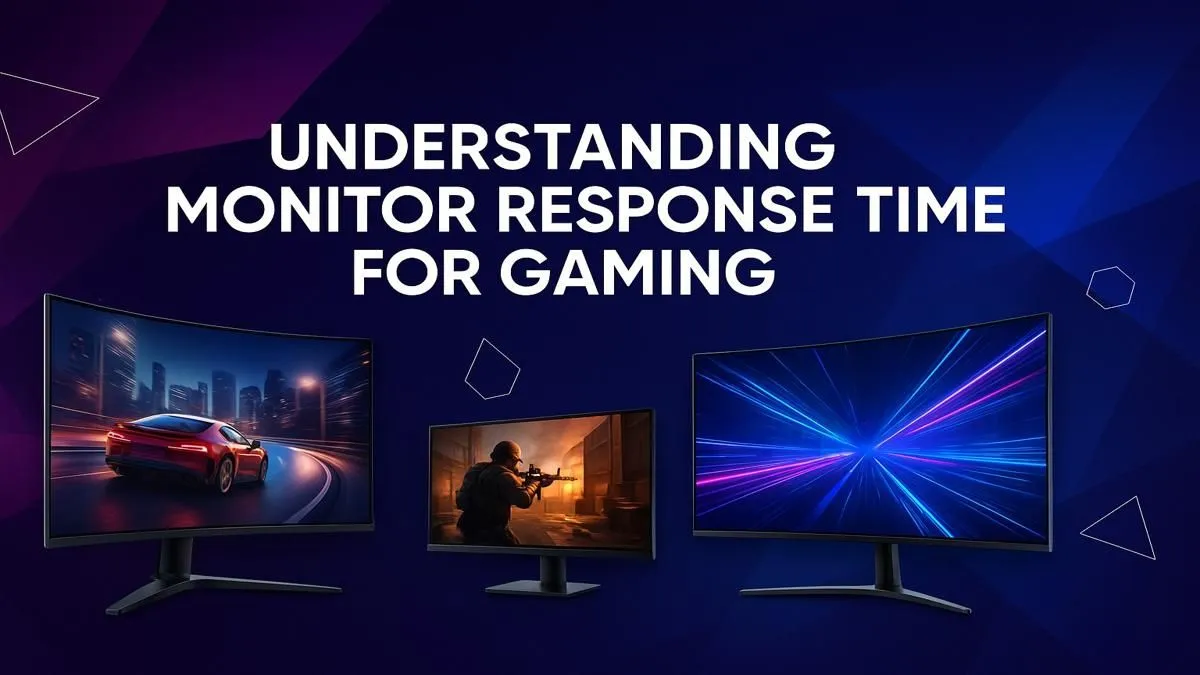
Ever missed a crucial shot in Valorant because of a blurry enemy peeking a corner? That split-second ghosting effect isn't just your imagination… it's your monitor struggling to keep up. In the fast-paced world of competitive gaming in South Africa, your monitor response time can be the invisible line between a glorious win and a frustrating loss. This guide will demystify this critical spec, helping you choose the perfect screen for your gaming style.
What Exactly is Monitor Response Time?
Let's cut through the jargon. Simply put, monitor response time measures how quickly a single pixel can change from one colour or shade to another. This is typically measured in milliseconds (ms). The most common standard you'll see is "GtG," which stands for Grey-to-Grey. A lower number means a faster transition, resulting in a sharper, clearer image during fast motion.
A fast response time is what allows your monitor to keep pace with the high frame rates your GPU is pushing out, ensuring the image you see is crisp and precise, especially when the action heats up.
Why a Fast Response Time is Crucial for Gaming ⚡
Ever noticed a faint trail or "ghost" behind a moving object on your screen? That's a classic sign of a slow response time. This motion blur can be a massive disadvantage in competitive games.
Imagine you're holding an angle on Dust II. An opponent sprints across your screen.
- With a slow response time: The enemy player model appears blurred and indistinct, making it incredibly difficult to land a precise headshot.
- With a fast response time (e.g., 1ms): The player model remains sharp and defined, allowing your muscle memory to take over for a clean, reactive flick shot.
This clarity is why a low gaming monitor response time is a non-negotiable feature for anyone serious about their performance. It provides a tangible competitive edge by delivering the clearest possible picture in the most chaotic moments.
Pro Tip: Tame Your Overdrive 🔧
Most gaming monitors have an 'Overdrive' or 'Response Time' setting in their menu (e.g., Normal, Fast, Fastest). While 'Fastest' sounds best, it can sometimes cause 'inverse ghosting'—a bright halo effect. Test different settings in-game to find the sharpest image without artefacts. The middle setting is often the sweet spot!
Finding the Sweet Spot: Response Time vs. Other Specs
A great gaming display is all about balance. A lightning-fast response time is fantastic, but it's only one piece of the puzzle. It works hand-in-hand with your monitor's refresh rate, which is measured in Hertz (Hz). Refresh rate is how many times your screen updates the image per second.
Think of them as a team:
- Refresh Rate (Hz): Determines how smooth the motion looks. (e.g., 144Hz is smoother than 60Hz).
- Response Time (ms): Determines how clear that motion is.
A 1ms response time truly shines when paired with a high refresh rate (144Hz or higher), as this combination delivers both fluid and sharp visuals. When browsing for general PC monitors, always consider how these two key specifications work together.
Do You Always Need 1ms? A Guide by Genre 🚀
So, is a sub-1ms response time the only option? Not necessarily. The "best" monitor response time for gaming really depends on what you play.
For the Competitive Pro (FPS, Racing, Fighters)
If you live on the servers of CS:GO, Valorant, or Apex Legends, the answer is a resounding yes. Every millisecond counts. Aim for a monitor with a 1ms GtG response time or less to gain the maximum competitive advantage.
For the Adventure & RPG Gamer
When you're exploring the vast, beautiful worlds of Elden Ring or Baldur's Gate 3, visual fidelity and immersion are often the priority. A response time of 5ms or less is perfectly adequate here. This allows you to focus on other features, like the incredible immersion of curved monitors or the breathtaking detail of stunning 4K monitors, which bring these worlds to life.
For the LAN Party Hero & Hybrid User
For those who game on the go or attend local LANs, the growing range of portable monitors now offers impressive gaming specs in a compact form factor. A good all-rounder with a response time under 5ms will serve you well for both work and play.
Completing Your Perfect Setup ✨
Your quest for the perfect display doesn't end with the panel. To truly optimise your battle station, consider ergonomic and performance-enhancing monitor accessories. A quality monitor arm can save desk space and put the screen at the perfect eye level, reducing strain during those marathon gaming sessions.
Ultimately, the ideal monitor response time isn't a single number—it's the one that matches your primary games and budget. Understanding the trade-offs between speed, colour, and resolution empowers you to invest your hard-earned Rands wisely, ensuring your new screen is a true upgrade, not a bottleneck.
Ready to See the Difference? Armed with knowledge, you can now find the screen that truly matches your gaming style. From lightning-fast esports displays to gorgeous 4K panels, the perfect upgrade is waiting. Explore our massive range of gaming monitors and find the perfect match to dominate the competition.