Dropping into Pochinki only to find buildings looking like melted blobs of clay is a nightmare. You cannot enter doors... you get stuck in walls... and enemies see you before you see them. In South Africa, we call this the "marshmallow effect." If you want to Move PUBG to SSD to Fix Marshmallow Buildings, you are in the right place. It is the most effective performance boost available. 🔧
Why Marshmallow Buildings Ruin Your Chicken Dinner
The issue stems from your storage drive speed. Older hard drives (HDDs) struggle to load massive textures fast enough. While you are falling from the plane, your PC is frantically trying to read data. If the drive is slow, the game renders low-poly placeholders. You can find incredible best SSD deals starting at under R500 to solve this instantly. ⚡
How to Move PUBG to SSD to Fix Marshmallow Buildings
You do not need to reinstall the entire game. Steam has a built-in tool for this. Simply right-click PUBG in your library and select Properties. Navigate to "Installed Files" and click "Move install folder." Select your faster drive. Using modern solid state drives ensures that textures stream in before your boots hit the ground.
Steam Library Management ⚡
Use Steam's built-in 'Move Install Folder' tool under the 'Installed Files' tab. It transfers the entire game without needing a full re-download. This saves you gigabytes of data and hours of waiting on a slow South African internet connection.
Internal vs External Performance Boosts
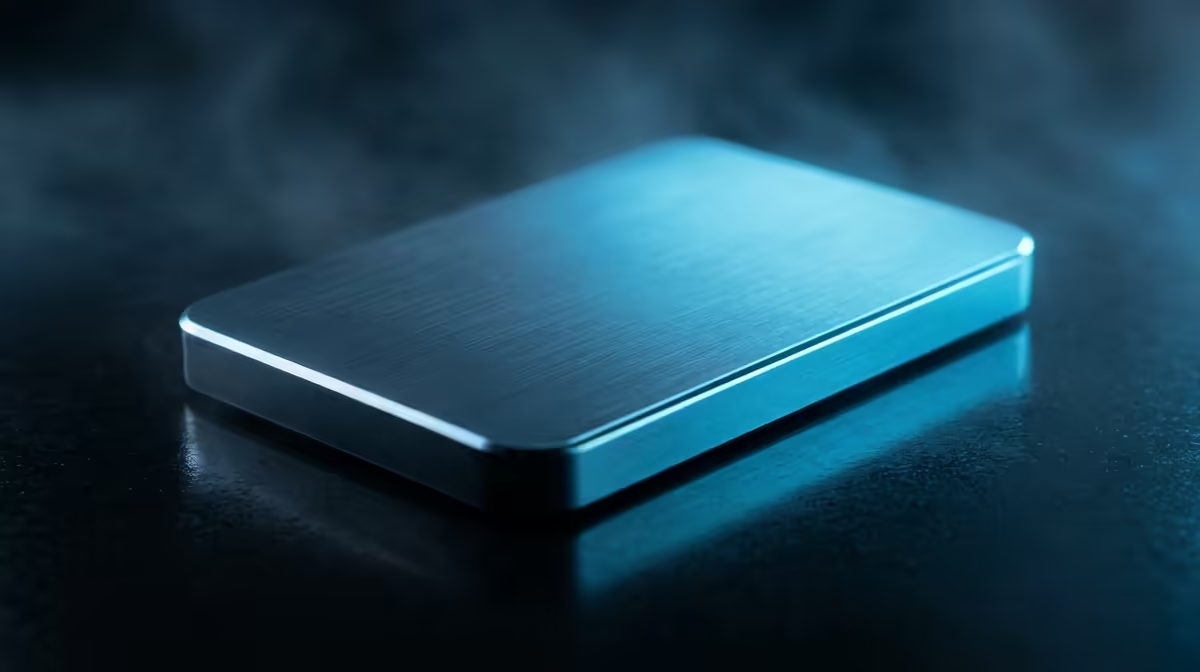
Laptop gamers often feel stuck with limited internal space. However, you can still get great results with an external SSD via a USB 3.0 port. It is still significantly faster than an old mechanical drive. For desktop users, NVMe SSDs are the gold standard. These drives plug directly into the motherboard. They offer speeds up to 3500MB/s or higher. 🚀
Optimising Your Setup for Battle Royale
A faster drive does more than just fix textures. It reduces stuttering when you open your inventory. It also helps you load into the lobby before the countdown ends. Browsing our full range of SSDs allows you to pick the perfect capacity for your library. Do not let slow hardware cost you a win... upgrade your storage today. ✨
Ready to Delete the Marshmallows? Don't let slow loading times stand between you and a Win. Whether you need a lightning-fast NVMe or a reliable SATA drive, we have the best prices in South Africa. Explore our massive range of SSD specials and upgrade your gaming experience today.