Quick Answer
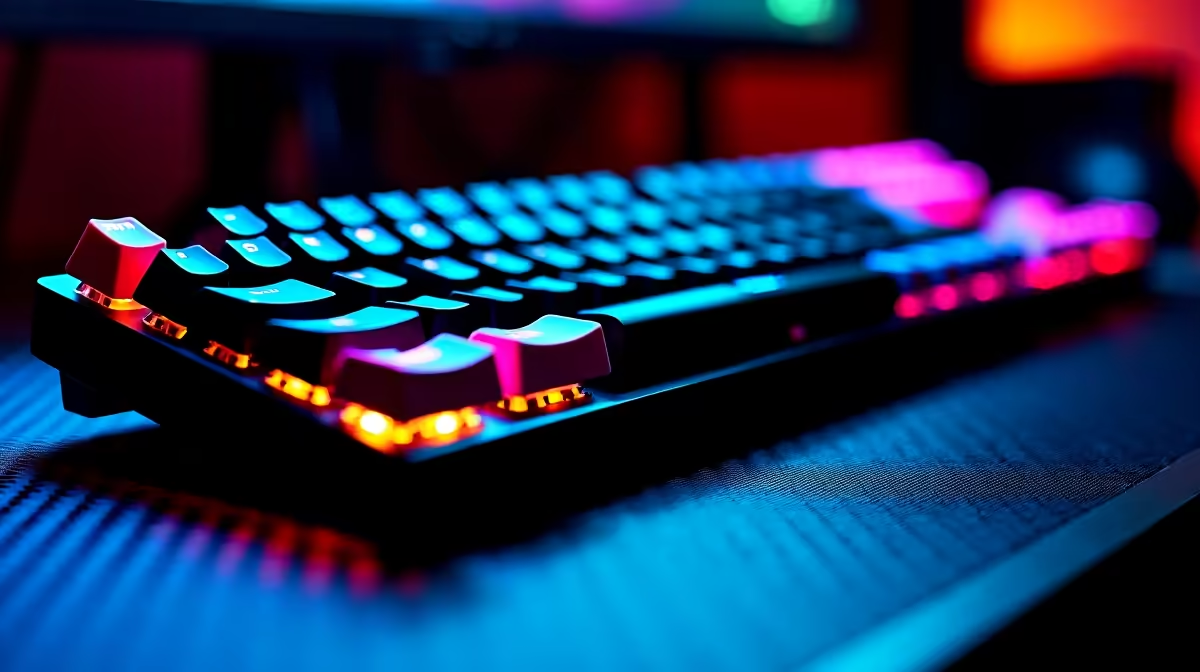
For Valorant, choose a compact mechanical keyboard with consistent switches, anti-ghosting, and a layout that leaves mouse space free. A TKL, 65%, or 60% board is usually better than a full-size keyboard for SA players who need wide mouse movement on smaller desks.
Prioritise Layout And Consistency
Valorant does not need a number pad, but it does reward clean movement inputs. TKL and 65% keyboards keep arrow or utility keys while giving your mouse more room; 60% boards save even more space but require more function-layer habits.
Broad local pricing can run from about R700 for entry mechanical boards to R3,500 or more for premium hot-swap or Hall-effect models. Spend on stable switches and a rigid chassis before decorative extras.
Switch Feel Matters More Than Noise
Linear switches are popular for fast repeated movement because they feel smooth and predictable. Tactile switches can work if you like feedback, but clicky switches are often distracting in shared rooms, residences, or late-night sessions.
Hall-effect boards with rapid-trigger style features can help advanced players, but they are not required to rank up. Good crosshair placement and stable fps matter more than keyboard marketing claims.
Check Desk And Network Reality
SA players in university residences or shared flats often work with limited desk depth. A smaller keyboard, large mousepad, and stable Ethernet connection can improve the setup more than buying the flashiest board. Keep a spare USB-C cable if your keyboard uses a detachable one.
FAQ
Is a 60% keyboard good for Valorant?
Yes, if you are comfortable with function layers. It gives maximum mouse space, which helps low-sensitivity players.
Are rapid-trigger keyboards necessary?
No, they are a premium advantage for some players, not a requirement. A normal mechanical keyboard with reliable switches is enough for most ranked play.
Should I choose wired or wireless?
Wired is the simplest low-latency option. Wireless is fine if the board has a proper gaming mode and you keep it charged.
keyboard angle after placing the mousepad; do not let the board steal the space your aim needs.