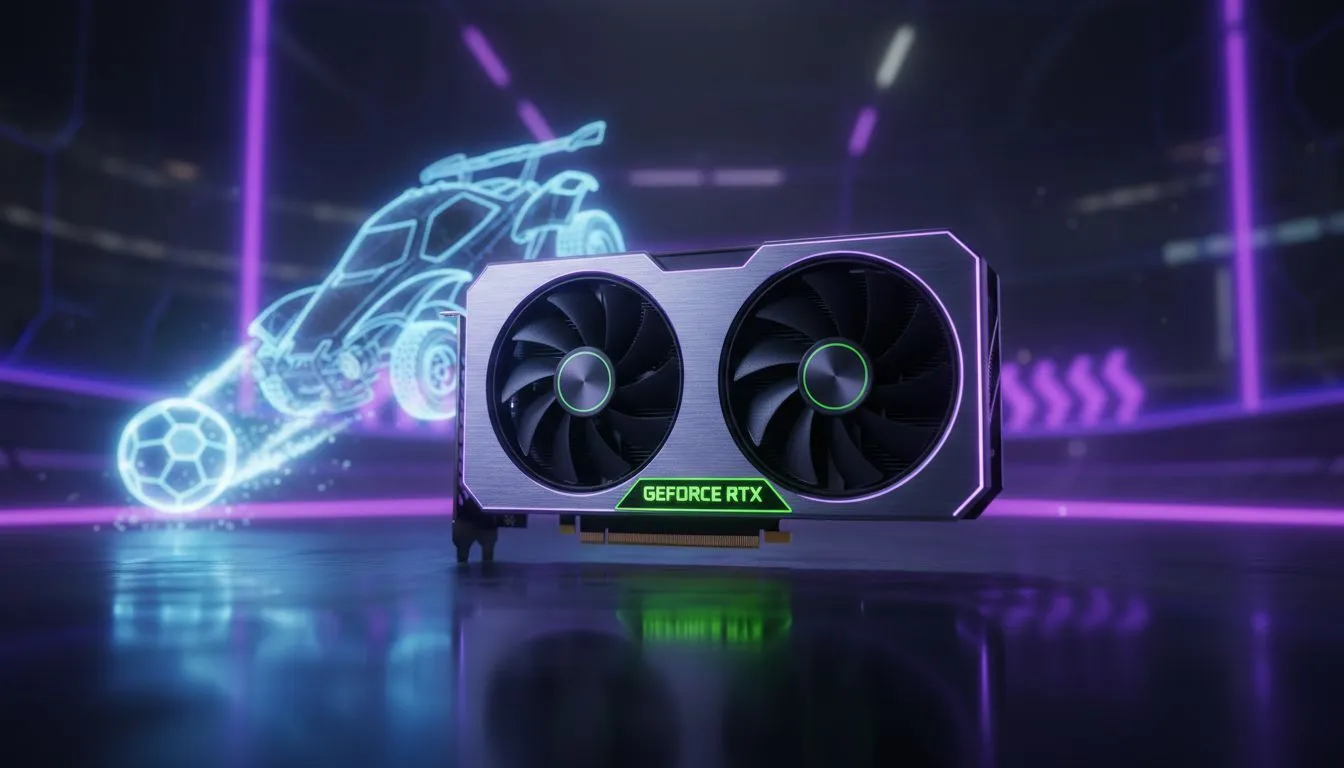
The Latency Struggle for South African Rocket League Players
You have the perfect line. You jump for the aerial... but you’re a millisecond too late. In South Africa, we already fight high ping to European servers. Adding local input delay to that mix is a recipe for a demotion. Learning how to use NVIDIA Reflex Rocket League settings to reduce input delay is the easiest way to sharpen your mechanics and climb the ranks. ⚡
How NVIDIA Reflex Works in Rocket League
Input lag is the time it takes for your button press to show up on your monitor. In a fast-paced game like Rocket League, even a tiny delay means missing a crucial 50/50 or failing a flick. NVIDIA Reflex bypasses the traditional render queue. It allows the CPU and GPU to work in perfect sync. This reduces the "click-to-photon" latency significantly.
When you enable this feature, your car feels more responsive. You aren't just fighting the physics of the ball... you are finally in total control of your machine. To get the most out of this technology, ensure you are using modern NVIDIA graphics cards that support the latest driver updates.
Reflex + Boost Mode 🚀
If you have a powerful enough power supply, try the 'On + Boost' setting in the Rocket League video options. This keeps the GPU clock speeds high even when the game is CPU-bound, ensuring the lowest possible latency during intense goal-mouth scrambles.
Settings to Reduce Input Delay Immediately
To start, head into your Rocket League video settings. Look for the NVIDIA Reflex Low Latency option. Switch it to "On" or "On + Boost". However, hardware is just as important as software. If your frame rate is stuttering, your input lag will spike regardless of your settings.
For those looking to upgrade their rig for competitive play, MSI NVIDIA GPUs are a top-tier choice for South African gamers. They offer excellent cooling which prevents thermal throttling... a common cause of sudden frame drops and input lag during long gaming sessions in our warmer climate.
Choosing the Right GPU for Competitive Play
While NVIDIA leads the way with Reflex, they aren't the only players in the game. If you are on a strict budget but still want a smooth experience, Intel Arc graphics cards provide a surprising amount of performance for the price. They might not have Reflex, but high raw frame rates still help lower overall latency.
For the pure enthusiasts who want an alternative ecosystem, AMD Radeon graphics cards utilise Anti-Lag technology. This serves a similar purpose to Reflex by synchronising the CPU and GPU to keep your inputs crisp.
It is worth noting that while workstation graphics cards are monsters for rendering and 3D design, they aren't optimised for the ultra-low latency requirements of Rocket League. Stick to gaming-grade hardware to ensure you get the Reflex support you need. ✨
Why Milliseconds Matter in the Diamond and Champ Ranks
As you move up the ranks in South Africa, the margin for error shrinks. At Gold rank, you might get away with a bit of lag. At Champion or Grand Champion, everyone is fast. If your hardware is holding you back by 15 or 20 milliseconds, you are essentially playing with a handicap.
By combining NVIDIA Reflex Rocket League optimisations with a high-refresh-rate monitor, you effectively "de-noise" your gameplay. You see the ball earlier, you react faster, and those awkward back-wall clears become second nature. It’s about removing every possible barrier between your brain and the pitch. 🔧
Ready to Dominate the Pitch?
Don't let input lag be the reason you stay stuck in Platinum. Whether you need the latest Reflex-capable GPU or a full system overhaul, we have the best deals in South Africa. Explore our massive range of graphics card specials and start hitting those double taps with precision.