


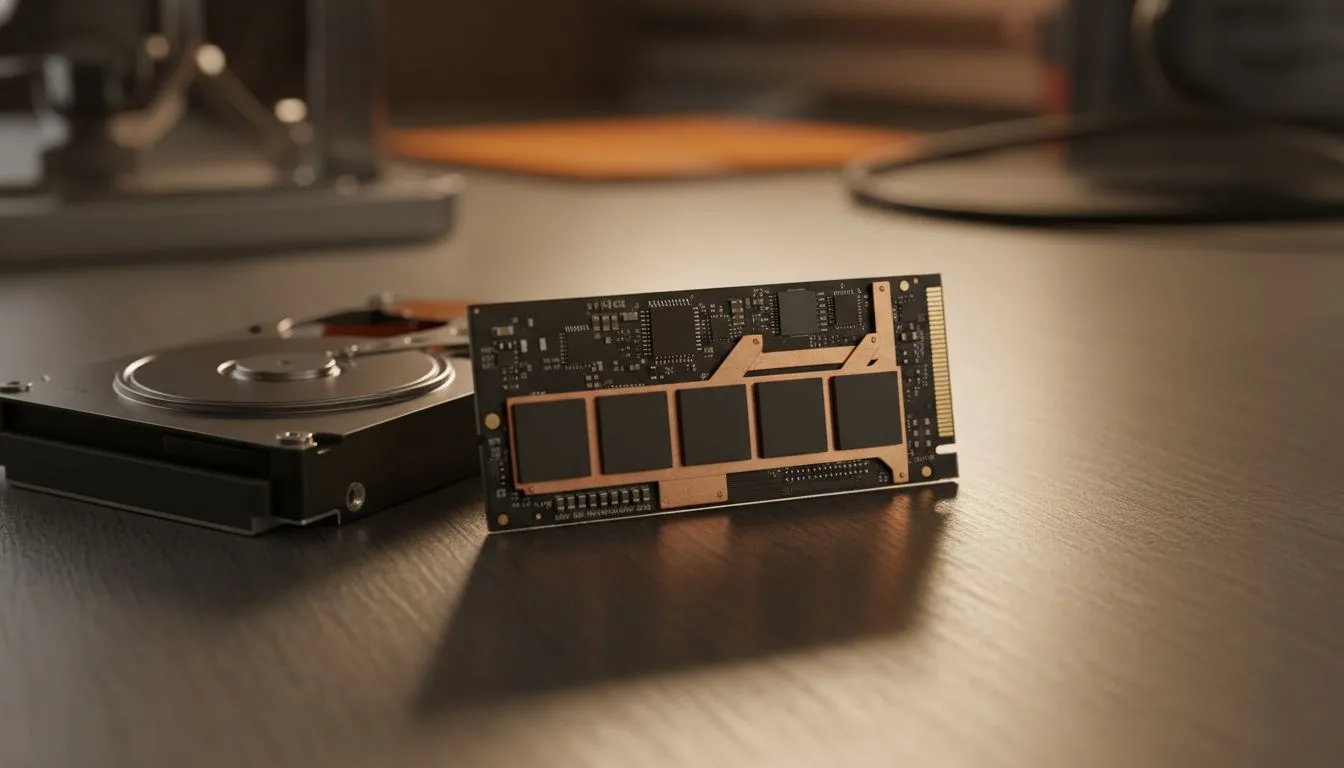
Still waiting for your laptop to boot while your morning coffee gets cold? In South Africa, where every second of uptime counts, storage speed is everything. Comparing an nvme ssd vs hdd: why speed matters for your laptop reveals a massive performance gap. It is not just about faster loading screens... it is about a responsive system that keeps up with your daily pace ⚡.
Understanding the NVMe SSD vs HDD performance gap
Traditional Hard Disk Drives (HDDs) rely on spinning platters and moving heads. They are mechanical, which makes them the bottleneck in any modern system. In contrast, NVMe SSDs use flash memory and the high-speed PCIe bus. This allows for data transfer speeds that are often 20 to 30 times faster than an old-school drive. If you are browsing the best gaming laptop deals, you will notice that almost every top-tier machine has ditched the HDD entirely.
Why storage speed matters for your laptop in 2024
Speed affects more than just your boot time. It influences how quickly apps open and how smoothly your operating system handles background updates. For those looking at geforce rtx gaming laptops on special, an NVMe drive is essential to prevent stuttering in open-world games. Modern titles constantly stream assets from the drive... a slow HDD simply cannot keep up with a powerful GPU.
Storage Health Tip ⚡
To keep your NVMe SSD running at peak performance, try to keep at least 15% of the drive space empty. This allows the controller to perform wear-levelling and garbage collection more efficiently, ensuring your laptop stays snappy for years to come.
Balancing performance and budget in South Africa
You do not need to spend a fortune to get away from slow mechanical drives. You can find excellent buy gaming laptops under r20k that come standard with fast SSD storage. These machines offer a snappy experience for work and play without the high price tag.
When choosing between processors, the storage still plays a huge role. Our latest intel laptops on special take full advantage of rapid NVMe lanes for multitasking. Similarly, the ryzen laptop deals currently available provide incredible power efficiency alongside high-speed data access. 🔧
Reliability and battery life benefits
Beyond raw speed, NVMe SSDs are more durable. Since they have no moving parts, they are less likely to fail if you bump your laptop. They also consume less power than HDDs... this means more minutes of battery life when you are away from a plug point. For the mobile professional or student in SA, that extra bit of juice is vital 🚀.
Ready to Find Your Perfect Match? The NVMe SSD vs HDD debate is settled... speed wins every time. For maximum performance and value in South Africa, upgrading to modern storage is the smartest move you can make. Explore our massive range of laptop specials and find the perfect machine to conquer your world.











