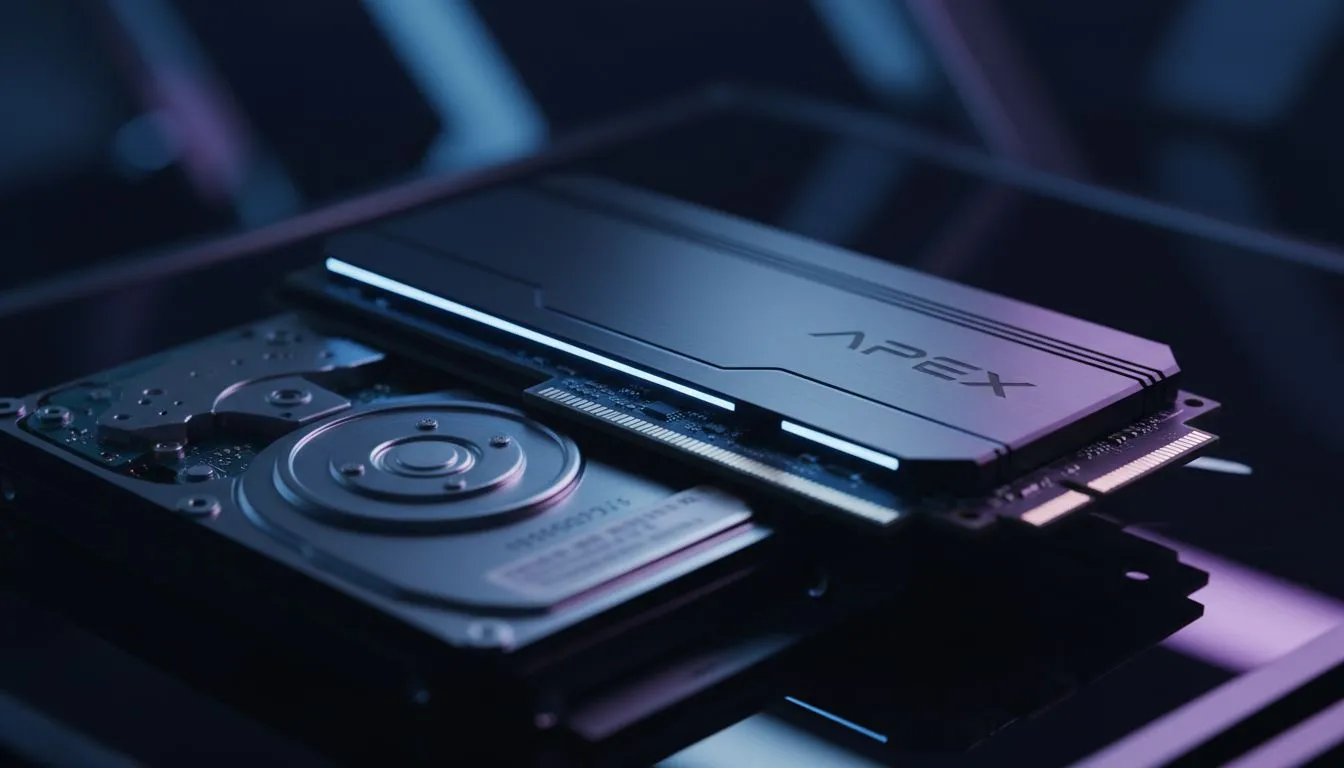
Understanding the NVMe vs HDD for Apex Debate
Dropping into a hot zone in Apex Legends only to have your screen freeze as you reach for a P2020 is a special kind of pain. While many South African gamers blame their GPU or local ping, the culprit is often hiding in your drive bay. If you are still running Apex on an old mechanical drive, you are fighting a losing battle against stutters. ⚡
The core of the issue lies in how modern games handle data. Apex Legends constantly streams high-resolution textures and audio files from your storage to your RAM. A traditional Hard Disk Drive (HDD) relies on a physical spinning platter and a moving arm. When the action gets intense, the HDD simply cannot keep up with the data requests. If you want to eliminate these bottlenecks, the first step is to buy solid state drives that can handle the modern Respawn Entertainment engine.
Why NVMe Fixes Micro-Stutters in Battle Royales
You might wonder if the upgrade is worth the ZAR investment. In a fast-paced shooter, micro-stutters often occur when the game engine pauses for a millisecond to wait for a texture to load. This is where NVMe technology shines. Unlike standard SATA drives, NVMe (Non-Volatile Memory Express) uses the PCIe lanes to communicate directly with your CPU.
This direct path significantly reduces latency. When you buy NVMe SSDs, you are essentially giving your system a massive bandwidth boost. Instead of waiting for a mechanical arm to find data, the system accesses it almost instantly. This transition ensures that as you move through World’s Edge or Storm Point, the environment loads seamlessly around you without those jarring hitches.
Apex Optimisation Tip ⚡
To further reduce stutters after installing your new drive, ensure your "Texture Streaming Budget" in the Apex settings matches your GPU's VRAM. Setting this too high can cause hitches even on fast storage, as the system struggles to swap assets between the SSD and the graphics card memory.
Comparing Performance Across Storage Types
While a standard SATA SSD is a massive leap over an HDD, the NVMe vs HDD for Apex comparison is night and day. Loading into the Legend selection screen becomes nearly instantaneous... and you will likely be the first person to lock in your main. If you are building a new rig or upgrading an old one, browsing a wide range of internal SSDs is the most cost-effective way to improve "one percent low" frame rates. 🔧
For gamers on the move or those using gaming laptops with limited internal slots, you don't have to miss out. You can buy external SSD options that still outperform internal HDDs by a significant margin. This is particularly useful for keeping your library portable without sacrificing the smooth gameplay required for ranked matches. 🚀
Finding the Best Value for Your Upgrade
Upgrading your storage doesn't have to break the bank. In the current South African market, the price-per-gigabyte for high-speed storage has dropped significantly. You can often find the best SSD deals starting from under R1,000 for substantial capacities.
When you factor in the reduction in boot times, the elimination of texture pop-in, and the general snappiness of Windows, the choice becomes clear. An NVMe drive isn't just about speed... it's about consistency. In a game where a split second determines who wins the 1v1, having a stutter-free experience is your greatest competitive advantage. ✨
Ready to Eliminate the Stutter?
Don't let an old hard drive hold back your Apex Legends performance. Whether you need a lightning-fast NVMe or a reliable SATA upgrade, we have the hardware to keep you in the fight. Explore our massive range of SSD specials and experience Apex the way it was meant to be played.