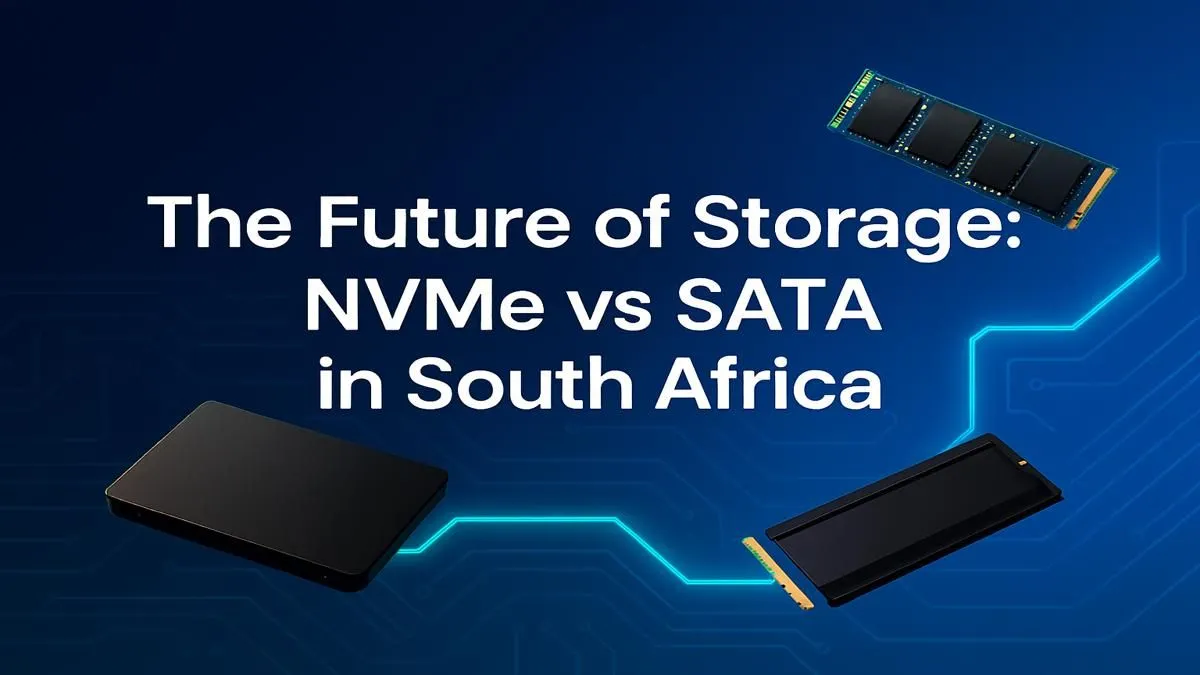
Staring at a loading screen while your mates are already in the gulag? It’s a classic Mzansi gaming pain. The culprit is often your storage drive. Choosing an SSD isn't just tech jargon; it's the difference between instant action and frustrating waits. Let's break down the NVMe vs SATA South Africa debate, so you can make the smartest call for your rig and your budget, and get back in the game faster.
Understanding the Basics: What is a SATA SSD?
Think of a SATA SSD as the reliable workhorse of modern storage. It uses the same interface as the old, clunky hard drives you're trying to escape, but it's worlds faster. Housed in a 2.5-inch casing, a SATA SSD caps out at speeds around 550MB/s.
While that might sound slow compared to its newer sibling, it's still a monumental leap from a traditional HDD. For booting up Windows in seconds, slashing game load times, and making your entire PC feel more responsive, these dependable 2.5-inch SSDs offer incredible value for money. 🔧
Enter the Speedster: Why NVMe Dominates 🚀
If SATA is a well-paved road, NVMe (Non-Volatile Memory Express) is a multi-lane Autobahn. These drives ditch the old cables and plug directly into your motherboard's M.2 slot, using the high-speed PCIe bus—the same one your graphics card uses.
The result? A staggering performance increase. Entry-level NVMe drives start around 3,500MB/s, with newer Gen4 models pushing well past 7,000MB/s. This raw speed makes a noticeable difference in demanding tasks. For anyone serious about performance, exploring our range of blazing-fast NVMe SSDs is a must.
NVMe vs SATA in South Africa: The Practical Choice
So, which one is actually right for your setup here in SA? The answer depends entirely on what you do with your PC.
For the Hardcore Gamer & Content Creator
When comparing NVMe vs SATA for high-end gaming and content creation, NVMe is the clear winner. Those massive open-world games like Starfield or Cyberpunk 2077? They load significantly faster, and you'll see less texture pop-in as the drive can feed data to your GPU at an incredible rate. Likewise, if you're editing 4K video or working with huge project files, the time saved on transfers and rendering is enormous.
Check Your Motherboard First!
Before you buy a slick new NVMe drive, double-check your motherboard's specifications online. You need a free M.2 slot that supports PCIe NVMe. This quick five-minute check can save you a massive headache and a return trip!
For the Everyday User & Budget Builder
Let's be realistic. If your PC is mainly for browsing, streaming, Microsoft Office, and playing games like Valorant or League of Legends, you won't feel the full benefit of NVMe speeds. A high-quality SATA SSD will still make your system feel lightning-fast compared to an HDD, and you can put the Rands you save towards a better graphics card or more RAM.
The Rand-for-Rand Breakdown: Is NVMe Worth It?
A few years ago, the price gap between NVMe and SATA was huge. Today, that gap has shrunk dramatically. While SATA SSDs still offer slightly more gigabytes per Rand, the performance-per-Rand value of NVMe is undeniable. ⚡
The choice between NVMe and SATA in South Africa often comes down to your primary use case and budget. For a new gaming rig, we'd strongly recommend an NVMe as your main (boot) drive for your OS and favourite games. A larger SATA SSD can then serve as excellent, affordable storage for the rest of your game library. To find the best of both worlds, it's always smart to check out the latest SSD deals in South Africa to see where you can get the most bang for your buck.
Ready to Ditch the Lag?
Whether you need the raw speed of NVMe or the reliable value of SATA, the right storage upgrade is waiting for you. Explore our full range of SSDs and give your PC the performance boost it truly deserves. Shop now at Evetech for performance that leaves lag in the dust.