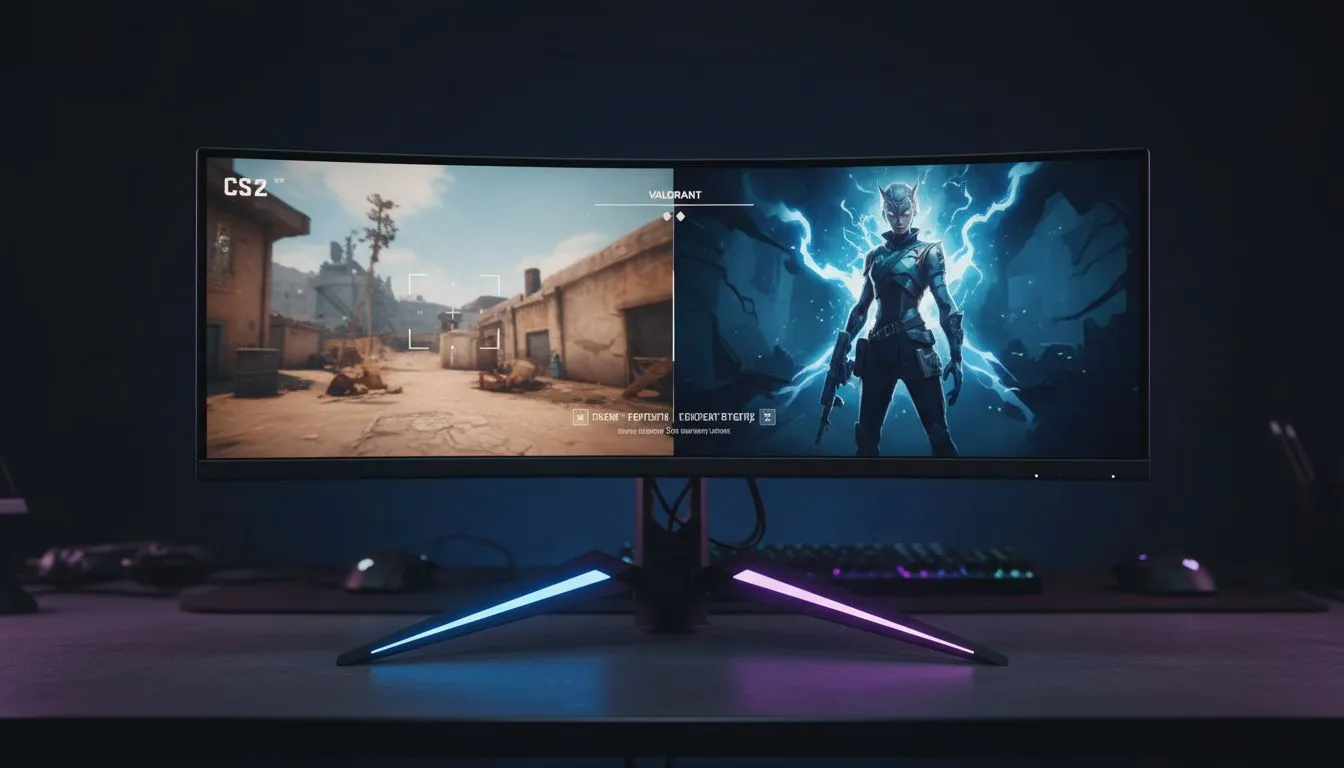
In the high-stakes world of CS2 and Valorant, a single frame often separates a clutch victory from a frustrating defeat. South African gamers know that low ping isn't the only factor in winning... your display setup matters just as much. If you haven't taken the time to optimize monitor settings for CS2 and Valorant, you are likely leaving headshots on the table. ⚡
Maximising Refresh Rates for Competitive Edge
The first step in any competitive setup is ensuring your hardware is actually running at its full potential. Many players buy high-end screens but forget to change the Windows display settings to the maximum refresh rate. You should check our latest best pc monitor deals to find panels capable of 240Hz or higher. A higher refresh rate reduces input lag significantly. It makes tracking fast-moving targets in Valorant feel much smoother.
Choosing the Right Resolution and Aspect Ratio
Most professionals prefer 1920x1080 for the best balance of clarity and performance. In CS2, some players still use 4:3 stretched resolutions to make player models appear wider. If you are looking for a new display, our range of pc monitors offers various sizes to suit your desk space. Stick to native resolution if you prefer the crispest visuals. Lower resolutions can boost your frames per second... which is vital for maintaining a stable 1% low framerate.
Colour Vibrance and Enemy Visibility
Visibility is king in tactical shooters. You want to adjust your digital vibrance or saturation so that character models pop against the background. We stock all gaming monitors featuring specialised "Black Equalizer" or "Night Vision" modes. These settings brighten dark corners without blowing out the highlights. This ensures that a lurking CT in a dark corner of Mirage is easily spotted. 🔧
Motion Clarity Pro Tip ⚡
Always disable 'Motion Blur' in your in-game settings for CS2 and Valorant. If your monitor supports it, enable 'Black Frame Insertion' or 'DyAc' to sharpen moving targets. This reduces the ghosting effect when you are flicking your crosshair across the screen during intense gunfights.
Immersion Versus Competitive Focus
While many pros stick to flat panels, some local players enjoy the wrap-around feel of curved monitors for general gaming. However, for CS2, a flat screen is usually preferred to avoid any perceived distortion of straight lines. If you travel to local LAN events often, you might even consider portable monitors as a secondary screen for Discord or stream chats. 🚀
High Resolution and Setup Ergonomics
If you use your PC for work and play, you might look at 5k 4k monitors for that extra real estate. Just remember that pushing 4K in CS2 requires a beastly GPU to keep the frames high. Finally, do not neglect your posture. Investing in quality monitor accessories like gas-spring arms can help you find the perfect eye level. This reduces neck strain during those long weekend rank grinds. ✨
Ready to Find Your Perfect Match?
The right display can transform your competitive experience from 'average' to 'ace'. For the best performance and value in South Africa, our curated selection is ready for you. Explore our massive range of monitor specials and find the perfect screen to dominate the server.