

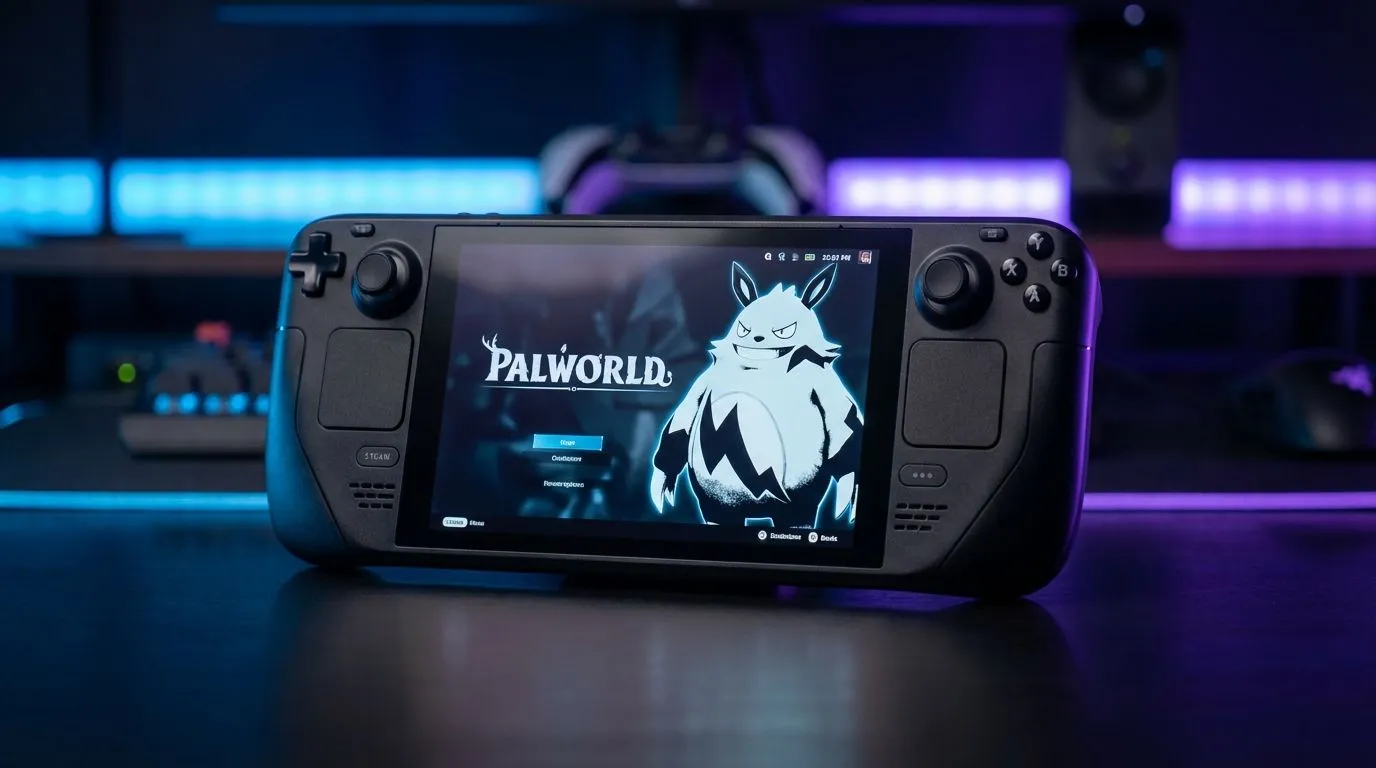
Collecting Pals is addictive, but watching your battery percentage drop faster than a Stage 6 schedule is a nightmare. Whether you’re grinding for resources on the Gautrain or lounging during a power outage, getting Palworld to run smoothly on a portable rig requires a delicate balance. Here is how to optimise your device for the perfect mix of frames and playtime.
The Handheld Balancing Act
Palworld is an Early Access title, meaning optimization isn't quite fully baked yet. This puts a heavy strain on hardware. If you have recently picked up one of the latest handheld gaming consoles, you likely noticed that running the game on "High" settings drains your battery in under an hour.
To find the Palworld handheld best settings, you need to prioritize stability over visual fidelity. We aren't looking for 4K ray tracing here... we just want a smooth experience that doesn't turn your device into a heater.
Graphics Settings: The Sweet Spot
For most devices using the Z1 Extreme or similar chipsets, specifically the ASUS ROG Ally, dropping your resolution to 720p or 900p is the first step. The smaller screens make the drop in pixel count barely noticeable, but the performance gain is massive.
Here are the recommended in-game settings:
- Presets: Low or Medium
- View Distance: Medium (you need to see Pals from afar)
- Grass Details: Low
- Shadows: Low
- Motion Blur: Off
Upscaling and Resolution
This is where the magic happens. On devices with larger, vibrant screens, like the Lenovo Legion Go, you can utilize resolution scaling to keep things looking sharp without melting the GPU.
Turn on FSR (FidelityFX Super Resolution) and set it to "Balanced" or "Performance". This renders the game at a lower resolution and upscales it to fit your display ⚡. It is arguably the most critical tweak for achieving the Palworld handheld best settings regarding battery longevity.
Battery Saver Pro Tip 🔋
Don't underestimate the Frame Limiter. While 60 FPS feels great, capping your game to 30 or 40 FPS can extend your battery life by 30-40 minutes. In a survival game like Palworld, consistent frame pacing often feels better than a fluctuating high frame rate.
TDP and Power Profiles
Hardware power profiles dictate how much juice your processor sips. While it is tempting to run "Turbo" modes on devices like the MSI Claw, it is usually overkill for this title if you have tuned your graphics correctly.
For a balanced session, manually set your TDP (Thermal Design Power) to 15W. This generally provides enough power to maintain 30-40 FPS with the settings above, while keeping fan noise down and battery life up. If you are near a wall socket, feel free to bump it to 25W for smoother performance in crowded base areas.
Final Thoughts
Achieving the Palworld handheld best settings is about compromise. By lowering shadows, utilizing FSR, and capping your frame rate, you can turn a 45-minute sprint into a 2-hour session 🚀. Now you can keep building your base even when Eskom decides to flip the switch.
Take Your Gaming Anywhere Tired of being tethered to a desk? Experience the freedom of AAA gaming in the palm of your hand. Browse our best deals on handheld consoles and find the perfect portable companion for your next adventure.











