


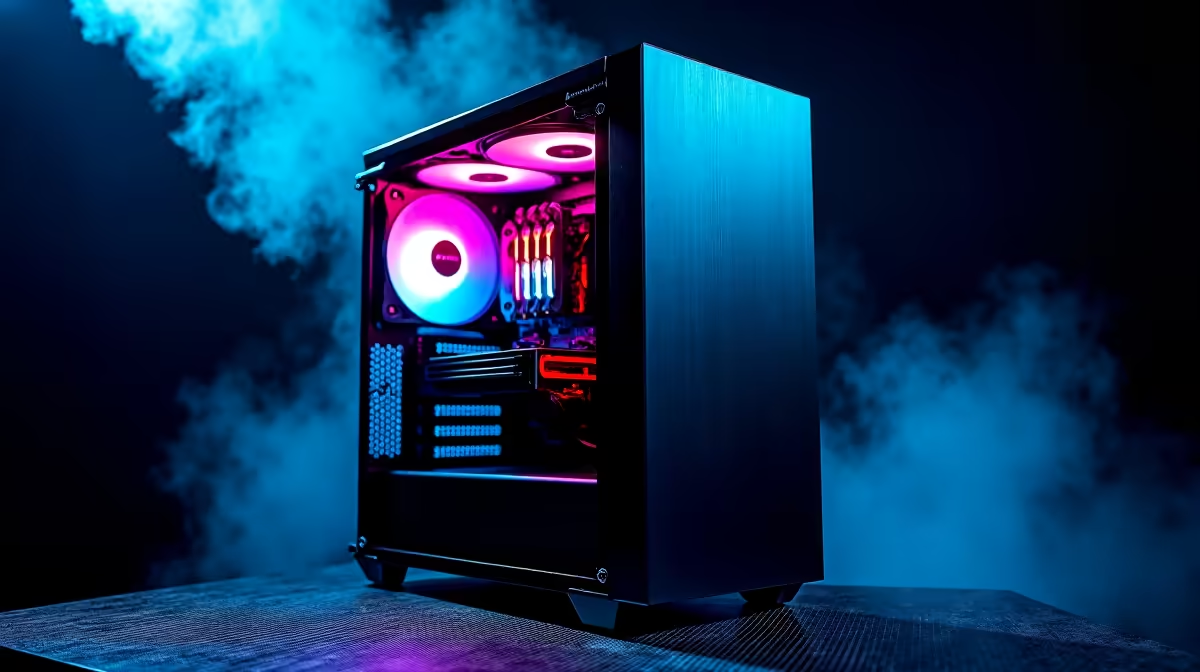
Is your once-mighty DeepSeek PC feeling a bit sluggish? Before you blame lag or your ISP, the culprit might be closer to home. In South Africa, our unique climate of heat and dust can choke performance, turning your gaming rig into a glorified space heater. 🥵 But don't stress! This practical PC maintenance guide for South Africa is your secret weapon to restoring that day-one speed and keeping your machine running cool and fast.
Your First Defence: Conquering Dust and Heat
Let's be honest, dust is a constant battle in SA. It gets everywhere, and inside your PC, it’s a performance killer. A layer of dust acts like a blanket, trapping heat and forcing your fans to work overtime, which creates more noise and can lead to thermal throttling—where your components slow down to prevent overheating.
Here’s a simple routine to keep things clean:
- Power Down Completely: Shut down your PC and unplug it from the wall. Safety first!
- Get Outside: If possible, take your PC outside or to a well-ventilated area to avoid blowing dust all over your room.
- Use Compressed Air: Grab a can of compressed air and use short, controlled bursts to blow dust out of your fans, heatsinks, and vents. Focus on the CPU cooler, graphics card fans, and case intake filters.
- Wipe Down: Use a microfibre cloth to wipe the case exterior and any accessible flat surfaces inside.
This simple physical clean, performed every few months, is crucial. Whether it's powering a top-tier NVIDIA GeForce gaming PC, that hardware needs to breathe to deliver the performance you paid for. 🔧
Digital Declutter: Software Tweaks to Keep Your PC Fast
A clean machine on the outside needs a clean system on the inside. Over time, software clutter can bog down your PC just as much as dust. Following this part of our PC maintenance guide will help you reclaim precious system resources.
Update Your Graphics Drivers
This is non-negotiable for gamers. Outdated drivers can cause bugs, crashes, and significantly lower frame rates. Both NVIDIA and AMD release frequent updates that optimise performance for new games. Whether you have a powerful Team Green card or a mighty AMD Radeon gaming rig, updated drivers are your ticket to smoother gameplay.
Tame Your Startup Programs
Do you really need five different chat apps and three game launchers opening the second you boot up Windows? Probably not.
- Press
Ctrl + Shift + Escto open Task Manager. - Click on the "Startup" tab.
- Right-click and disable any non-essential programs from launching at startup. Your boot time will thank you. ✨
Automate Your Cleanup ⚡
Windows has a brilliant built-in tool called Storage Sense. Go to Settings > System > Storage and toggle it on. You can configure it to automatically delete temporary files and empty your Recycle Bin, keeping your drives tidy without you having to lift a finger. It’s a set-and-forget solution for basic digital hygiene.
Next-Level Maintenance for Peak Performance
If you've mastered the basics and want to squeeze out every drop of performance, consider these steps. While not required as frequently, they can make a big difference, especially on older systems.
- Check Thermal Paste: The thermal paste between your CPU and its cooler can dry out after several years, leading to higher temperatures. If your PC is over three or four years old and running hotter than usual, a re-application could work wonders.
- Optimise Airflow: Good cable management isn't just for looks. Tucking away loose cables improves airflow through the case, helping all components stay cooler.
These advanced principles are just as crucial for high-end workstation PCs that need to run at full tilt for hours on end during intensive rendering or data processing tasks. A cool PC is a happy, fast PC. 🚀
Is Your Rig Beyond a Simple Tune-Up? Sometimes, maintenance can only do so much. If your PC is still struggling with the latest titles, it might be time for an upgrade. Explore our incredible range of custom gaming PCs and find a new powerhouse built to dominate for years to come.










