


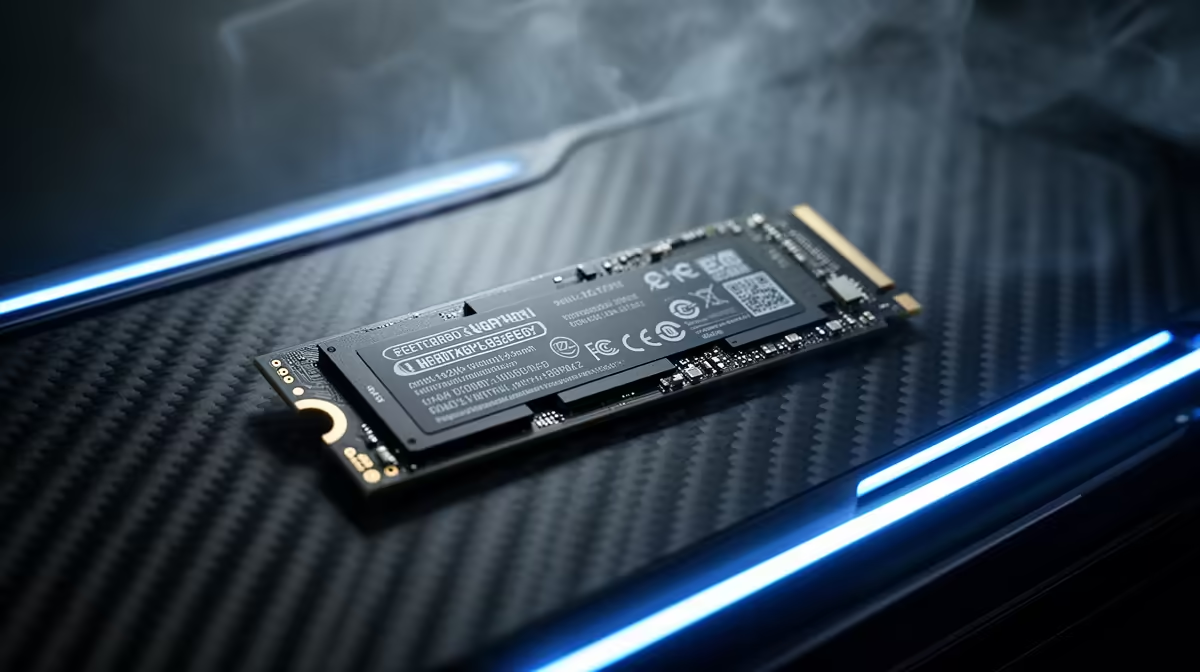
Staring at another loading bar, wondering if you could’ve made a cup of coffee in the time it takes for your game to start? We’ve all been there. With new storage tech hitting the shelves, the big question for South African gamers is simple: PCIe 5.0 vs 4.0 SSD... which one actually kills those load times dead? The answer isn't just about bigger numbers; it’s about smart value for your hard-earned Rands. Let's dive in. 🚀
So, What's the Real Difference?
Think of PCIe (Peripheral Component Interconnect Express) as the highway that data travels on between your SSD and the rest of your PC. Each new generation doubles the number of lanes on that highway.
- PCIe 4.0: The current, well-established standard. It’s like a fast, efficient 8-lane highway.
- PCIe 5.0: The brand-new, ultra-fast superhighway with 16 lanes.
Theoretically, a PCIe 5.0 SSD can move data twice as fast as its PCIe 4.0 counterpart. But does that mean your games will load twice as fast? Not exactly.
PCIe 5.0 vs 4.0 SSD: The Speed Showdown
On paper, the numbers are staggering. Top-tier Gen 4 drives hit around 7,000 MB/s, which is already incredibly quick. New Gen 5 drives are pushing past 12,000 MB/s and beyond. That’s a massive leap!
However, for gaming, the difference is less dramatic than you might think. Game loading isn't just about raw speed; it also depends on your CPU decompressing assets and the game engine itself. While a Gen 5 drive will shave off some time, you’re often looking at a difference of a second or two in many titles, not the 50% reduction the specs suggest. Both generations represent a massive upgrade over older SATA SSDs, and you can browse a wide variety of modern NVMe SSDs to see the options available.
Does Your Rig Even Support a Gen 5 Drive? 🔧
Before you rush to buy the latest and greatest, there's a crucial catch: compatibility. You can't just plug a PCIe 5.0 SSD into any motherboard and expect blistering speeds. To unlock its full potential, you need a compatible ecosystem.
This typically means:
- A modern CPU: Intel 12th Gen or newer, or AMD Ryzen 7000 series or newer.
- A compatible motherboard: Look for chipsets like Intel's Z690/Z790 or AMD's X670/B650.
Without both, your shiny new Gen 5 drive will simply run at slower Gen 4 (or even Gen 3) speeds. It's essential to check your specs before you consider investing in one of the latest Gen 5 drives.
Check Your Motherboard Manual ⚡
Unsure if your board supports PCIe 5.0 for M.2 SSDs? The quickest way to check is to visit your motherboard manufacturer's website and look up the official product page. Navigate to the 'Specifications' or 'Tech Specs' section and find the 'Storage' or 'M.2 Slots' details. It will explicitly state the supported PCIe generation for each slot.
The Sweet Spot: Why Gen 4 is Still King for Most SA Gamers
Here’s the honest truth for 2024: for pure gaming, a PCIe 4.0 SSD is the undisputed champion of value. The real-world gaming performance is nearly identical to Gen 5 in most scenarios, but the cost is significantly lower. That price difference could be better spent on a more powerful graphics card or a bigger monitor... upgrades you'll actually feel and see in every single game. ✨
The market for high-quality Gen 4 SSDs is mature, meaning you get incredible performance, proven reliability, and competitive pricing right here in South Africa.
The Verdict: Who Should Buy What?
So, in the great PCIe 5.0 vs 4.0 SSD debate, who wins? It depends entirely on you.
Buy PCIe 5.0 if...
You're a professional content creator, a 3D artist, or a tech enthusiast who demands the absolute fastest performance for massive file transfers and wants to future-proof your rig for years to come.
Buy PCIe 4.0 if...
You're a gamer. Seriously. For loading games, booting Windows, and general zippiness, a quality Gen 4 drive delivers phenomenal performance without breaking the bank. It's the smart, practical choice for 99% of PC builders and upgraders today. You can always check out the latest SSD deals to find the perfect balance of price and performance for your build.
Ready to Banish Loading Screens? The PCIe 5.0 vs 4.0 SSD debate comes down to your budget and needs. For unbeatable value and performance that still crushes modern games, a Gen 4 drive is the champion for most SA gamers. Explore our massive range of SSDs and find the perfect drive to supercharge your rig.









