


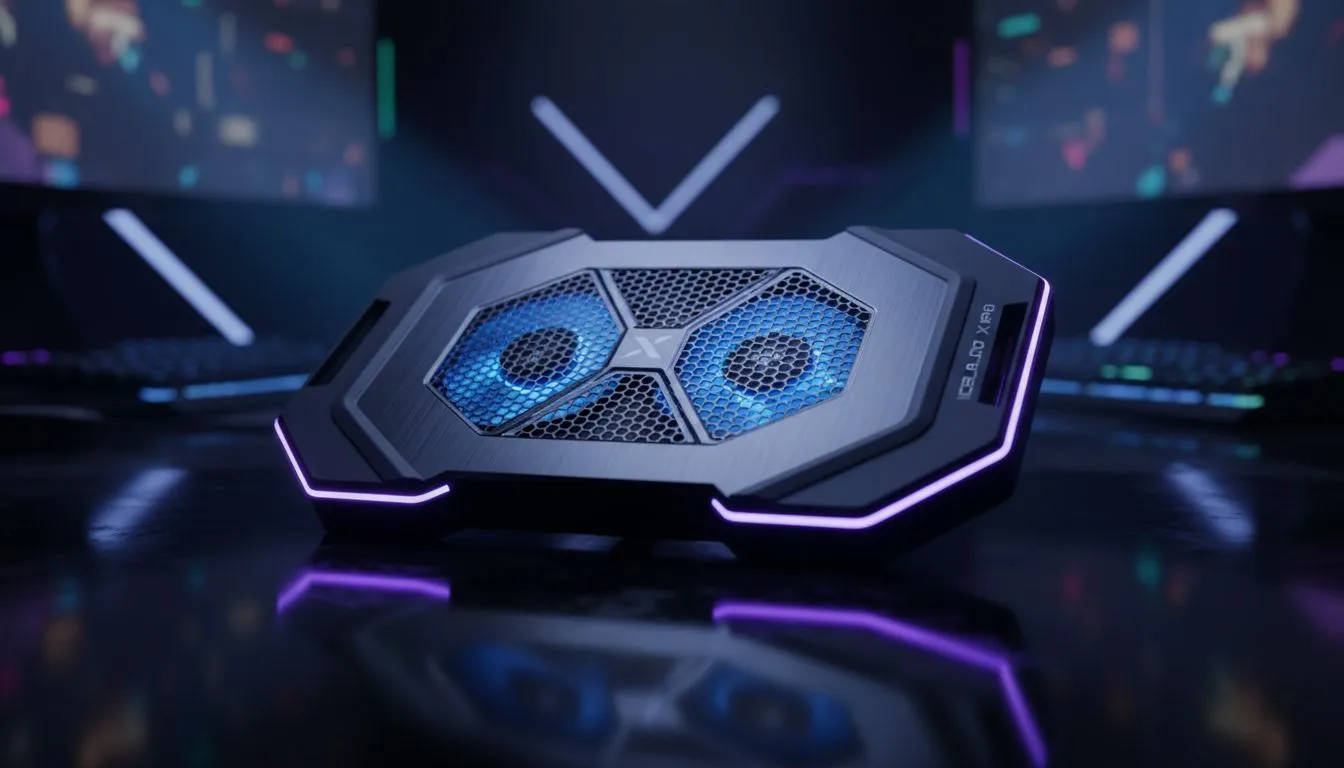
You’re in a 1v3 clutch in Valorant. The spike is ticking. You line up the perfect headshot… and your FPS tanks. The screen stutters. You’re dead. That sudden, infuriating lag is likely thermal throttling, your PC’s self-defence mechanism against overheating. It’s the silent performance killer for competitive gamers. This guide will show you exactly how to prevent thermal throttling and keep your rig running cool and fast when it matters most. 🧊
What is Thermal Throttling & Why Does It Happen?
At its core, thermal throttling is simple: your CPU (or GPU) gets too hot, so it intentionally slows itself down to cool off and prevent damage. Think of it like an athlete slowing to a jog to catch their breath. For a gamer, this "jog" means dropped frames, input lag, and a ruined match.
This happens when your PC’s cooling system can't remove heat as fast as your components generate it during intense sessions. To prevent thermal throttling, you need to improve that heat removal process.
Start with the Basics: Airflow is King
Before you spend a cent, let's look at the free fixes. A surprising number of performance issues stem from poor airflow and dust buildup.
Check Your Case & Fans
Is your PC shoved into a tight corner with no breathing room? Move it. Air needs to flow freely in and out. Also, check your case fans. Are they all spinning? Are they clean? Dust is a notorious insulator, trapping heat and choking your components. A simple clean-out with compressed air can work wonders.
Free Performance Boost 🔧
Use free software like HWMonitor or MSI Afterburner to keep an eye on your CPU and GPU temperatures. Knowing your baseline temps during idle and under load (while gaming) is the first step. If your CPU is hitting 90°C or higher, it's a clear sign you need to take action to stop thermal throttling.
The Ultimate Cooling Guide for Peak Performance
If the basics don't cut it, it's time to upgrade your hardware. A powerful cooler is the single most effective way to prevent thermal throttling for good. The two main choices are air and liquid cooling.
The Reliable Workhorse: Air Coolers
Modern air coolers are incredibly efficient and offer fantastic value. They use a combination of heat pipes and a large heatsink with a fan to draw heat directly away from the CPU. For most gaming builds, a quality tower cooler is more than enough. If you’re looking for a simple, effective upgrade, exploring high-performance air coolers is a brilliant starting point.
The Performance Champion: Liquid Cooling (AIO)
For those pushing their systems to the absolute limit with overclocking or running top-tier CPUs like an Intel Core i9 or AMD Ryzen 9, liquid cooling is the answer. All-In-One (AIO) liquid coolers use a pump, tubes, and a radiator to move heat away from the CPU far more efficiently than air.
They not only provide superior cooling potential but also give your build a clean, high-tech look. For serious performance, an AIO with a powerful 360mm radiator offers a massive surface area for heat dissipation, ensuring your CPU stays frosty even under the most extreme loads. Brands like Corsair are renowned for their reliability and performance in this space, making them a go-to for many South African builders. You can find excellent options from top brands like Corsair right here at Evetech.
Don't let heat be the reason you lose your next game. Taking steps to prevent thermal throttling is an investment in consistency, giving you the smooth, reliable performance you need to compete at your best. ✨
Ready to Chill Out Your Rig? From budget-friendly air coolers to high-end liquid solutions, the right hardware is your best weapon against throttling. Explore our massive range of CPU coolers and find the perfect solution to keep your performance consistently high.











