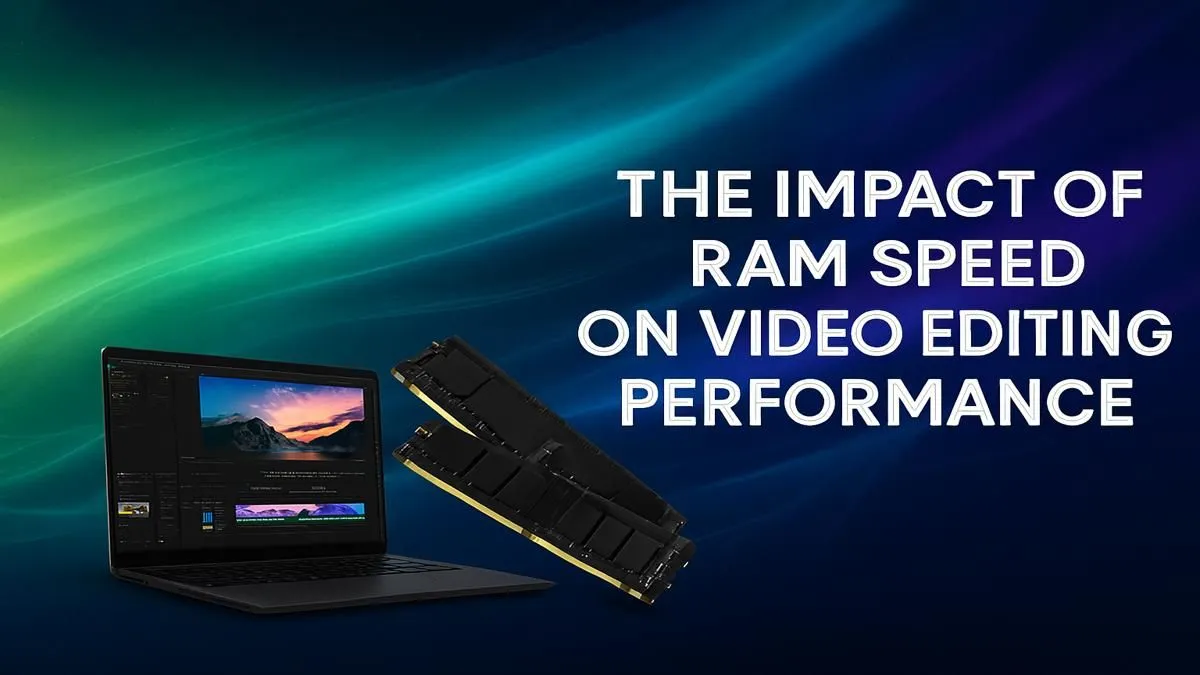
You’re deep in the zone, slicing clips for your next masterpiece. The timeline is flowing… until it isn’t. The preview stutters, playback grinds to a halt, and you’re left staring at a loading bar. We’ve all been there. It’s tempting to blame the CPU or GPU, but what about your memory? The debate around RAM speed for video editing is a big one. Does splashing out on faster memory actually cut down render times in South Africa? Let’s find out.
RAM: More Than Just a Number
Before we dive into speed, let's quickly break down the three key specs of RAM. Think of it as a team working together:
- Capacity (GB): This is the most important player. It’s your digital workspace. More GB means you can handle larger files, like 4K or 8K footage, and run multiple apps (like After Effects and Premiere Pro) without your system breaking a sweat.
- Speed (MHz or MT/s): This is how fast your workspace operates. Higher speeds mean data moves more quickly between your RAM and CPU.
- Latency (CL): This is the team's reaction time... the tiny delay before it starts a task. A lower number is better, but its impact is often smaller than speed and capacity.
So, Does RAM Speed for Video Editing Really Matter?
The short answer is yes… but it’s not always the performance leap you might expect. The importance of RAM speed for video editing heavily depends on your processor and the complexity of your projects. 🚀
For most editors, hitting the right capacity (like 32GB or 64GB) will give you a much bigger performance boost than jumping from 3200MHz to 3600MHz RAM. However, once you have enough capacity, speed becomes the next performance bottleneck to solve.
Modern processors, especially from AMD, thrive on fast memory. A powerful CPU can process data incredibly quickly, but it’s useless if the RAM can’t feed it data fast enough. Pairing a high-end processor from our range of powerful AMD Ryzen PC deals with faster RAM ensures the CPU is always working at its full potential. The same logic applies to Intel systems, where a balanced build from our custom Intel PC deals can make a real-world difference in timeline fluidity.
Don't Forget Your Graphics Card's Role
Your system's memory isn't the only pool of RAM at play. Your graphics card has its own super-fast VRAM, and editing software is getting smarter about using it.
Tasks like rendering effects, colour grading, and encoding with specific codecs (like H.264/H.265) are often accelerated by the GPU. This means a powerful graphics card can sometimes have a bigger impact on your export times than slightly faster system RAM. Whether you're leveraging the CUDA cores in an NVIDIA-powered machine from our GeForce gaming PCs or the encoding engines in one of our AMD Radeon gaming PCs, a good GPU is essential for a smooth editing experience. ✨
Check Your Motherboard's QVL 🔧
Before you buy new RAM, always check your motherboard's Qualified Vendor List (QVL) on the manufacturer's website. This list tells you exactly which RAM kits have been tested and are guaranteed to run at their advertised speeds on your board. It's a simple step that can save you a massive headache and ensure you get the performance you paid for.
Finding the Sweet Spot for Your Editing Rig
So, what’s the verdict? It’s all about balance. Here’s a quick guide to help you choose:
- For 1080p YouTube & Social Media: 16GB to 32GB of DDR4 RAM is perfectly fine. Here, capacity is king, and standard speeds (3200MHz) won't hold you back. Many of our Pre-built PC Deals are configured perfectly for this kind of work.
- For 4K Editing & Motion Graphics: 32GB is the minimum, but 64GB is the new sweet spot. This is where faster RAM for video editing, especially DDR5, starts to deliver noticeable improvements in timeline scrubbing and rendering complex sequences.
- For 8K, 3D, and Professional VFX: Don't compromise. 64GB is your starting point, with 128GB or more being ideal. At this level, every ounce of performance counts, making high-speed, low-latency RAM a crucial investment. This is the territory of dedicated Workstation PCs built for maximum throughput.
Ultimately, while RAM capacity should be your first priority, ignoring speed means leaving performance on the table, especially if you’ve already invested in a top-tier CPU and GPU.
Ready to Build Your Ultimate Editing Rig?
Stop letting slow hardware kill your creative flow. Whether you're a weekend warrior or a professional filmmaker, the right machine makes all the difference. Explore our range of powerful Workstation PCs and find the perfect build to bring your vision to life, faster.