


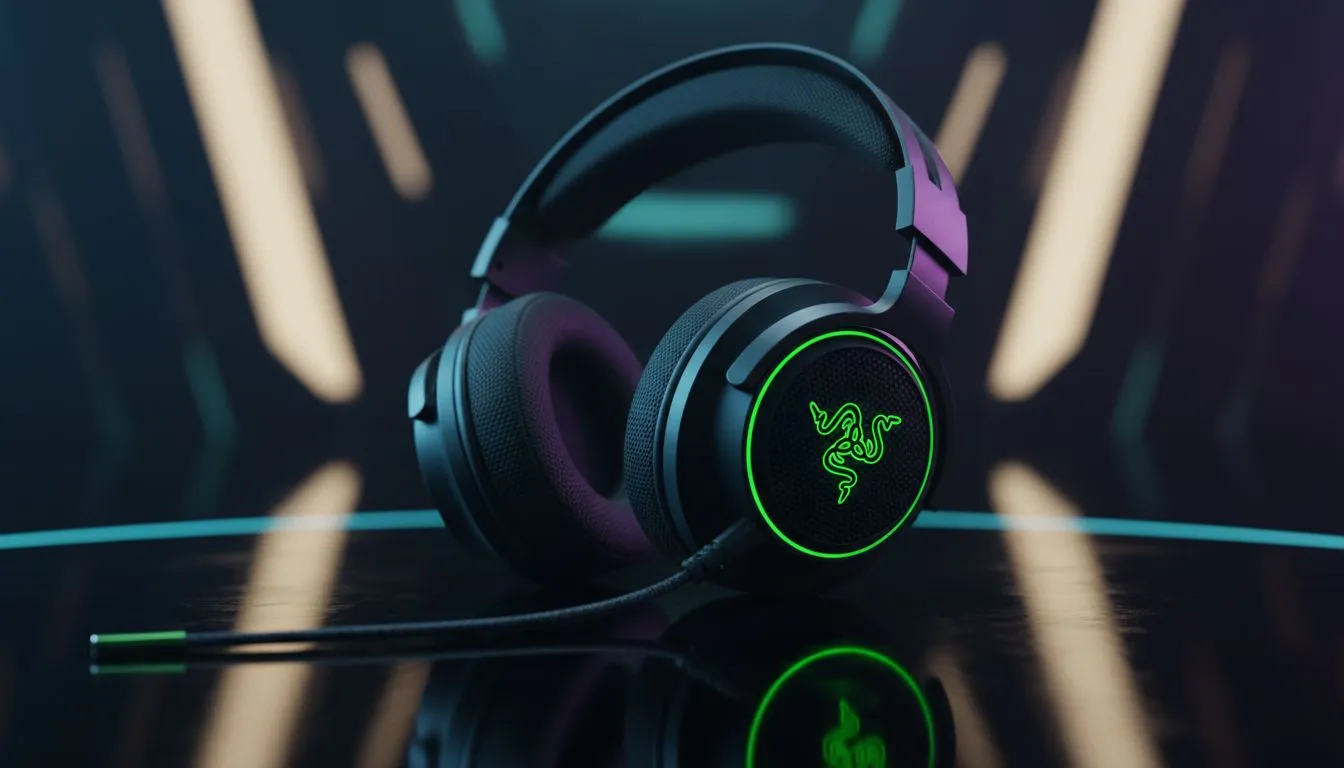
Master Your Razer Headset Settings Xbox for a Competitive Edge
Tired of getting flanked in Warzone because you couldn't hear those footsteps? Sound is half the battle on Xbox. Getting your Razer headset settings Xbox right is the difference between a clutch win and a frustrating lobby screen. Whether you are rocking a Kraken or a BlackShark, fine-tuning your audio ensures you hear every reload and tactical sprint before the enemy even sees you. 🔧
Optimise Your Xbox System Audio First
Before touching your headset, you must configure the console. Navigate to Settings, then Volume & Audio Output. For competitive FPS, stereo uncompressed is the baseline... but spatial sound is where the magic happens. We recommend using Dolby Atmos for Headphones or DTS Headphone:X. While these require a small one-time purchase in ZAR on the Microsoft Store, the precision they offer for verticality is unmatched. Ensure "Using HDMI or optical audio headset" is unchecked if you are using a wireless USB dongle or controller jack.
FPS Audio Pro Tip ⚡
Turn off "Bass Boost" in your Xbox system settings. While it makes explosions sound cinematic, heavy bass actually drowns out the high-frequency sounds like footsteps and glass breaking. In competitive shooters, clarity always beats immersion.
Fine-Tuning the Razer EQ for Footsteps
Most modern Razer headsets allow you to customise EQ profiles. If you are using the Razer Barracuda X Chroma Wireless Headset, you can toggle through presets or use the Razer Audio app on your phone. For competitive FPS, you want a "v-shaped" or "treble-boosted" profile. 🚀
Focus on boosting the 2kHz to 8kHz range. This specific frequency band covers the "clack" of boots on hard surfaces and the rustle of gear. Lower the frequencies below 250Hz slightly to prevent grenades from rattling your eardrums and masking enemy movement. This balance allows you to maintain spatial awareness even during heavy firefights.
Choosing the Right Gear for South African Gamers
Not all headsets are created equal when it comes to the Xbox ecosystem. The latest Razer headsets are designed with high-fidelity drivers that respond exceptionally well to these EQ tweaks. If you are looking for a wired option to eliminate latency entirely, the Kraken range remains a staple for local competitive players. ✨
If you are still searching for the perfect fit, browsing our full range of gaming headsets will help you find a pair that balances comfort for those long weekend grinds with the technical specs needed for high-level play. Remember to keep your headset firmware updated via a PC periodically to ensure the best compatibility with your Xbox Series X or S.
Ready to Hear the Difference? Mastering your audio settings is the first step to climbing the ranks. For the best deals on high-performance gear in South Africa, we have you covered. Explore our massive range of Razer headsets and find the perfect machine to conquer your world.











