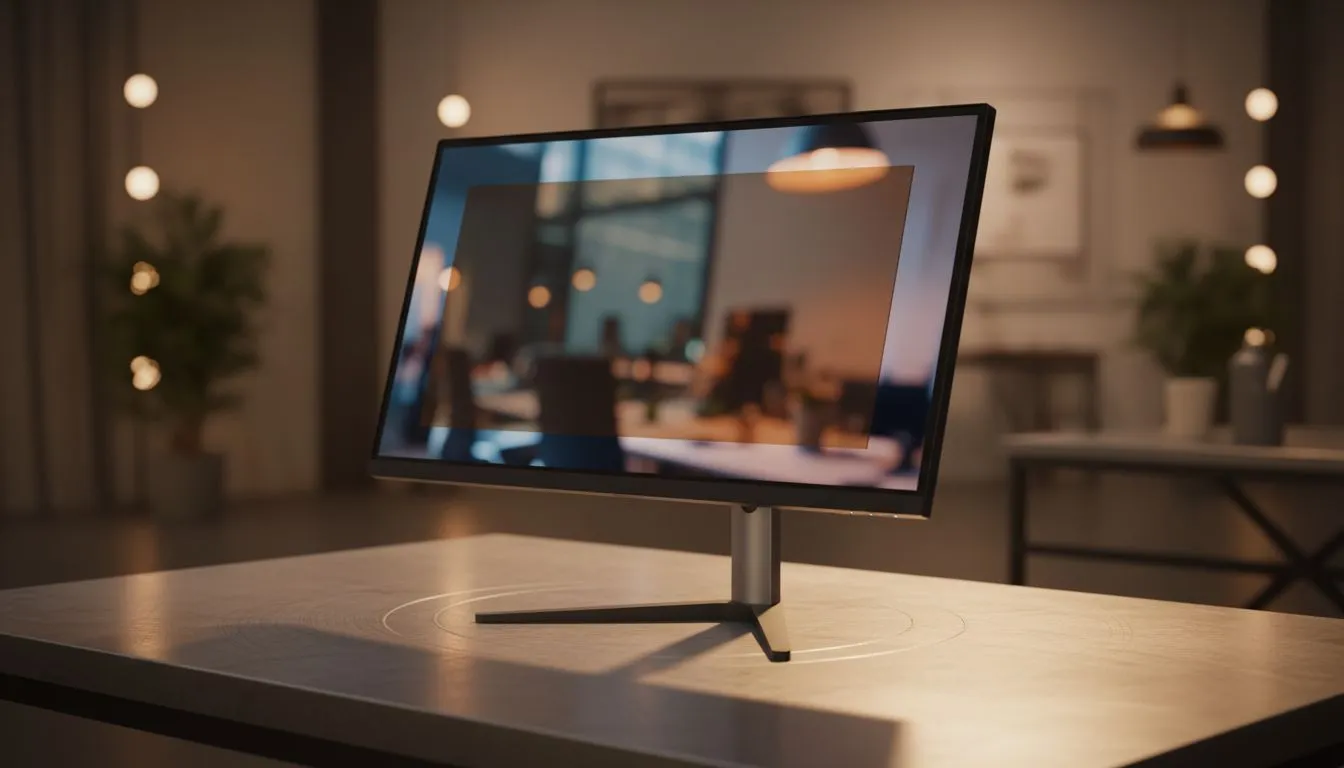
Staring at a screen for hours in a Joburg office or during a late-night Cape Town gaming session takes a toll. Your eyes feel gritty... like they’ve been rubbed with sandpaper. If you want to Reduce Eye Strain: Tips for Long Work Sessions are essential for keeping your productivity high and your vision sharp. Nobody wants a headache after five hours of grinding... so let's fix your setup. 🔧
Invest in High-Quality Panel Technology
The foundation of a comfortable workspace starts with your display. When you browse the massive range of PC monitors available today, you will notice different panel types. For the best viewing angles and superior colour consistency, many professionals and gamers prefer IPS panel monitors. These screens maintain clarity even if you shift in your seat... which reduces the need for your eyes to constantly refocus on distorted colours or contrast.
Eliminate Screen Stutter and Flicker
Flicker and screen tearing are silent killers for eye comfort. These subtle visual glitches force your brain to work harder than necessary to process images. To solve this, look for displays that support AMD FreeSync or NVIDIA G-Sync technology. By matching the refresh rate of your screen to your GPU, these features provide a much smoother experience. If you use a mix of hardware for work and play, a monitor with general Adaptive Sync capabilities is a smart investment for your long-term health. ⚡
The 20-20-20 Rule ⚡
To reduce eye strain during long work sessions, every 20 minutes, look at something 20 feet (about 6 metres) away for at least 20 seconds. This simple habit allows your eye muscles to relax and resets your focus, preventing the fatigue that comes from staring at a fixed distance for too long.
Adjust Your Screen Shape and Position
Ergonomics play a massive role in how tired you feel at the end of a session. Some users prefer the traditional, reliable look of flat screen monitors for precise design work. However, curved monitors are becoming increasingly popular because they mimic the natural arc of the human eye. This shape ensures that the edges of the screen are roughly the same distance from your eyes as the centre... reducing the strain of constant focal adjustments as you scan across the display. ✨
Small Changes, Big Results
Don't forget the environment around you. Avoid glare from windows and ensure your room is well-lit. You can also use "Night Mode" settings in Windows to reduce blue light during evening sessions. Protecting your vision doesn't have to cost tens of thousands of ZAR... it starts with choosing the right hardware and building better habits. 🚀
Ready to Find Your Perfect Match?
Protecting your eyes is an investment in your long-term performance and health. Whether you need a high-refresh gaming beast or a professional IPS display for the office, we have the stock to get you sorted. Explore our massive range of monitor specials and find the perfect screen to conquer your world.