When the screen is a mess of pixels and fireballs, even the best South African rivals can lose focus. In a high-stakes local tournament, visibility is everything. If you cannot see your hitbox, you cannot win. Reducing visual clutter is the fastest way to sharpen your reaction times and climb the ranked ladder with precision ⚡.
Mastering Rivals of Aether Esports Settings for Clarity
In a game as fast as this, visual noise is your biggest enemy. The default settings often prioritise style over competitive substance. To truly excel, you need to adjust your Rivals of Aether Esports Settings to ensure your character stands out against the backdrop.
Start by navigating to the graphics menu. You should immediately toggle 'Simple Effects' to 'On'. This removes the extra fluff from elemental attacks. It makes the active frames of a move much easier to identify... which is vital for parrying. You might lose some of the cinematic flair, but you gain the ability to read your opponent’s intent instantly.
Optimising Backgrounds and UI
The stages in this game are beautiful, but they can be distracting. High-level players often use 'Simple' stage backgrounds. This flattens the depth of field and keeps the focus on the fighters. It is also wise to turn off 'Screen Shake'. While it adds weight to hits, it can disorient you during complex recovery situations... especially when you are fighting for your life on the ledge.
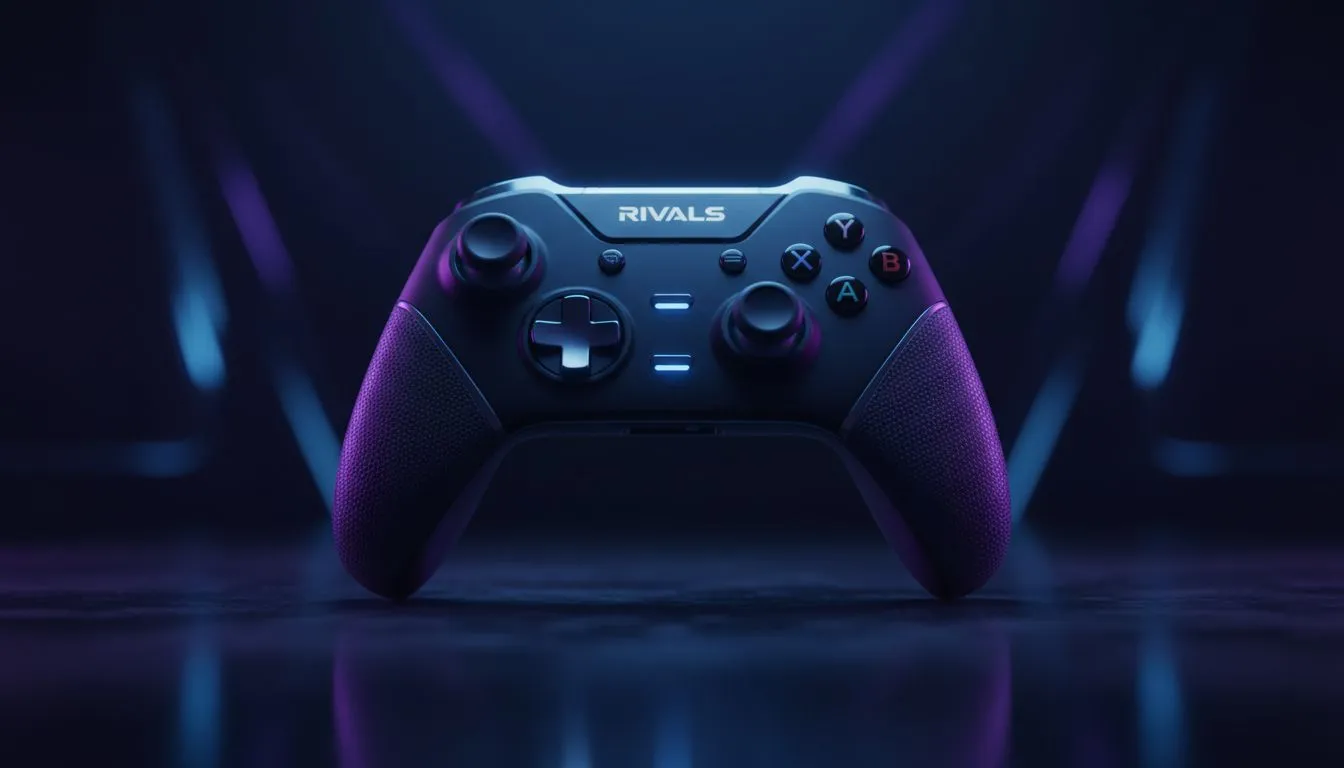
Precision movement requires the right hardware too. Many competitive players in the local scene rely on high-quality gaming controllers to ensure their inputs are frame-perfect. If you find yourself dropping inputs during a wavedash, it might be time for an upgrade.
Hardware Synergy for Competitive Play
Your settings are only one part of the equation. Low latency is the other. Using Razer controllers has become a popular choice for those who need mechanical tactile buttons. These provide better feedback than standard pads... allowing for more consistent short-hops and fast-falls.
Tournament Pro Tip ⚡
Always set your 'Aura' settings to 'Off' or 'Minimal'. While the heat effects on Zetterburn look incredible, they can mask the exact position of your hurtbox. Keeping your character outline clean ensures you know exactly where you are in the air at all times.
For those who want the absolute peak of performance, the Razer Wolverine V3 Tournament Edition is a top-tier option. With its 8K polling rate on PC, the delay between your brain and the screen is virtually eliminated. In a game where a single frame determines a win or a loss, that speed is invaluable 🚀.
Maintaining Performance in Intense Matches
Consistency is key in the South African fighting game community. Beyond just the visuals, ensure your frame rate is locked. Rivals is designed to run at 60 FPS. Any dips will cause your inputs to feel sluggish. By combining these Rivals of Aether Esports Settings with a clean setup, you remove every barrier between you and the win ✨.
Ready to Find Your Perfect Match?
The right controller can be the difference between a fumbled combo and a flawless victory. For maximum precision and value in South Africa, our curated selection is hard to beat. Explore our massive range of gaming controllers and find the perfect tool to dominate the stage.