

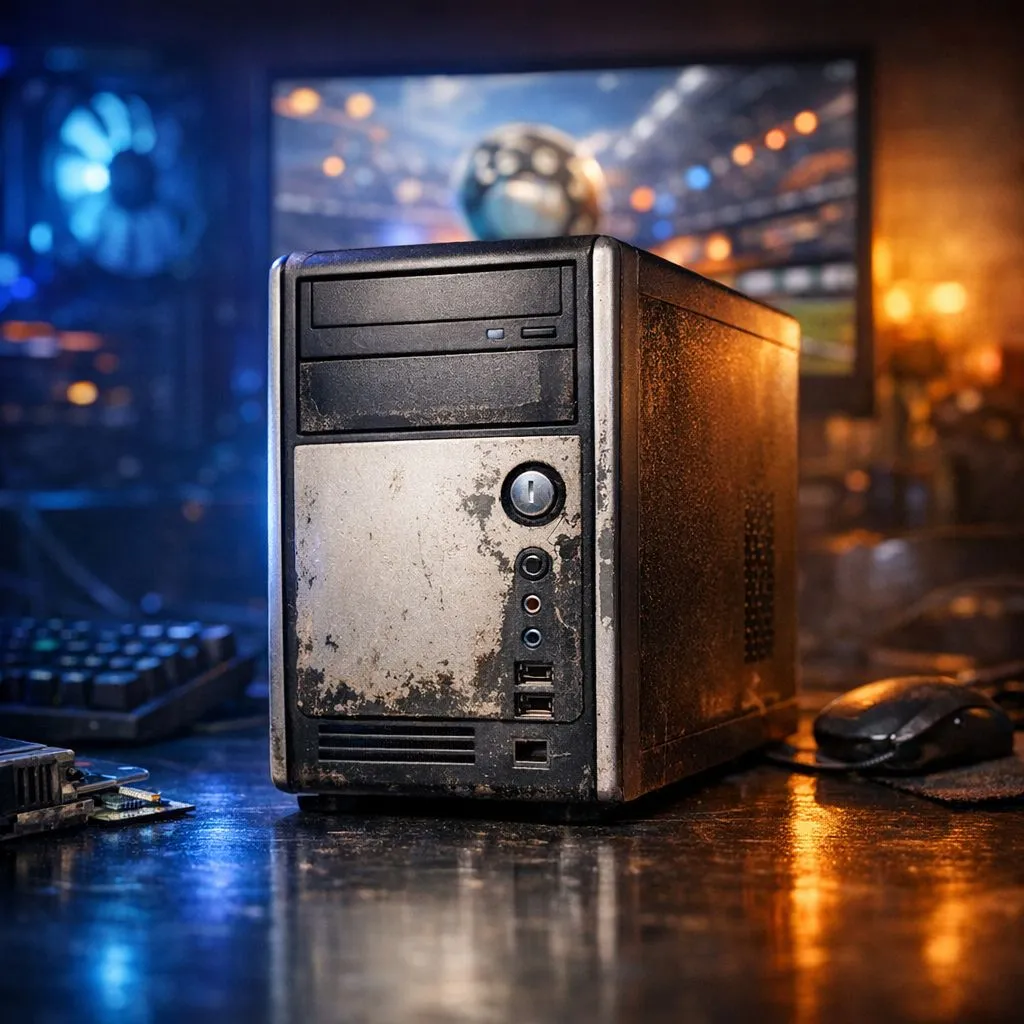
Struggling to hit that clutch aerial because your frame rate keeps dipping? We have all been there... trying to play competitive matches on a machine that sounds like a jet engine. If you are searching for a Rocket League Low-End Fix: Playable FPS on Potato PCs, you do not need to give up on the grind just yet. Let’s get your settings dialled in for maximum performance. 🚀
Rocket League Low-End Fix: Optimising In-Game Settings
The first step to achieving a stable frame rate is stripping away the visual flair that slows your system down. Rocket League is a beautiful game, but when you are playing on an older laptop or an integrated GPU, those high-quality textures are your worst enemy. Start by setting your Resolution Scale to "Performance" and turning off every single checkbox in the advanced video settings... things like Bloom, Motion Blur, and Lens Flares only add clutter. If your hardware is truly struggling, checking out entry-level budget gaming PCs can often provide a much smoother experience than trying to squeeze life out of a decade-old office machine.
Performance Pro Tip ⚡
In the Rocket League video settings, always set your 'Frames Per Second' cap to match your monitor's refresh rate or slightly above. Uncapped frame rates can cause your CPU to overheat unnecessarily, leading to thermal throttling and massive lag spikes during intense kick-offs.
Advanced Rocket League Low-End Fix: Config File Tweaks
If the in-game menu isn't enough, you can dig into the TASystemSettings.ini file located in your Documents folder. This allows you to lower settings beyond what the UI permits. By changing "AllowStaticDecals" and "DynamicShadows" to False, you can gain a significant boost in responsiveness. For many South African gamers, finding the best gaming PC deals is the next logical step when software tweaks reach their limit. Lowering your resolution to 720p is another classic Rocket League Low-End Fix that can instantly double your FPS... even if the game looks a bit more "pixelated" than usual. 🔧
When the Rocket League Low-End Fix Isn't Enough
There comes a point where no amount of "potato mode" mods or config changes can save a match. If you are still seeing "Latency Variation" or "Packet Loss" icons because your processor is bottlenecking, it might be time to look at modern hardware. You can find surprisingly powerful options when you buy PCs under R20k that will run Rocket League at a locked 144 FPS without breaking a sweat.
For those who want a "plug and play" solution without the hassle of building it themselves, browsing the latest pre-built PC deals ensures you get components that are guaranteed to work together. If you are looking to future-proof your setup for more demanding titles like Unreal Engine 5 games, you might even consider the high-end tier and buy PCs above R20k to ensure your rank never suffers due to hardware lag again. ✨
Ready to Rank Up Without the Lag? A Rocket League Low-End Fix can only take you so far... eventually, your skill will outpace your hardware. For maximum frames and the competitive edge in South Africa, a dedicated gaming rig is the ultimate solution. Explore our massive range of gaming PC specials and find the perfect machine to help you reach Grand Champion.











