


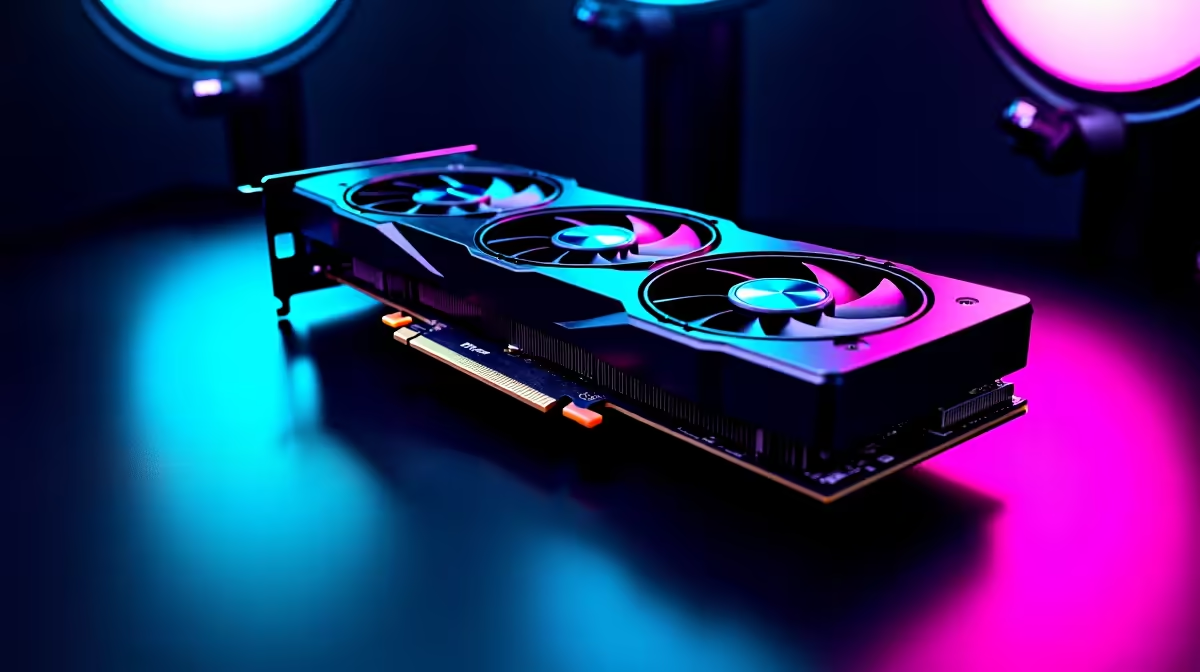
Dropping into World's Edge with stuttering frames is a quick ticket to the lobby. For South African gamers, smooth performance is your only real competitive edge. Chasing Predator rank? You might wonder how the RTX 4060 Ti Apex Legends at 1440p experience actually holds up. Let us dive into the benchmarks and settings you need to dominate.
The Benchmark Reality at 1440p ⚡
Apex Legends remains one of the most demanding fast-paced shooters today. Every millisecond matters when you are tracking a sliding Octane. Pushing high frame rates at 1440p requires serious graphical muscle.
The RTX 4060 Ti is built on NVIDIA's Ada Lovelace architecture. It delivers incredible efficiency... which is perfect for keeping your UPS alive longer during load-shedding. Paired with a capable CPU, you can expect well over 144 FPS on competitive settings. Testing shows consistent 1% lows. Your game stays fluid even when Bangalore smokes the final ring. Building a rig from scratch? Exploring the latest graphics cards for sale is your first step to visual clarity.
Optimal Settings for Maximum FPS
Hitting that sweet spot between visual quality and maximum frames is crucial. You want to spot enemies across King's Canyon without your PC breaking a sweat. For the ultimate RTX 4060 Ti Apex Legends at 1440p balance, turn your Model Detail to High. Drop volumetric lighting and shadows to Low.
Set Texture Streaming Budget to 6GB or 8GB to match your VRAM. This keeps the game looking crisp while maintaining a rock-solid frame rate. Is your current system bottlenecking these settings? Browsing our best gaming PCs gives you the high-tier foundation you need.
Apex Legends Pro Tip 🎯
Cap your frame rate slightly below your monitor's maximum refresh rate using Steam launch options. Type "+fps_max 141" for a 144Hz screen. This reduces input lag and keeps your frametime perfectly consistent during intense firefights.
Lowering System Latency 🚀
Raw frame rates are only half the battle in competitive shooters. System latency determines how quickly your mouse clicks register on the screen. The RTX 40 series brings NVIDIA Reflex technology to the table.
Enabling this feature in your Apex Legends video settings is absolutely essential. It bypasses the render queue... ensuring your CPU and GPU stay perfectly synced. This means faster reaction times when you are caught in close-quarters combat.
Pre-Built Desktop vs Mobile Power
Achieving consistent 1440p performance is not limited to custom builds. Many gamers prefer the plug-and-play convenience of a professionally assembled system. Our pre-built PCs take the guesswork out of hardware compatibility. They ensure your components run at peak performance right out of the box.
Need to take your gaming on the move or to a LAN? Modern mobile tech is incredibly potent. You can find high-refresh-rate displays on top-tier gaming laptops that easily rival full desktop setups.
Maximising Your ZAR Value
Upgrading your gaming setup is a serious investment. Every single rand counts when chasing the perfect RTX 4060 Ti Apex Legends at 1440p experience. Keep a close eye out for bundled deals to stretch your budget further. Do you need more storage for massive updates or better cooling? Checking out our dedicated specials page is the smartest way to grab premium hardware.
Ready to Dominate the Apex Games? Getting the perfect balance of frames and resolution gives you the ultimate competitive advantage. Explore our massive range of gaming specials and find the hardware you need to secure your next Champion screen.









