


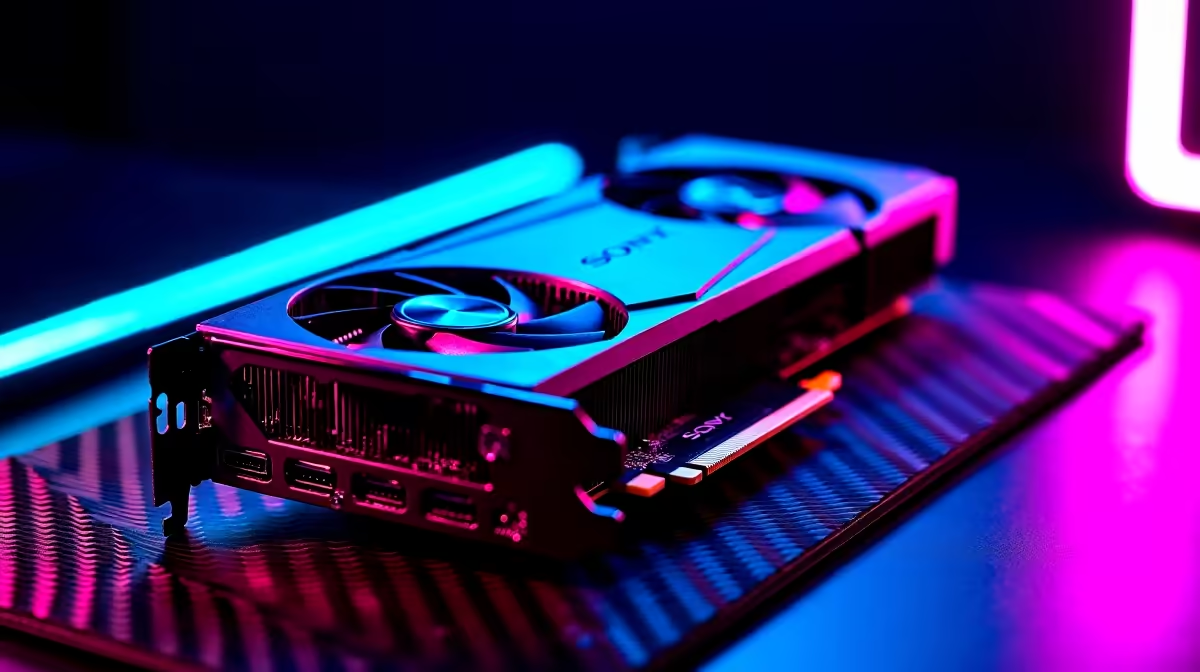
Dropping onto the island with a stuttering frame rate is a quick way back to the lobby. When you are fighting high ping in South Africa, you need hardware that never flinches. To push your gameplay to the absolute limit, tracking your RTX 4090 Fortnite FPS is step one. Let us look at the benchmark numbers... and how to tweak them.
Unlocking Maximum RTX 4090 Fortnite FPS 🚀
The RTX 4090 is an absolute monster. It chews through Unreal Engine 5.1 graphics like fresh biltong. But raw power is only half the battle. To hit those buttery smooth 360Hz refresh rates, you need a balanced system.
If your current rig is bottlenecking your processor, it might be time for an upgrade. You can browse the best gaming PC deals to find a setup that actually keeps up with NVIDIA's flagship card.
Performance Benchmarks Across Resolutions
Let us talk pure performance benchmarks. At 1080p on competitive settings, the RTX 4090 easily pushes past 500 frames per second. Even at 1440p Epic settings with Nanite enabled, you are looking at a comfortable 140+ FPS. Want to play in glorious 4K? You will still hover around 100 FPS without breaking a sweat.
Building a custom rig for this GPU takes careful planning. If you prefer a plug-and-play solution, grabbing a high-end pre-built PC saves you the cable management headache.
Or, if you are always on the move between local LANs, you can explore our range of notebooks for sale in South Africa for incredible portable power.
The Best Settings for Competitive Play 🔧
Stunning visuals are great for casual zero-build mode. But in ranked cups, visibility and speed win ZAR prize pools. To maximise your RTX 4090 Fortnite FPS, switch your rendering mode to Performance. Turn shadows off and keep your view distance on Epic.
If you are still rocking an older GPU and feeling the lag, checking out the latest graphics cards is a smart move. Upgrading your components is often cheaper than buying a whole new rig. Keeping a close eye on weekly tech specials ensures you get the absolute best bang for your buck.
NVIDIA Reflex Tip ⚡
Always enable NVIDIA Reflex Low Latency in your Fortnite settings. Set it to "On + Boost" when using your RTX 4090. This minimizes system latency, ensuring your pump shotgun fires the exact millisecond you click... a crucial advantage for South African players dealing with international server ping.
Ready to Dominate the Island? Getting the highest frames requires the best hardware... and Evetech has you covered. Explore our massive range of gaming components and build the perfect machine to conquer your lobbies today.











