


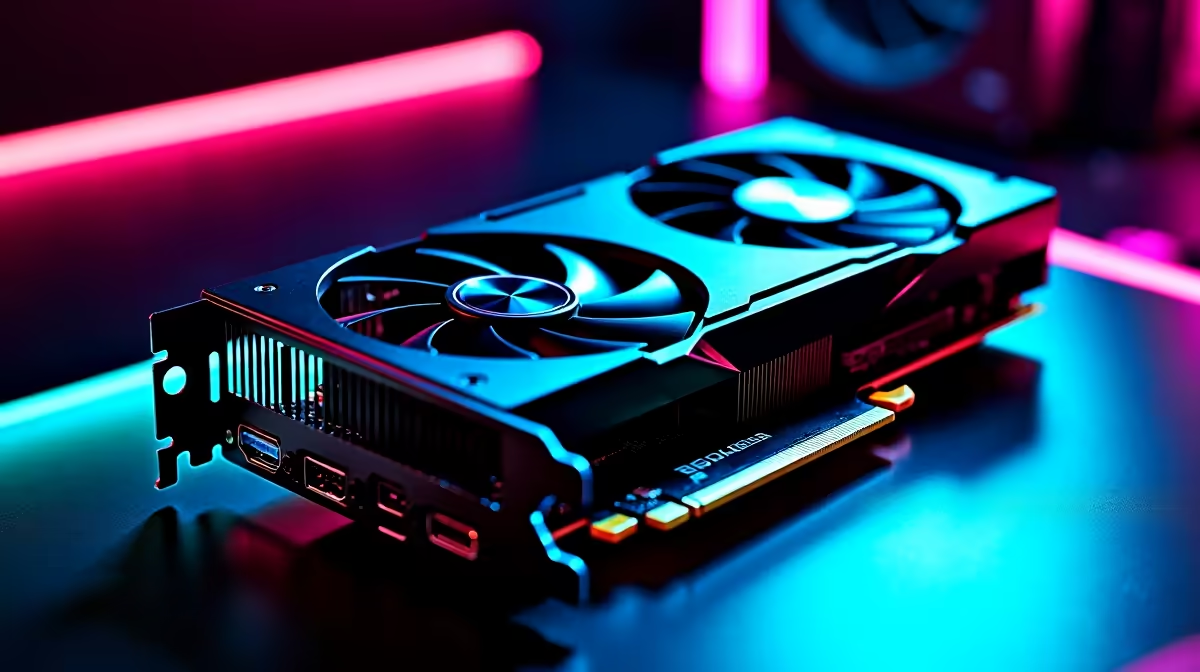
Tuning the RTX 5060 for Visual Clarity
Navigating the demon-infested temples of Onimusha requires more than just sharp reflexes. You need visual clarity to time those critical parries perfectly. If you have just picked up a new RTX 5060 in South Africa, you are likely looking for that sweet spot between high frame rates and crystal-clear visibility. This RTX 5060 Onimusha settings: Best Visibility Guide ensures your settings are dialled in for the ultimate experience.
The Blackwell architecture brings incredible efficiency to the mid-range market. When browsing the latest NVIDIA graphics cards, the 60-series remains the hero for 1080p and 1440p gamers. In a fast-paced title like Onimusha, seeing an enemy's telegraph through the gloom of a feudal Japanese castle is the difference between life and death.
Best Onimusha Settings for High Visibility
To get the most out of your hardware, you need to look beyond the "Ultra" preset. Many modern titles use heavy post-processing that can blur the image. We recommend turning off Motion Blur and Chromatic Aberration immediately. These effects might look cinematic, but they hinder your ability to track fast-moving spirits.
For those using MSI graphics cards, the robust cooling allows for slightly higher boost clocks. This means you can push Shadow Quality to "Medium" while keeping the "Texture Filtering" at 16x. High texture filtering is vital for visibility... it keeps floor patterns and distant walls sharp without a massive performance hit.
Visibility Pro Tip ⚡
Always set your Sharpness filter within the NVIDIA Control Panel or via the in-game overlay to approximately 30%. This counteracts the slight softness introduced by TAA (Temporal Anti-Aliasing), making enemy outlines much easier to spot against dark backgrounds.
Balancing Performance and Aesthetics
While the RTX 5060 is a powerhouse, it is always worth looking at the competition. For instance, some Intel Arc graphics cards offer great value, but they often lack the mature driver support found in the Green Team's camp. If you are strictly gaming, avoid using workstation graphics cards as they are optimised for rendering and CAD rather than real-time demon slaying.
If you find that your frame rates are dipping below 60 FPS in dense areas, consider enabling DLSS in "Quality" mode. This provides a cleaner image than native resolution with FXAA. Even when comparing them to AMD Radeon graphics cards, the RTX 5060 holds its own thanks to its superior AI upscaling capabilities.
Final Hardware Considerations
Investing in an RTX 5060 in the South African market usually costs between R7,500 and R9,500 depending on the model. This is a solid investment for a card that handles modern lighting techniques so well. By following this RTX 5060 Onimusha settings: Best Visibility Guide, you ensure that your hardware isn't just fast... it is precise. Shadows should be clear, edges should be sharp, and your reaction time should be unhindered by visual clutter.
Ready to Find Your Perfect Match? Finding the right balance for your build is essential for competitive and immersive gaming. For maximum power, choice, and value in South Africa, Evetech has the hardware you need. Explore our massive range of graphics card specials and find the perfect machine to conquer your world.











