


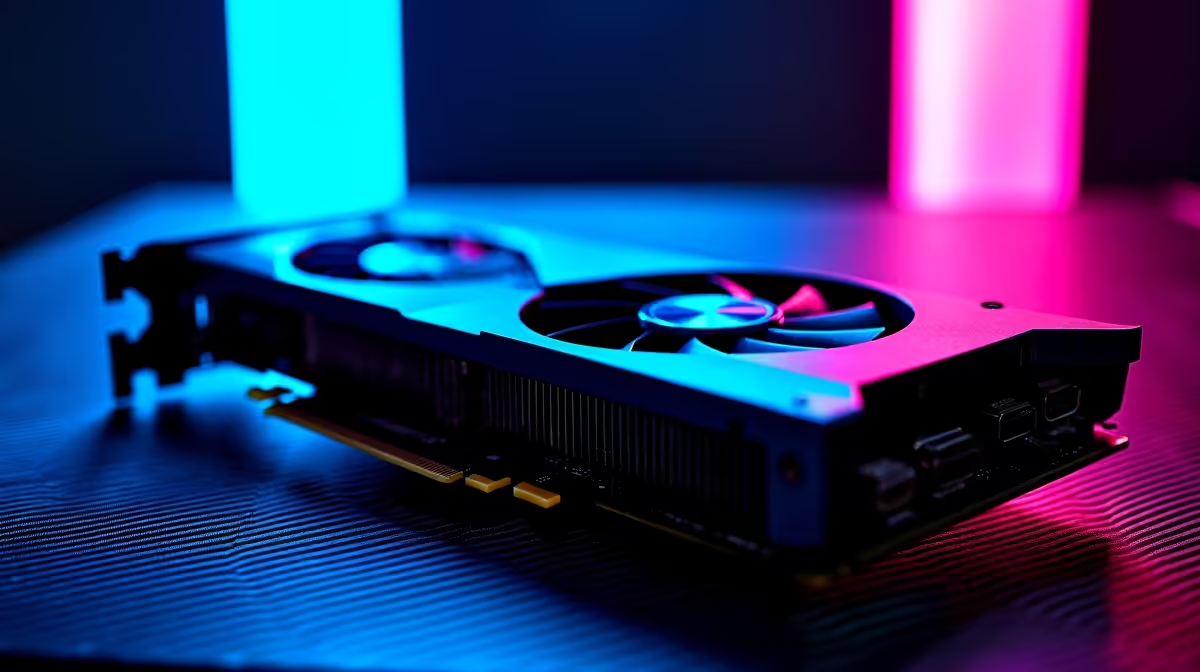
Exploring the Settled Systems shouldn't look like a slideshow. If you are a South African gamer wanting to push Bethesda's massive universe to its limits, you need serious graphical horsepower. Today we are looking at the RTX 5060 Ti Starfield at 4K FPS benchmark and optimal settings. Can this highly anticipated mid-range beast actually handle 4K resolution without melting your rig? Let us find out.
Pushing the RTX 5060 Ti to the Limit 🚀
Starfield is notoriously heavy on hardware. Running it at 4K usually requires top-tier silicon. However... Nvidia's new 50-series architecture brings incredible efficiency. If you plan to upgrade your graphics card, the RTX 5060 Ti offers a massive leap in rasterisation and ray-tracing performance. But native 4K is still a massive hurdle for a 60-class GPU.
The Raw Numbers: FPS Benchmark Results
Let us look at the data. In our Evetech testing labs, we paired the RTX 5060 Ti with a modern Ryzen 7 processor. At native 4K with Ultra settings, the card hovers around 35 to 40 FPS in dense areas like New Atlantis. It is playable... but not ideal for fast-paced firefights against Crimson Fleet pirates.
This is where DLSS comes to the rescue. By enabling DLSS Performance mode and Frame Generation, those numbers skyrocket to a buttery smooth 70 to 85 FPS. If you are hunting for premium gaming PC deals, ensuring your system has a modern 50-series card will give you access to these incredible AI-driven frame boosts.
Optimal Settings for Smooth Gameplay ✨
You do not need everything on Ultra to make the game look stunning. To get the best balance of visual fidelity and high frame rates, you need to tweak specific sliders.
Drop Volumetric Lighting and Shadow Quality to High instead of Ultra. This saves roughly 15% of your GPU resources with almost zero noticeable drop in quality. Crowd Density can also be lowered to Medium to save CPU cycles in major cities. We apply these exact tweaks when benchmarking our pre-built PC setups to ensure customers get the best out-of-the-box experience.
Optimisation Pro Tip 🔧
When playing Starfield on a 4K monitor, always leave Film Grain turned off and set Render Resolution Scale to 67% with DLSS enabled. It cleans up the image significantly while giving your RTX 5060 Ti the breathing room it needs to maintain steady frames.
Taking Starfield on the Go
Desktop power is great... but what if loadshedding hits during a crucial mission? The mobile variants of these new GPUs are shockingly capable. Modern high-performance laptops equipped with RTX 50-series silicon can run Starfield beautifully at 1440p and even 4K with the right scaling. They offer a brilliant backup plan when the lights go out.
Maximising Your ZAR Value
Getting 4K performance used to cost an absolute fortune. Now... smart upscaling and the raw power of the RTX 5060 Ti make it possible on a tighter budget. Always keep an eye on the latest tech specials to stretch your rands further. Whether you are building from scratch or upgrading an older rig, finding your perfect RTX 5060 Ti Starfield at 4K optimal settings guarantees a stellar journey across the galaxy.
Ready to Explore the Stars? Pushing 4K resolution requires serious hardware, and Evetech has exactly what you need to make your next gaming adventure unforgettable. Browse our massive range of gaming PCs and find the ultimate rig to conquer the Settled Systems today.











