We all know the feeling of wanting more screen real estate. Whether you are tracking Discord, monitoring temperatures, or running an intense sim racing rig, one display is rarely enough. In 2026, the boundaries of visual performance have shattered. If you are eyeing the pinnacle of PC hardware, our RTX 5090 multi-monitor support breakdown will show you exactly what this silicon beast can handle in the real world. 🚀
Pushing Pixels to the Limit
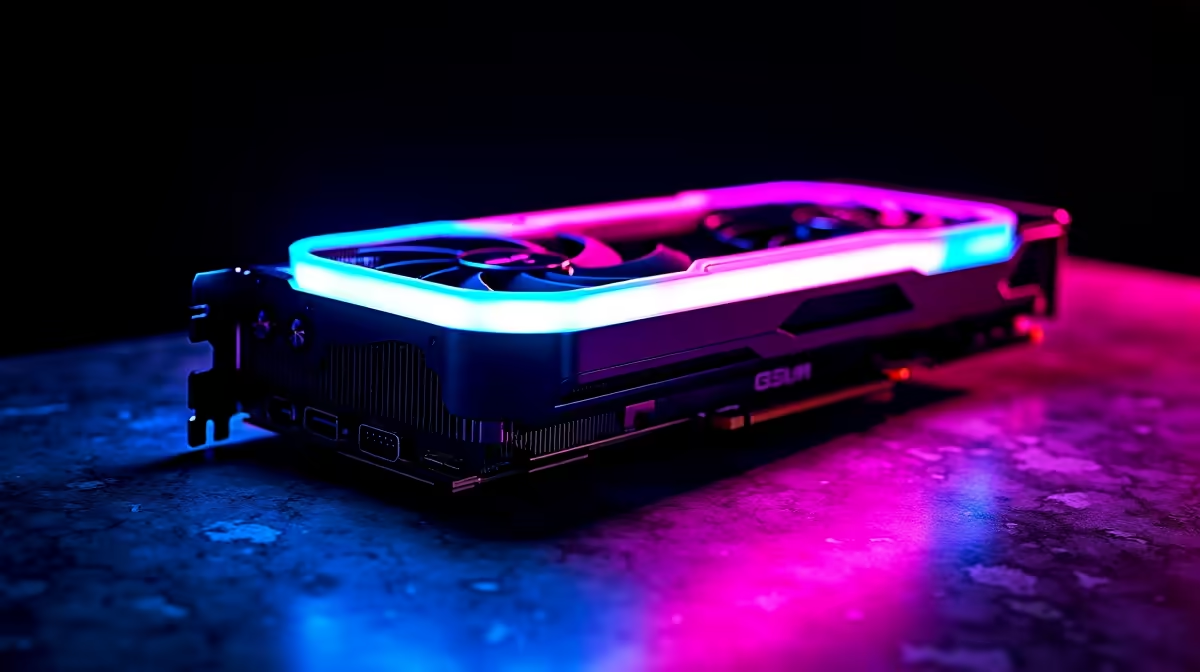
Nvidia's flagship GPU is an absolute monster. When looking at RTX 5090 multi-monitor support, the raw bandwidth numbers are staggering. Thanks to the inclusion of DisplayPort 2.1a, this card can theoretically push dual 8K displays at 60Hz or up to four 4K screens at a blistering 240Hz.
For South African gamers dropping serious ZAR on a premium setup, this means no more compromises. You no longer have to choose between resolution and refresh rate across multiple screens. If you want to explore the latest graphics cards, understanding this bandwidth leap is crucial. The architecture simply refuses to bottleneck, even when rendering incredibly demanding textures across a massive field of view.
The Benchmark & Real-World Test 2026
Synthetic numbers are great, but how does it feel when you boot up your favourite titles? We set up a triple 4K array to test the true limits of RTX 5090 multi-monitor support.
In demanding titles like Cyberpunk 2077 with full path tracing enabled, the GPU maintained a rock-solid 90 frames per second across all three screens. The sheer volume of pixels being processed without breaking a sweat is mind-bending. To get these results, pairing the GPU with top-tier high-refresh-rate monitors is an absolute must. You want colours to pop and motion to remain fluid.
If you are building a custom simulator rig from scratch, you might want to look at the best gaming PC deals available right now. A graphics card this powerful requires a high-end CPU and incredibly fast memory to keep pace. Bottlenecks are your worst enemy here... you need a balanced system to truly shine.
Cable Management Pro Tip ⚡
When running multiple high-resolution displays off an RTX 5090, do not cheap out on cables. Always use VESA-certified DisplayPort 2.1 cables to prevent screen flickering and ensure you actually get the bandwidth you paid for.
Pre-Builts and Portable Power
Not everyone wants the hassle of building a custom loop to cool a flagship GPU. Thankfully, the PC market has adapted beautifully. You can now find incredible pre-built PC deals that feature optimised cooling solutions specifically designed for the 50-series architecture. These rigs arrive ready to dominate out of the box, saving you hours of cable management.
Of course, desktop power is not the only way to play. If you travel frequently but still demand top-tier performance for work and gaming, you might prefer browsing powerful laptops. While mobile chips differ from their desktop counterparts, modern mobile GPUs still offer exceptional multi-display capabilities for your hotel room or remote office setup. ✨
Ultimately, the RTX 5090 multi-monitor support is nothing short of spectacular. It redefines what enthusiasts can achieve with a single graphics card, cementing its place as the ultimate hardware for 2026.
Ready to Build Your Dream Multi-Monitor Setup? The power to drive four 4K displays is finally here. Whether you are upgrading your GPU or building a completely new enthusiast rig in South Africa, Evetech has you covered. Explore our massive range of PC components and find the perfect hardware to conquer your world.