Quick Answer
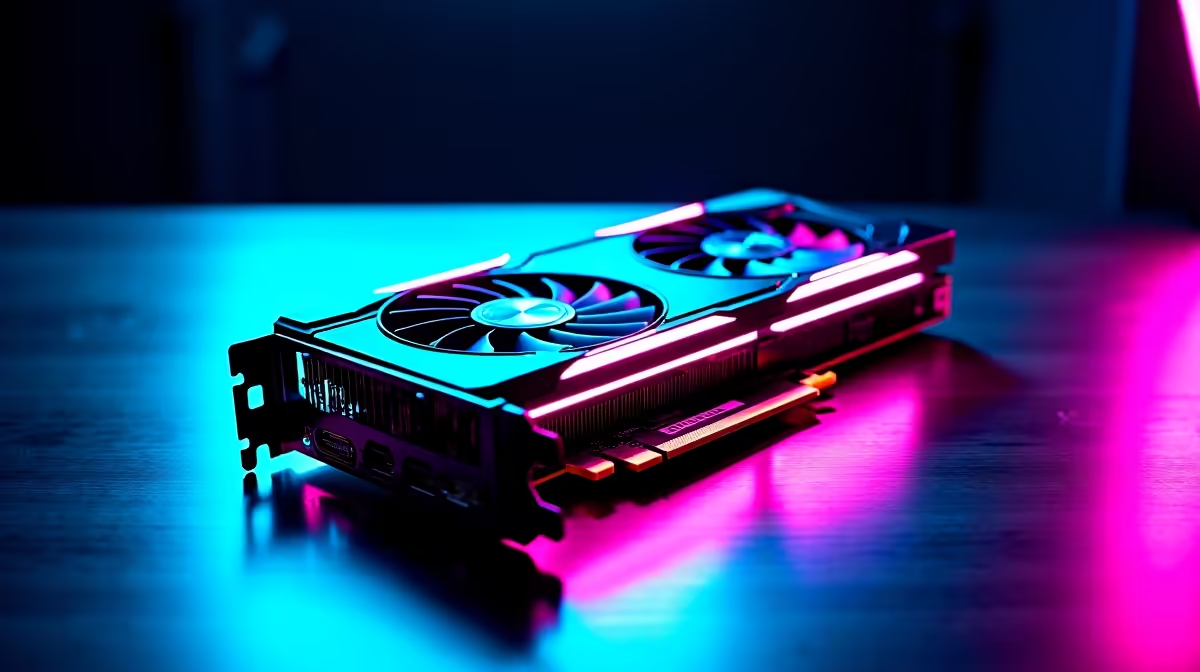
The RX 7700 XT runs Halo Infinite at 130 to 160 FPS at 1440p High and 95 to 120 FPS at 1440p Ultra. It's one of the best rand-per-frame picks for competitive Halo at 1440p, especially when paired with a 144Hz or 165Hz monitor common in SA setups.
RX 7700 XT Halo Infinite Frame Rate Walkthrough
At 1080p High, you'll see 200 to 230 FPS, often CPU-limited on Ryzen 5 7600 or i5-13600K. Bump to 1440p High and the 7700 XT's 12GB VRAM and 54 compute units land you between 130 and 160 FPS. Drop to Medium for competitive multiplayer and you'll lock 165 FPS for high-refresh panels. At 4K High the card holds 70 to 85 FPS, playable but not ideal for ranked play. Frame pacing is clean and 343's optimisation has improved significantly through 2025 patches.
Best Settings for Competitive Halo Infinite
For ranked multiplayer, drop Texture Filtering to High, Shadow Quality to Medium, and disable Async Compute if you see stutters (rare with AMD cards). Turn off Motion Blur and Depth of Field for a cleaner read on enemies. Enable AMD Anti-Lag in Adrenalin for sharper input response and FreeSync Premium on a compatible monitor for tear-free frames. Cap FPS to 5 below your monitor's max refresh to avoid VRR cap stutter, a 165Hz panel locks neatly at 160 FPS.
SA Pricing and Common Setup Mistakes
RX 7700 XT cards at Evetech run between R10,499 and R12,999 depending on cooler and partner brand (Sapphire Pulse, ASRock Challenger, PowerColor Hellhound). Don't pair this card with a 5-year-old 550W bronze PSU, the 7700 XT pulls 245W and transient spikes will stress aging units. A 750W Gold PSU is the safe choice. Avoid running it on a PCIe 3.0 motherboard if you can help it, you'll lose 3 to 5 percent average FPS. Evetech delivers nationwide with full local warranty and bundle pricing on PSU, RAM and motherboard combos.
Frequently Asked Questions
What FPS does the RX 7700 XT hit in Halo Infinite at 1440p?
Expect 130 to 160 FPS at 1440p High and 95 to 120 at 1440p Ultra. That's smooth performance for both campaign and competitive multiplayer on any 144Hz or 165Hz panel.
Common mistakes when setting up a 7700 XT for Halo?
Three big ones: pairing with an underspec PSU, leaving Vsync on instead of using FreeSync, and forgetting to enable AMD Anti-Lag in Adrenalin. Fix those and you'll see noticeably tighter performance.
Do I need special tools or parts in SA for this build?
No special tools beyond a Phillips screwdriver. You will want a 750W Gold PSU, a 1440p 144Hz minimum monitor, and ideally a UPS to ride through load-shedding without interrupting ranked sessions.
Ready to Find Your Perfect Match? Pair the 7700 XT with a build that does it justice. Build a gaming PC at Evetech