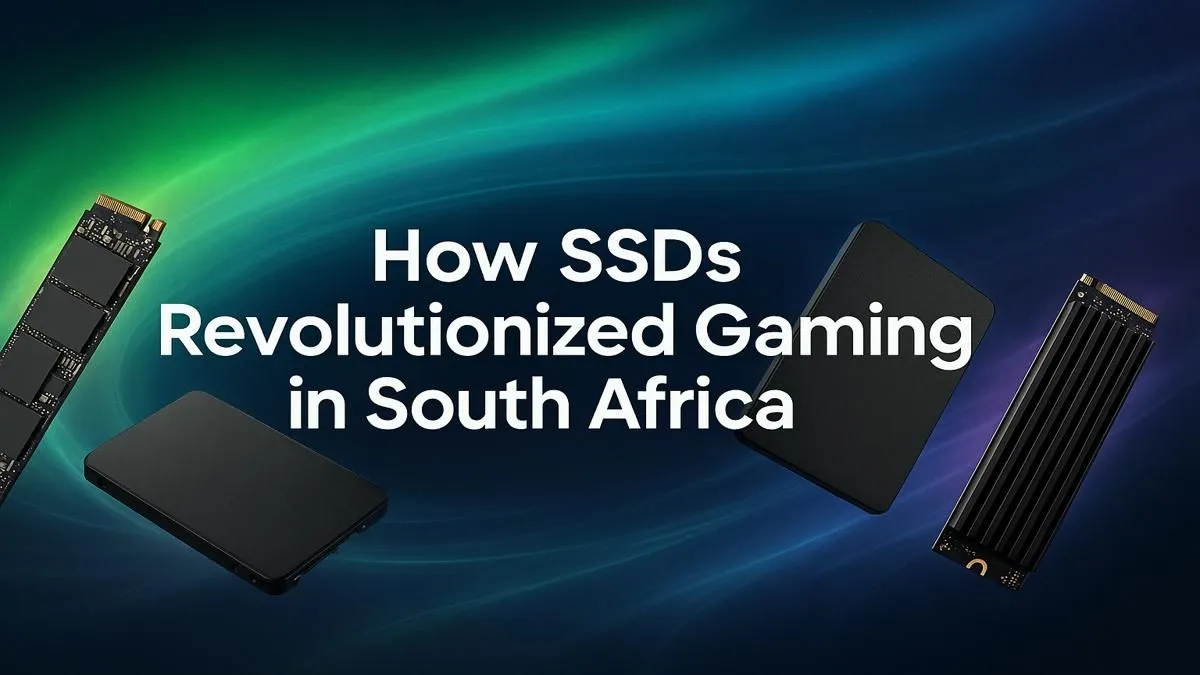
Staring at another loading screen while your mates are already dropping into the action? We’ve all been there. In South Africa, where every millisecond counts, waiting for games to load on an old hard drive feels like an eternity. The solution isn't just a faster internet connection… it's upgrading your storage. An SSD for gaming in South Africa is the single most impactful upgrade you can make, transforming your rig from a sluggish beast into a lightning-fast powerhouse. ⚡
Why Your Gaming PC Deserves an SSD Upgrade
Remember the chugging sound of a mechanical hard disk drive (HDD)? For years, it was the bottleneck in otherwise powerful PCs. While your CPU and GPU could render incredible worlds, the HDD struggled to feed them data quickly enough. This resulted in painfully long load times, texture pop-in, and frustrating in-game stuttering.
A Solid State Drive (SSD) changes everything. It has no moving parts, accessing data almost instantly. The difference is night and day.
- Blazing Boot Times: Your PC goes from off to ready-to-game in seconds.
- Instantaneous Game Loading: Levels in games like Cyberpunk 2077 or Baldur's Gate 3 load in a fraction of the time.
- Smoother Gameplay: The open worlds of modern titles stream assets seamlessly, eliminating immersion-breaking stutters.
For any serious gamer, upgrading to a solid state drive is no longer a luxury; it’s a fundamental requirement for a modern gaming experience.
Choosing Your Weapon: NVMe vs. SATA SSDs
When you start shopping for a gaming SSD, you'll mainly see two types: SATA and NVMe. Understanding the difference is key to getting the best performance for your money.
SATA III SSDs: The Reliable Starting Point
SATA SSDs use the same connector as traditional hard drives, making them a fantastic, easy-to-install upgrade for any PC. They are significantly faster than any HDD, offering a massive boost in responsiveness. If you're on a tighter budget or upgrading an older system without the latest motherboard slots, a SATA SSD is an excellent choice that will still revolutionise your PC's speed.
NVMe M.2 SSDs: The Ultimate in Speed 🚀
This is where the magic happens. NVMe (Non-Volatile Memory Express) SSDs use the M.2 slot on your motherboard, connecting directly to the PCIe bus—the same super-fast lane your graphics card uses. This direct connection obliterates the speed limitations of SATA, offering read and write speeds that are multiple times faster. For the absolute best SSD for gaming, South Africa's top builders choose NVMe. It means faster game installs, virtually non-existent load screens, and a system that feels incredibly snappy.
If your rig is built for peak performance, you owe it to yourself to explore Evetech's range of cutting-edge NVMe SSDs.
Check Your M.2 Slot First! 🔧
Before buying a blazing-fast NVMe drive, check your motherboard's specs. Some M.2 slots only support the slower SATA protocol, not NVMe. Plugging an NVMe drive into a SATA-only slot won't work, so a quick check saves a big headache.
Key Specs to Check Before You Buy
Navigating specs can be tricky, but for a gaming SSD, you only need to focus on a few key things.
- Capacity: Modern games are huge. Call of Duty alone can demand over 200GB! A 500GB SSD is a decent start, but 1TB is the sweet spot for most gamers, giving you space for your operating system and a healthy library of games. 2TB is becoming the new standard for enthusiasts who want everything installed at once.
- Read/Write Speeds: Measured in megabytes per second (MB/s), this tells you how fast the drive can load (read) and save (write) data. For NVMe drives, look for speeds above 3,000 MB/s for a great experience, with top-tier models pushing over 7,000 MB/s.
- Value for Money: Performance is crucial, but so is your budget. Thankfully, SSD prices have become incredibly competitive. It’s always worth it to check out the latest SSD deals to find incredible performance without breaking the bank.
Expanding Your Game Library with Smart Storage ✨
What if your main drive is full? You don't have to delete your favourites. Many gamers use a multi-drive setup: a super-fast NVMe SSD for the operating system and most-played games, and a larger, more affordable SATA SSD for the rest of their library.
And what about your console or laptop? The speed revolution isn't limited to desktops. Upgrading your PlayStation or Xbox with an internal SSD can drastically cut load times. Alternatively, high-speed external SSDs are perfect for taking your game library with you or quickly adding more storage without opening up your case.
An SSD is the heart of a fast, modern gaming rig. By choosing the right drive, you’re not just buying storage; you’re buying time—more time gaming, less time waiting.
Ready to Banish Loading Screens for Good?
Upgrading is the fastest way to boost your PC's performance and get you back in the game. Explore our full range of SSDs at Evetech and experience speed you can actually feel.