Why Tarkov is CPU Bound and What it Means for You
Escaping from Tarkov is hard enough without your frame rate tanking to 40 FPS the moment you step onto Streets. If you’ve noticed your GPU sitting idle while your processor screams for mercy, you aren't alone. In South Africa, where every millisecond counts against high ping, a stuttering CPU is a death sentence. Let's fix that bottleneck and get your rig raid-ready. 🔧
The Unity engine... which powers Tarkov... is notoriously heavy on single-core performance. While many modern titles spread the load across your entire system, Tarkov puts immense pressure on your processor to calculate ballistics, scav AI, and complex loot tables. If your hardware is older, you’ll find that even an RTX 4090 cannot save you from the "CPU bound" trap.
The Streets of Tarkov Performance Tax
Streets is the most ambitious map in the game, but it is also a hardware nightmare. The sheer volume of entities and detailed interiors requires massive amounts of data to be processed instantly. Many local players find that their high-performance Intel CPU provides the raw clock speeds necessary to push through the urban clutter of the Klimov Shopping Mall.
If your frame times are inconsistent, it is likely because your processor cannot feed the GPU fast enough. This leads to the dreaded "stutter" just as you engage in a firefight. Upgrading to a modern architecture is often the only way to maintain a stable 60+ FPS on this specific map.
Why L3 Cache is the Secret Weapon ⚡
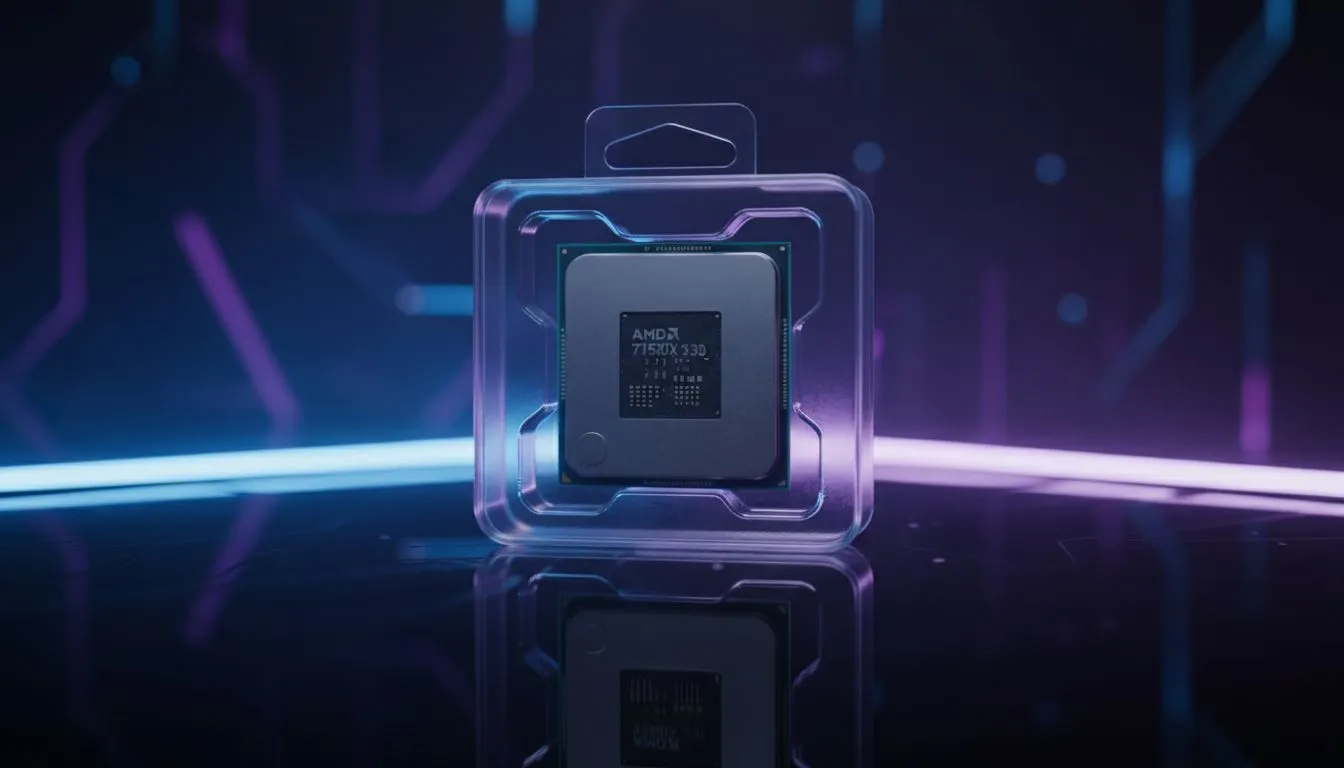
In recent years, the community has discovered that Tarkov loves "3D V-Cache." This technology allows the processor to store more data closer to the cores, reducing the time spent waiting for RAM. If you want to eliminate micro-stutters, choosing a modern AMD CPU with an X3D suffix is widely considered the best move for Tarkov enthusiasts in South Africa.
Tarkov Optimisation Pro Tip ⚡
Turn on 'Use only physical cores' in the in-game settings if you are using an older processor. For newer chips, especially those with E-cores, using a third-party tool like Process Lasso to disable SMT or Hyper-Threading for the EscapeFromTarkov.exe can significantly improve 1% low frame rates and overall smoothness.
How to Fix Your Performance Bottleneck
Before you spend thousands of ZAR on a new graphics card, look at your utilization. Open your task manager while in a raid on Streets. If one core is pinned at 100% while your GPU sits at 60%, you are officially CPU bound. To resolve this, you may need a platform upgrade.
You can buy CPU processors online to suit any budget at Evetech, ensuring you get the latest socket support for DDR5 memory. Faster RAM also helps, but the "brain" of your PC is the primary factor in how Streets of Tarkov feels during a chaotic raid. 🚀
Don't let a hardware bottleneck be the reason you lose your hard-earned gear. Optimise your settings, keep your drivers updated, and ensure your cooling is sufficient to prevent thermal throttling during those long sessions.
Ready to Dominate Streets of Tarkov?
Don't let low frame rates ruin your extraction. Whether you need the raw power of Intel or the massive cache of AMD, we have the hardware to get you back in the fight. Explore our massive range of CPU specials and upgrade your gaming rig today.