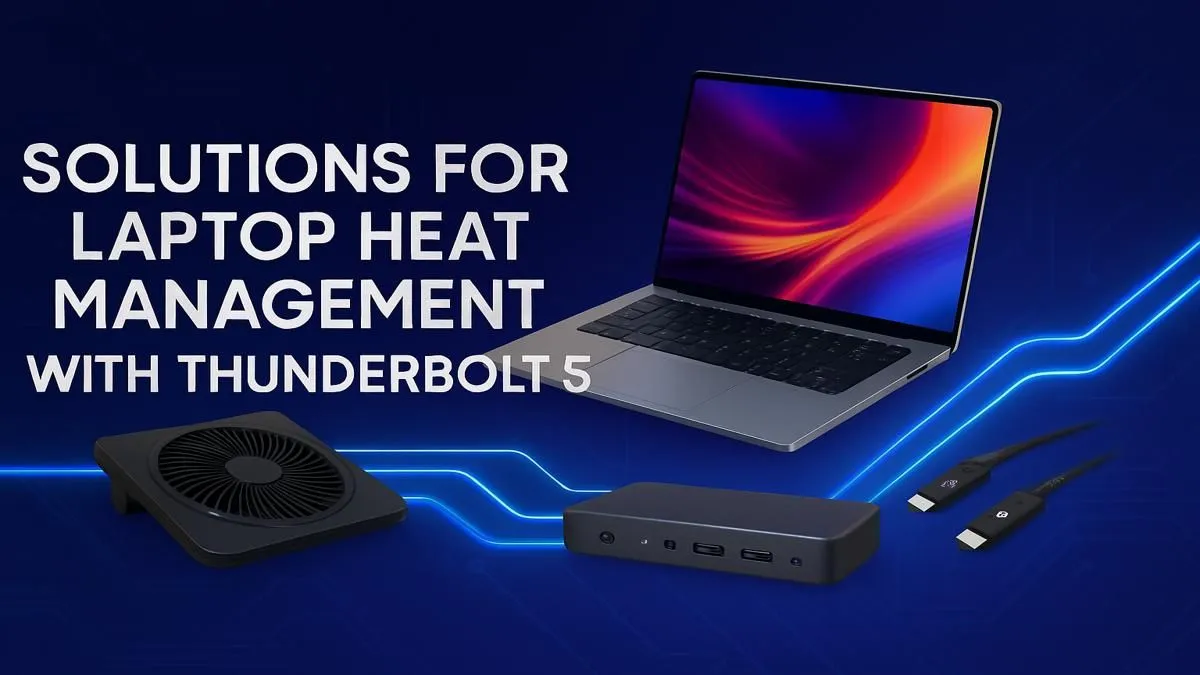
Thunderbolt 5 is set to redefine high-speed connectivity, boasting speeds up to 120Gbps. For South African creators, gamers, and power users, that means driving multiple 8K displays and external GPUs without breaking a sweat. But with all that power comes a serious challenge: heat. Effective Thunderbolt 5 heat management isn't just a luxury; it's essential to prevent thermal throttling and protect your investment. Let's explore how to keep your cutting-edge setup cool under pressure. 🚀
Why Does Thunderbolt 5 Generate So Much Heat?
Before we get to the solutions, it’s important to understand the problem. At its core, Thunderbolt 5 is pushing an immense amount of data and power through a single, compact cable. According to Intel's specifications, it delivers up to 240W of charging power while simultaneously handling bi-directional bandwidth of 80Gbps.
This combination of high-speed data signalling and significant power delivery inevitably generates thermal energy. When your laptop, dock, or peripherals can't dissipate this heat effectively, performance suffers. Your transfer speeds might drop, or your device could become uncomfortably hot to the touch. This makes proactive Thunderbolt 5 thermal solutions a critical part of any high-performance setup.
Proactive Steps for Better Thunderbolt 5 Thermals
Managing heat starts with your environment and accessories. You can significantly improve your system's stability by focusing on a few key areas outside the laptop itself.
1. Choose High-Quality Cables and Docks
Not all cables are created equal. Cheaper, uncertified Thunderbolt cables might not have the proper shielding or construction to handle the thermal load, leading to higher temperatures and potential performance issues. Always opt for certified cables and docks from reputable brands. These are designed and tested to meet the strict thermal and performance standards required for Thunderbolt 5.
2. Optimise Your Workspace for Airflow 💨
A cluttered desk can be a heat trap. Ensure your laptop and any connected Thunderbolt docks have ample space for air to circulate. Avoid placing them on soft surfaces like a bed or couch, which can block crucial ventilation ports. Even the most powerful Intel Core i7 laptops benefit from a cool environment, so giving them room to breathe is a simple but effective step.
Cooling Tip ❄️
Don't underestimate your cables! Tightly bundled Thunderbolt cables can trap heat. Whenever possible, give them space to breathe. Use Velcro ties to loosely manage them instead of tight zip ties, and ensure they aren't blocking your laptop's exhaust vents. Every little bit of airflow helps with overall thermal performance.
3. Consider a Laptop Cooling Pad
For intensive, prolonged workloads like rendering 4K video or marathon gaming sessions, a laptop cooling pad can be a fantastic accessory. These pads use fans to push cool air into your laptop's intake vents, actively helping its internal cooling system manage the heat generated by both the CPU and high-bandwidth peripherals.
Your Laptop: The Core of Cooling
While external factors matter, the most crucial component in Thunderbolt 5 heat management is the laptop itself. Modern high-performance laptops are engineered with sophisticated cooling systems—like vapour chambers, multiple heat pipes, and intelligent fan controls—designed specifically to handle the demands of powerful components and connectivity standards.
For those pushing the limits with tasks like 8K video editing or high-fidelity gaming, the advanced cooling systems found in top-tier Intel Core i9 laptops are non-negotiable. These machines are built to sustain peak performance without throttling.
The latest generation takes this even further. The new architecture in cutting-edge Intel Core Ultra 9 laptops is designed for sustained performance, while the equally impressive and efficient Intel Core Ultra 7 machines offer a fantastic balance of power and thermal efficiency for everyday pro users. Ultimately, keeping Thunderbolt 5 cool is a team effort between your accessories and a well-designed machine. You don't always have to pay a premium for excellent thermal design; check out these Intel laptops on special to find a powerful, cool-running machine that fits your budget.
Ready to Unleash Full-Speed Performance?
Harnessing the power of Thunderbolt 5 starts with the right machine. For maximum performance, choice, and value in South Africa, a purpose-built laptop is hard to beat. Explore our incredible range of high-performance Intel laptops and find the perfect machine to conquer your workflow.