Tired of watching progress bars crawl when transferring massive files? Or maybe you're sick of the dongle-pocalypse just to connect a decent monitor and your peripherals. For South African creators and gamers, these bottlenecks are real productivity killers. But what if one port could solve it all… with speed that feels like science fiction? Enter Thunderbolt 5. We’re moving beyond specs to see how this tech is actually performing for people right here in SA.
Unpacking Thunderbolt 5 Laptop Performance
Let's get straight to it. Thunderbolt 5 isn't just a small step up; it's a massive leap. It delivers a baseline of 80Gbps of bi-directional bandwidth—double that of its predecessor. For demanding tasks like driving multiple 4K displays or offloading terabytes of footage, that speed is incredible. Even better, its Bandwidth Boost feature can push up to 120Gbps for high-resolution displays. 🚀
But what does this mean for your daily grind? It means the Thunderbolt 5 laptops' performance isn't just a number on a box; it's a tangible upgrade that streamlines your entire workflow.
Real-World Wins: Success Stories from Mzansi
Theory is one thing, but practical application is where the magic happens. We’ve seen how South Africans are leveraging the incredible performance of Thunderbolt 5 laptops to push their boundaries.
The Creative Pro: Ruan's 8K Editing Studio
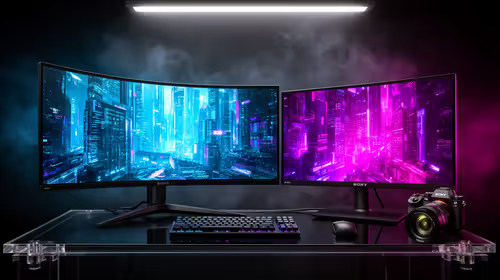
Ruan, a freelance video editor in Cape Town, used to spend hours just transferring 8K RAW footage from his camera's drive to his workstation. His entire day was built around waiting. After upgrading to a laptop with Thunderbolt 5, his transfer times were slashed by more than half. He now runs his entire editing suite—including two 6K monitors and a massive external storage array—through a single cable. For him, the smooth workflow on a powerful machine like an Intel Core i9 laptop means he can take on more client work and spend less time staring at loading screens.
The Esports Athlete: Naledi's Zero-Compromise Setup
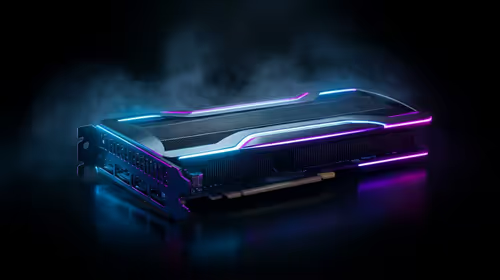
For Naledi, a competitive Apex Legends player from Johannesburg, every millisecond counts. She docks her gaming laptop to an external GPU enclosure via Thunderbolt 5, getting desktop-level graphics performance without sacrificing portability. This single-cable setup also connects her 240Hz monitor and all her pro-grade peripherals with zero input lag. This kind of flexibility, often found in high-end Intel Core i7 laptops, gives her a consistent, high-performance experience whether she's at home or at a tournament.
The AI Developer: Ben's Mobile Supercomputer
Ben works with massive datasets for an AI startup in Stellenbosch. He needs a machine that can handle intense processing on the go. His new laptop, powered by a next-gen processor, uses Thunderbolt 5 to connect to specialised hardware accelerators at the office. This flexibility is a hallmark of new platforms like the Intel Core Ultra 9 laptops, turning his portable machine into a data-crunching beast. The sheer speed of Thunderbolt 5 makes this hybrid workflow not just possible, but efficient. ✨
Is a Thunderbolt 5 Laptop Your Next Upgrade?
So, who benefits most from this level of performance?
If you're a content creator, 3D artist, data scientist, or a serious gamer who demands the absolute best from your peripherals, the answer is a resounding yes. The ability to drive multiple high-res displays, connect to ultra-fast storage, and even hook up an external GPU makes these machines incredibly versatile. Professionals who need power without being chained to a desk will find that modern Intel Core Ultra 7 laptops offer a brilliant balance of efficiency and connectivity.
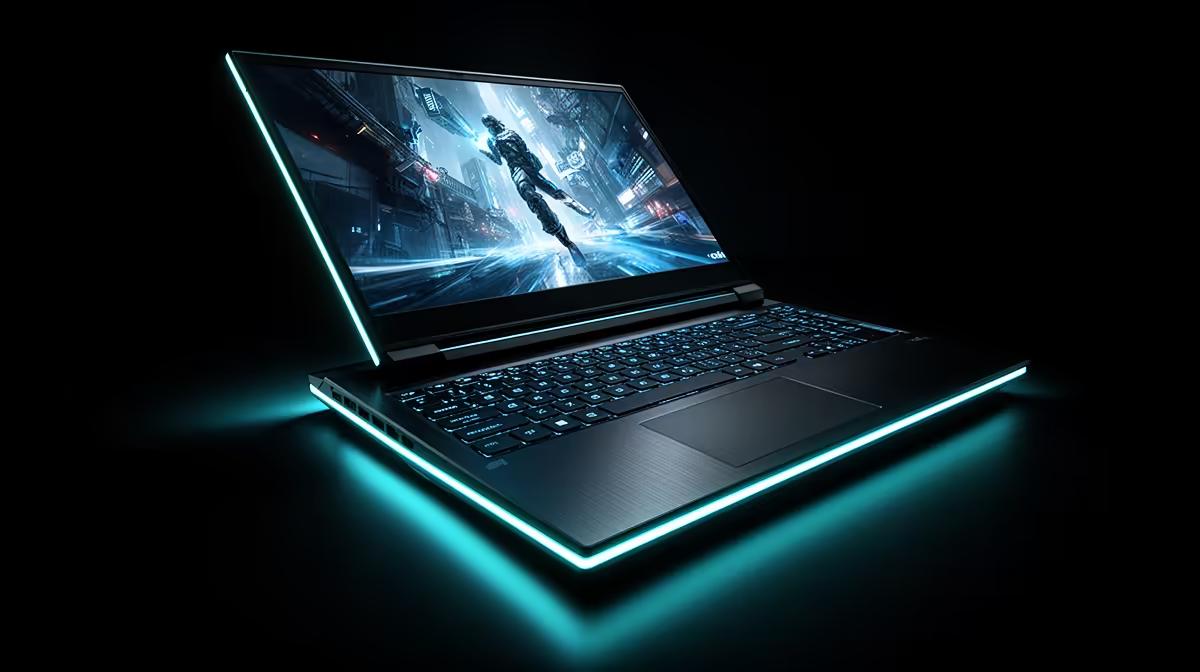
The improved performance of Thunderbolt 5 laptops is redefining what's possible with a portable setup. It simplifies your desk, speeds up your workflow, and unlocks new potential. 🔧 While it is premium technology, you can often find excellent value by keeping an eye on Intel laptops on special.
Cable Pro Tip ⚡
Not all USB-C cables are created equal! To get the full 80Gbps speed of Thunderbolt 5, you must use a certified Thunderbolt passive cable up to 1 metre long or an active cable for longer distances. Using a standard USB-C cable will limit your speed significantly. Always check for the Thunderbolt lightning bolt symbol on the connector.
Ultimately, the decision comes down to your specific needs. Do you frequently work with huge files or need a clean, powerful, single-cable docking solution? If so, exploring a laptop with Thunderbolt 5 could be one of the best upgrades you make this year.
Ready to Experience the Speed?
The real-world performance of Thunderbolt 5 laptops is transforming workflows across South Africa. For maximum power, choice, and value, a next-gen Intel-powered machine is hard to beat. Explore our massive range of laptop specials and find the perfect machine to conquer your world.