


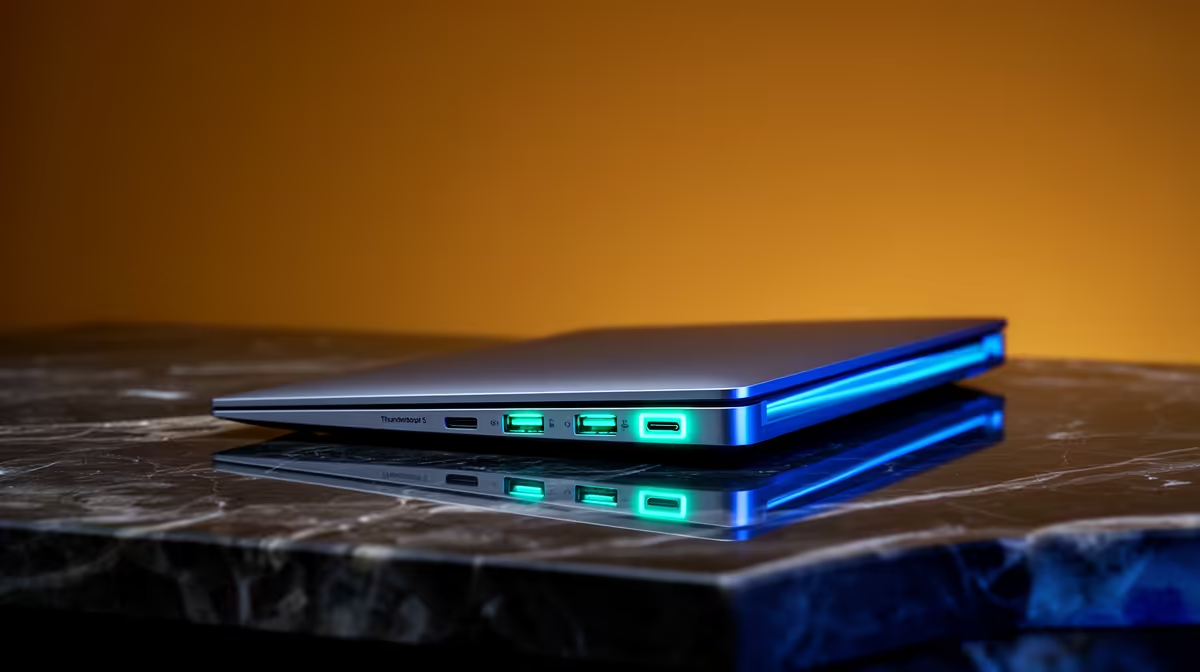
So, you’ve heard the buzz. Thunderbolt 5 is here, promising speeds that make its predecessors look like they’re stuck in traffic. For South African gamers, creators, and power users, this isn't just another spec bump… it's a new level of performance. But how do you actually use it? Getting the most from your new laptop requires more than just plugging it in. These essential Thunderbolt 5 tips will help you unlock its full, face-melting potential. 🚀
Understanding the Thunderbolt 5 Leap
Before we dive into the tips, let's get one thing straight: Thunderbolt 5 is a massive upgrade. It doubles the bandwidth of Thunderbolt 4, offering a blistering 80 Gigabits per second (Gbps) of symmetrical speed. Even better, its "Bandwidth Boost" feature can push up to 120 Gbps for high-resolution displays.
What does this mean for you?
- Faster File Transfers: Move massive game installs or 4K video projects in seconds, not minutes.
- More Monitors, Higher Refresh Rates: Drive multiple 4K gaming monitors at 144Hz from a single port.
- Cleaner Desk Setup: One cable to connect everything… and power your laptop.
These benefits are why getting the most from Thunderbolt 5 is crucial for a modern setup.
Essential Thunderbolt 5 Tips for Peak Performance
Ready to harness all that power? It’s not automatic. Follow these practical tips for your Thunderbolt 5 laptop to ensure you’re not leaving performance on the table.
Tip 1: Your Cable is Not Just a Cable
This is the most common bottleneck. Using an old USB-C or even a Thunderbolt 3/4 cable will cap your speed. To get the full 80Gbps, you need a certified passive Thunderbolt 5 cable (up to 1m) or an active cable for longer runs. Think of it like putting budget tyres on a supercar… you just won’t get the performance you paid for.
Tip 2: Build a Multi-Monitor Command Centre ✨
Thunderbolt 5’s massive bandwidth is a dream for multitasking. You can finally drive two, or even three, 4K displays at high refresh rates without compromise. This is perfect for streamers who need a screen for gaming, one for OBS, and another for chat. To handle that kind of graphical load, you'll need a beast of a machine, like one of the latest high-end Intel Core i9 laptops, which are built for this exact purpose.
Check The Port! ⚡
Not all USB-C ports are created equal. Look for the Thunderbolt lightning bolt symbol next to the port on your laptop. To confirm it's Thunderbolt 5, check the official specs on the Evetech product page before you buy. This simple check ensures you get the speed you're paying for.
Tip 3: External Storage That Feels Internal
Tired of your external SSD feeling sluggish? With Thunderbolt 5, you can connect an external NVMe SSD enclosure and experience read/write speeds that rival your laptop's internal drive. This is ideal for storing your Steam library or editing large video files directly from the drive without lag. This level of throughput is a perfect match for the processing power found in the newest Intel Core Ultra 9 laptops.
Tip 4: The One-Cable Docking Dream
One of the best quality-of-life Thunderbolt 5 tips is to invest in a compatible dock. A single cable from your laptop to the dock can handle power delivery, multiple displays, Gigabit Ethernet, and all your USB peripherals (mouse, keyboard, headset). It makes grabbing your laptop to go a breeze. This streamlined setup is a massive productivity boost for anyone using one of today's powerful Intel Core i7 notebooks.
Is Your Next Laptop Thunderbolt 5 Ready?
Thunderbolt 5 is rolling out with Intel’s latest processors, so it's becoming the new standard on high-performance laptops. When you're browsing for your next upgrade, keep an eye out for this feature, especially on the new Intel Core Ultra 7 machines which balance incredible efficiency with top-tier power.
Of course, not everyone needs 120Gbps speeds today. Thunderbolt 4 is still incredibly capable and will serve most users well for years to come. You can find some fantastic deals on Intel laptops equipped with Thunderbolt 4, offering amazing value for your hard-earned Rands.
Ultimately, understanding these Thunderbolt 5 tips helps you make a smarter purchase and get the performance you deserve from day one.
Ready to Unleash Full Speed? Whether you're chasing the cutting-edge power of Thunderbolt 5 or seeking incredible value with a Thunderbolt 4 machine, the right Intel-powered laptop is waiting. Explore our massive range of Intel laptop specials and find the perfect rig to conquer your world.











