


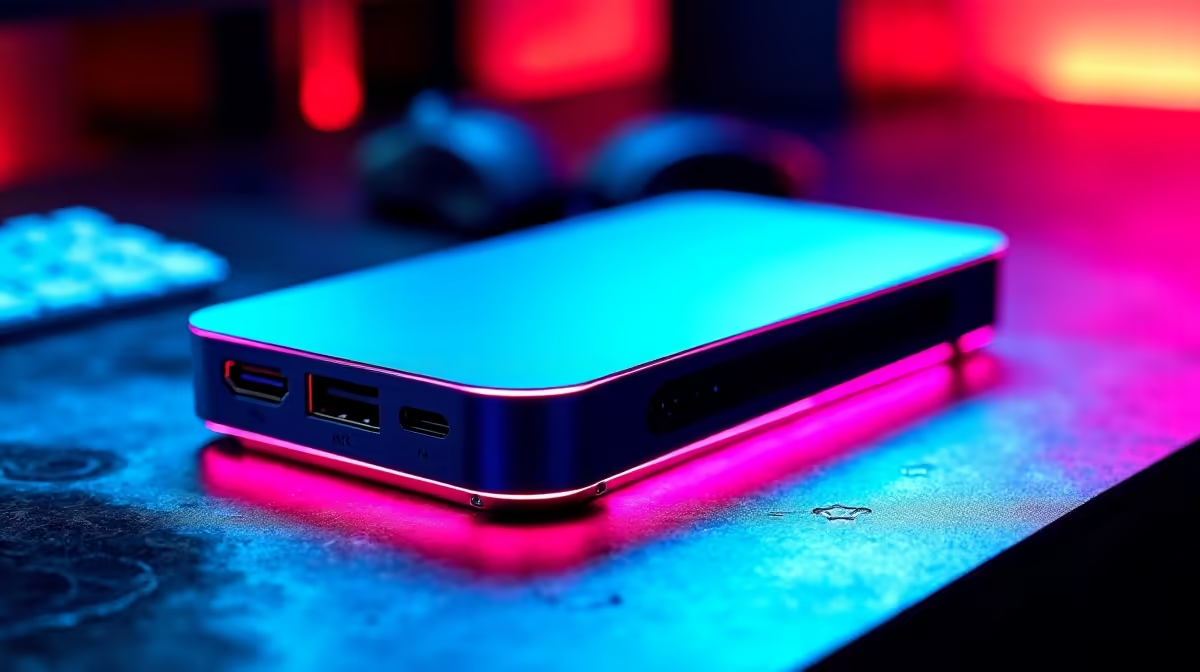
Juggling a work laptop and your gaming rig on one desk? The cable spaghetti is real. A KVM switch is the classic fix, but the new kid on the block—the USB-C KVM—promises a one-cable utopia. But here's the million-rand question for South African gamers and creators: is the USB-C KVM speed fast enough for your shiny new high-refresh-rate monitor, or is it a recipe for input lag and frustration? Let's find out. 🚀
Understanding the Magic of a USB-C KVM
First, a quick refresher. A KVM (Keyboard, Video, Mouse) switch is a hardware device that lets you control multiple computers from a single set of peripherals. Historically, they were clunky boxes with a tangle of VGA, USB, and audio cables.
A modern USB-C KVM, however, is a different beast. It leverages the power of USB-C and technologies like Thunderbolt to handle everything through a single, intelligent cable:
- Video: Transmits high-resolution video using DisplayPort Alternate Mode.
- Data: Connects your keyboard, mouse, webcam, and external drives.
- Power: Often includes Power Delivery (PD) to charge your laptop while it's connected.
This simplifies your desk setup immensely, turning a multi-cable mess into a clean, plug-and-play workspace.
The USB-C KVM Speed Test: Is It a Performance Bottleneck?
This is the core issue. You've invested in a beast of a monitor, so the last thing you want is a switch that can't keep up. The good news? The USB-C KVM speed is more than sufficient for almost any modern display, provided you choose the right one.
The performance depends on the bandwidth of the USB-C port and the DisplayPort version it supports.
- For 1080p or 1440p Gaming: A standard USB-C KVM supporting DisplayPort 1.2 is perfectly fine for high refresh rates (144Hz+).
- For 4K and Beyond: To run demanding displays, like the incredible 5K and 4K monitors available today, you need a KVM that supports DisplayPort 1.4. This provides the necessary bandwidth for 4K at 120Hz or even higher, without compromising on colour quality.
The bottom line is that a high-quality KVM switch will not introduce noticeable input lag. The internal electronics are designed for lightning-fast switching and signal pass-through. The performance bottleneck is almost always the cable or the device itself, not the switch.
Cable Check! ⚡
Not all USB-C cables are created equal. For a KVM setup, you need a cable that explicitly supports video (DisplayPort Alt Mode) and high-speed data. A cheap charging cable won't cut it and will lead to flickering or a blank screen. Always use the high-quality cables that come with your monitor or KVM.
What to Look for When Buying a USB-C KVM
Ready to clean up your desk? When browsing for monitor accessories, keep these key KVM features in mind to ensure you get the performance you need:
Key Specifications
- DisplayPort Version: Look for DP 1.4 for future-proofing and 4K+ compatibility.
- Power Delivery (PD): Check the wattage. 65W is good for most ultrabooks, while powerful creative or gaming laptops might need 90W or more to charge effectively.
- USB Data Ports: Ensure it has enough USB-A and USB-C ports for your peripherals. USB 3.1 (10Gbps) ports are ideal for speedy external SSDs.
- Refresh Rate Support: The manufacturer will always list the maximum resolution and refresh rate supported (e.g., 4K@120Hz, 1440p@165Hz). Match this to your monitor's specs.
Pairing Your KVM with the Perfect Monitor ✨
A great KVM setup deserves a great screen. The clean, single-cable connection is a perfect match for today's sleek displays. For gamers, pairing a high-performance switch with one of our all-gaming monitors ensures your competitive edge is never dulled by lag.
For productivity, the sheer screen real estate of curved monitors makes multitasking a dream, and a KVM lets you switch between your work machine and personal PC in a snap. The versatility even extends to on-the-go setups, making it simple to manage devices with portable monitors.
Interestingly, some modern PC monitors now come with a KVM switch built right in, offering the ultimate integrated solution. Whether you're upgrading your entire setup or just optimising it, you can always find some of the best PC monitor deals in South Africa to complete your vision.
Ready to Build Your Ultimate Desk Setup? A fast KVM and a stunning monitor are a powerful combination. From high-refresh gaming panels to expansive 4K screens, the perfect display is waiting. Explore our massive range of PC monitors and find the perfect centrepiece for your command station.











