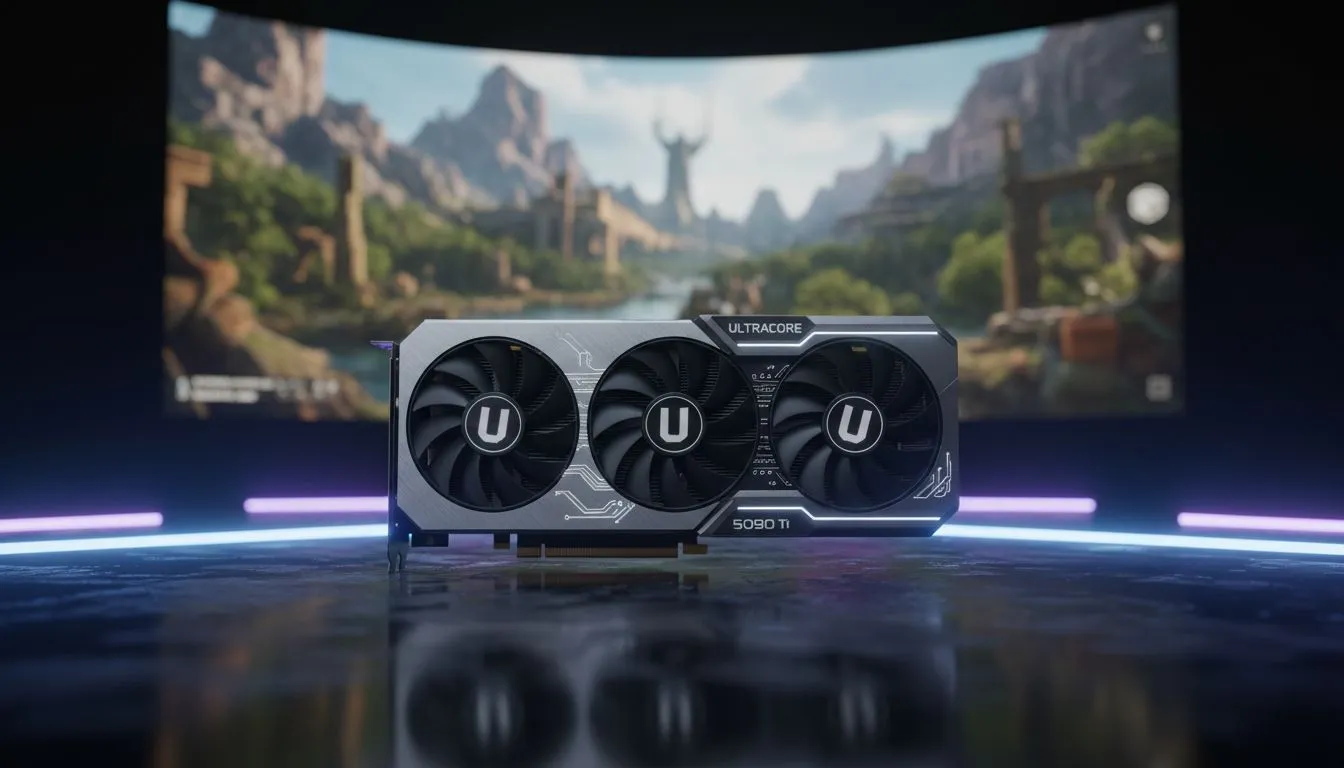
Why Texture Quality Relies on Your GPU Memory
Ever loaded into a match in Cape Town only to find the walls looking like a blurry mess for the first ten seconds? You aren't alone. Most South African gamers overlook Video Random Access Memory (VRAM) until their frame rates tank. Understanding VRAM for Gaming: How High VRAM Improves Texture Quality is the difference between a pixelated disaster and a crisp, immersive experience that justifies your hardware investment. ⚡
When you browse the latest graphics cards, that "GB" number on the box is more than just marketing. It represents the dedicated workspace your GPU uses to store image data, especially textures. High-resolution textures are massive files. If your card lacks enough space, it has to fetch data from your slower system RAM. This process leads to stuttering and those dreaded "pop-in" textures that ruin your immersion in the latest AAA titles.
The Direct Link Between VRAM and Visual Fidelity
Texture quality is the most significant factor in how "next-gen" a game looks. Modern titles use 4K texture packs that require a massive amount of memory to stay loaded. If you are eyeing the latest GeForce Graphics Cards, you will notice that higher-tier models come with 12GB or 16GB of VRAM. This extra headroom allows the GPU to keep every brick, leaf, and character detail ready for instant rendering.
When VRAM runs low, the game engine might automatically downscale your textures. You might have the settings on "Ultra," but if the memory is full, the game will secretly serve you "Medium" assets to prevent a crash. This is why having a buffer is essential for anyone playing at resolutions above 1080p.
VRAM Monitoring Tip ⚡
Use an overlay like MSI Afterburner while playing. If your VRAM usage is within 500MB of your maximum capacity, you might experience stuttering. Lowering your texture quality by one notch can often stabilise your frame rate without a massive visual hit.
Finding the Sweet Spot for South African Gamers
Choosing the right card depends on your monitor and your budget in ZAR. For those who want the best price-to-performance ratio for pure memory capacity, Radeon Graphics Cards often provide larger VRAM buffers in the mid-range segment. This makes them a fantastic choice for 1440p gaming where texture loads start to climb significantly.
If you are looking for a premium build that balances aesthetics with performance, MSI offers cards with robust cooling systems. These help maintain high memory clock speeds... ensuring that your VRAM is not just large, but also incredibly fast. 🚀
Future-Proofing Your Rig
Games are not getting any smaller. As developers move away from older console generations, the baseline for VRAM is shifting. What was plenty two years ago is now the bare minimum. Investing in a card with a higher memory capacity today ensures you won't be forced to upgrade again when next year's blockbusters arrive. It is about more than just numbers... it is about ensuring your gaming sessions remain smooth and visually stunning. ✨
Ready to Level Up Your Visuals?
Don't let low memory hold back your gaming experience. For the best prices on high-capacity GPUs in South Africa, we have you covered. Check out our latest graphics card deals and upgrade your rig today.